Changing Xcode Font Size
20 Sept 2022I’ve been changing the Xcode font size by going into the preferences, themes, then selecting the different content types and changing the font size.
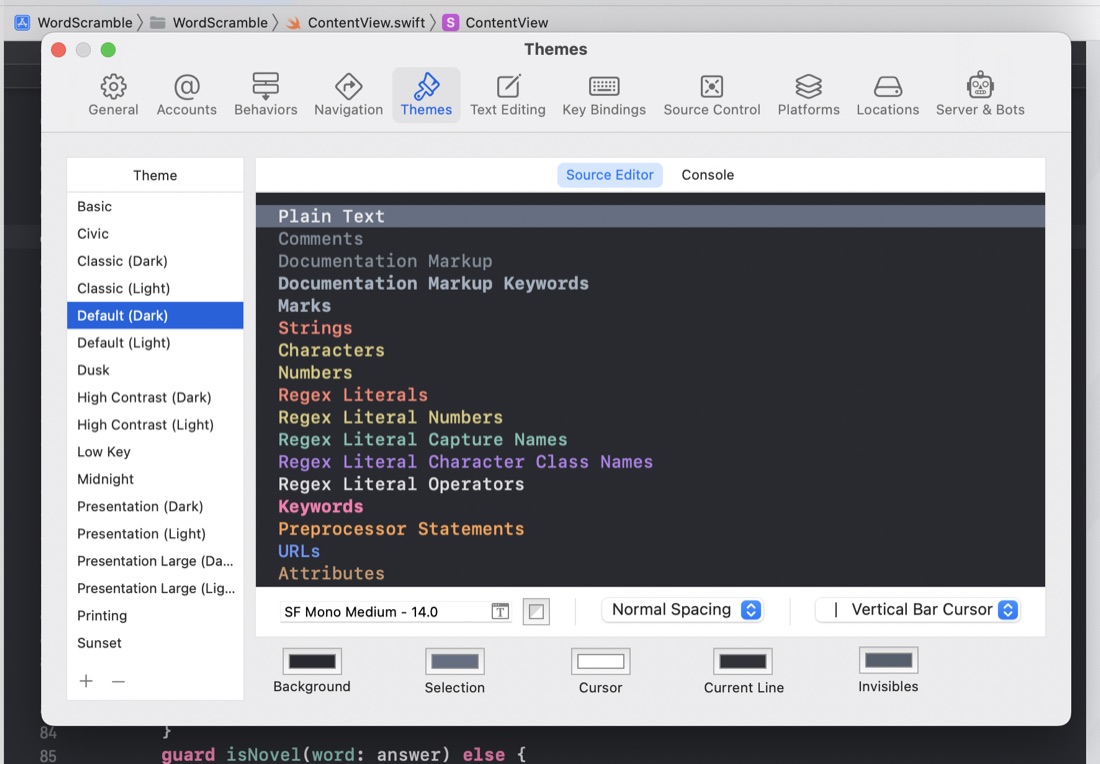
I guess I could speed that process up by saving some themes with different text sizes, but I’ve noticed a few times in tutorial videos that there must have been an easier way. It turns out that Ctrl + “+” and Ctrl + “-” increases and decreases the code font size.
I’m not sure why I need to change the font size so often, but it was bugging me, so I’m glad to find there’s sensible shortcuts for it.