Code reuse by publishing to NPM
14 Oct 2024If you find yourself copying over a source file from one Node project to another because it’s a handy utility you wrote and are used to using, you’re only doing it half right. A better way to do this is to publish your utility to the Node Package Manager (NPM). That way you can just import your utility where ever you need it, it will live in the node_modules of any project that uses it, and most importantly, updates are sorted out automatically - because that’s what package managers are good at.
By the time you are even thinking about this, you’ve already gotten used starting your Node projects with npm init and installing packages with npm install express when you have your own packages on npm they are handled exactly like that.
So, how do we get our code up to npm?
NPM Account
You need an account on npm. It doesn’t cost anything to host your packages there, though they will be public on the free plan. If you don’t have an account, create one . It’s 2024 so use 2FA.
Create your project
Make a directory with the same name as your package. All lower case, no spaces, hyphens are allowed. While we’re at the command line, let’s sign into npm
mkdir is-even
cd is-even
npm login
Almost every straightforward name you can think of for your utility code will have been used already on npm. I’m not trying to be twitter famous or to get 96,000 downloads of my package per week - I just want to reuse my code conveniently, so I’ll scope it to my user name. So my package won’t be called is-even on npm (famously , that’s already taken), it will be called @iankulin/is-even
This is called scoping it to our username. When we do that, the project is initialised like this:
npm init --scope=iankulin
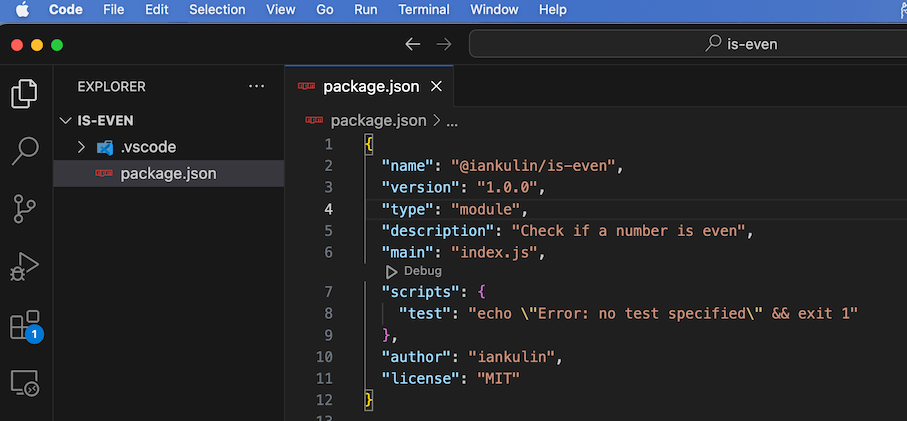
You’ll get asked the questions in a similar way as init-ing a regular node project. index.js is fine for your file name. You’ll end up with something that looks like this in your package.json. Note that I’ve added "type": "module", since I’m all about the ESM this week.
Now we’d better write some code. Here’s my index.js
function isEven(num) {
    if (typeof num === 'number' && Number.isInteger(num)) {
        return num % 2 === 0;
    }
    // we're counting all non-integers and non-numbers as odd
    return false;
}

export { isEven };
Publishing
After extensive testing and refinement, you can push it up to npm:
npm publish --access public
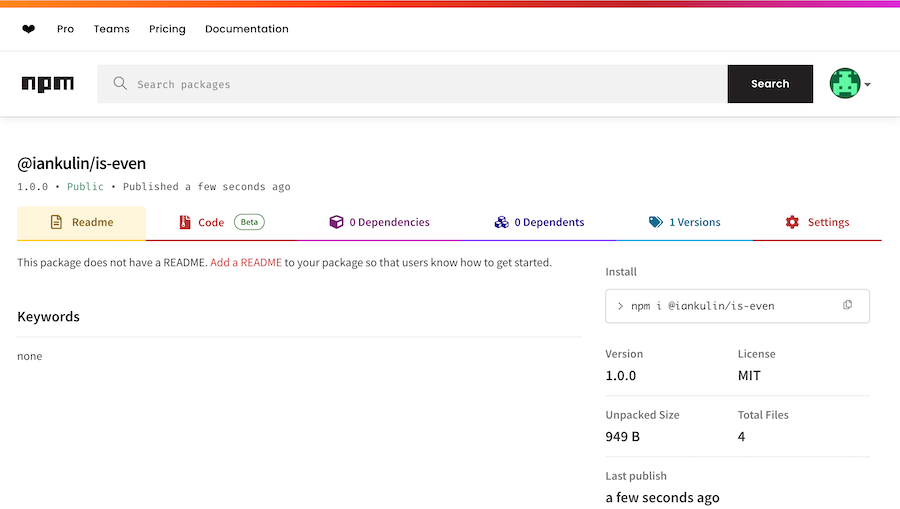
And the exciting moment - we can see our package on npm, just like a real coder.
Use your package
Using the package once it’s published is exactly the same as using any npm package: Start a new project, and install the package.
mkdir test-is-even
cd test-is-even
npm init
npm install @iankulin/is-even
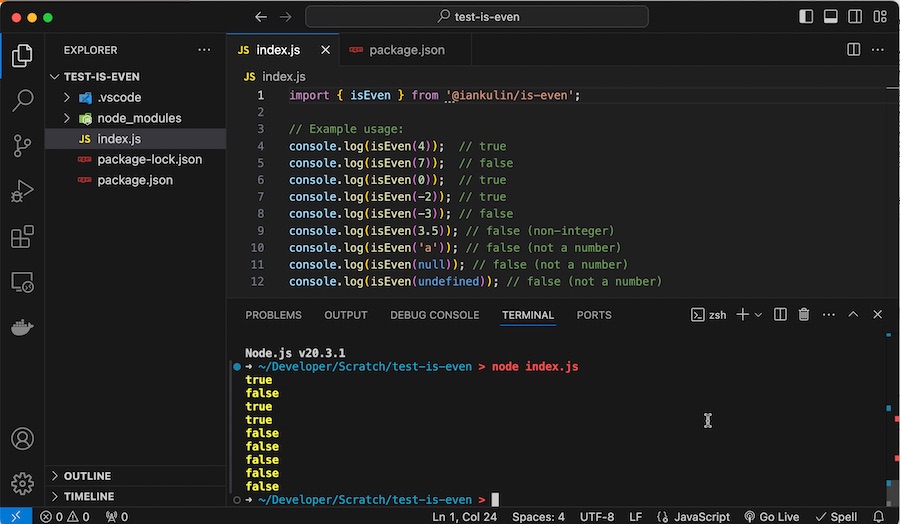
Again, because I’m using ESM, I’ve added "type": "module", to my package.json. And some test code in my index.js