Color Picker (website)
4 Oct 2022I’ve started work on trying to recreate a UI provided by a designer , and in the process needed to identify some colours from a PNG image. I found this great website for this exact purpose.
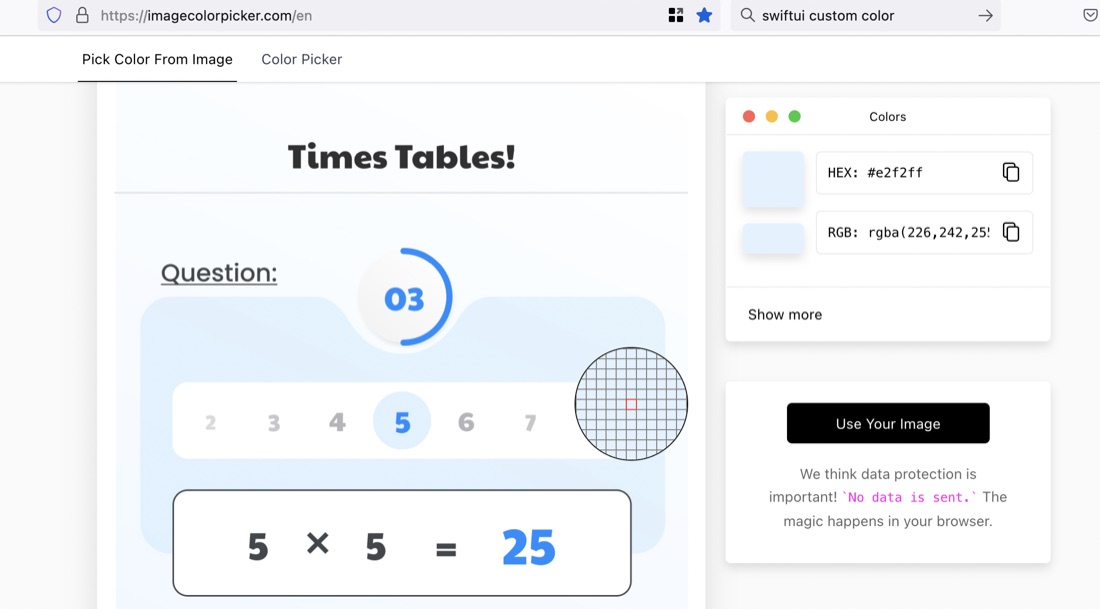
The site is ImageColorPicker. To use it, you “upload” your image (actually the image is not going anywhere - it’s all done in-browser). Then click on any area you want to identify the colour of.
It gives the RGB values out of 255, so I divide each one by 255 to get the CGFloat values that the SwiftUI Color() type will take - for example I used the colour above as Color(red: 0.89, green: 0.96, blue: 1.0)