Console spam - No wall clock alignment
16 Nov 2022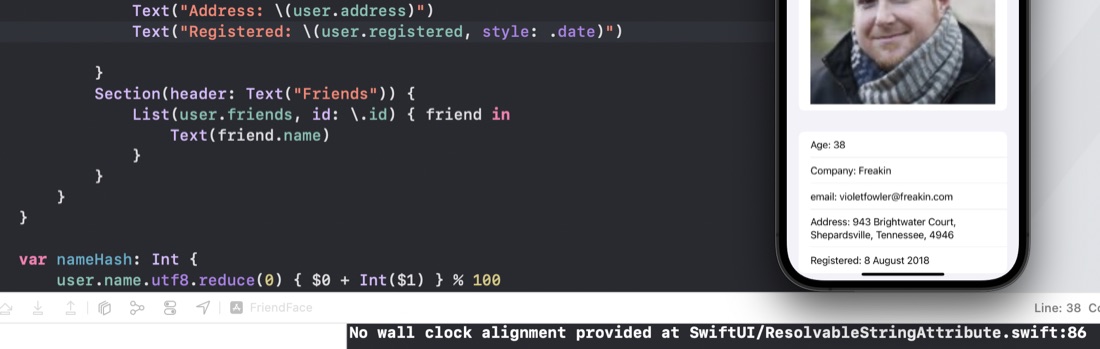
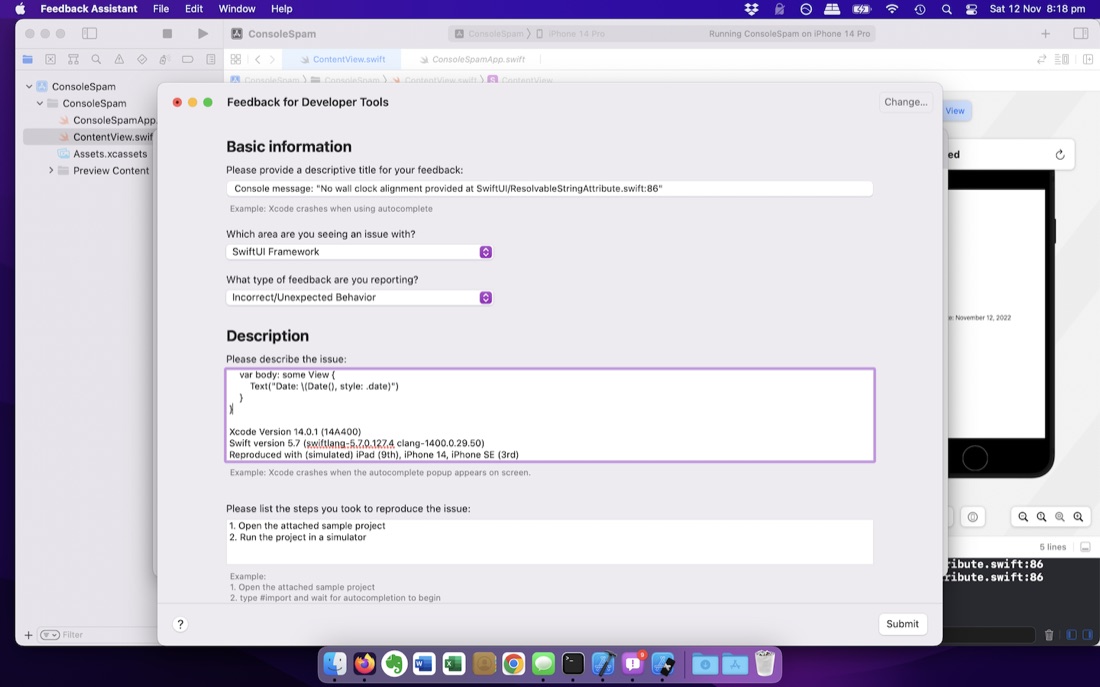
When I was working on the Day 60 app, I noticed I kept getting a message in the console “No wall clock alignment provided at SwiftUI/ResolvableStringAttribute.swift:86” every time I went into the detail view. Via elimination by commenting bits out, I’ve narrowed it down to a date formatting call. Here is the code to reproduce it in Xcode Version 14.0.1, Swift 5.7.0.127.4
struct ContentView: View {
    var body: some View {
        Text("Date: \(Date(), style: .date)")
    }
}
It’s to do with the style - if I change it to .time or .relative the message does not appear.
I assume an Apple programmer has checked for something on line 86 of ResolvableStringAttribute.swift and unexpectedly found it missing. If I search for that file on my system, it doesn’t appear to be here, so I guess the SwiftUI source is not part of the XCode installation.
Googling the error only produces a single result - a reddit user asking for help on the message and being told not to worry about the noise coming from Apple frameworks if everything’s working okay. The question is from five months ago and has a different line number - so presumably from an earlier version of SwiftUI.
Since it can be reproduced with such a tiny code snippet, and it occurs in every simulator I tried it on, it may be easy to reproduce, and therefore fix. So without really knowing the exact guidelines, but with encouragement from Apple , I filed my first Radar.