CoreData and the Preview
4 Nov 2022
I’ve noticed Paul is inclined to ignore the preview and run his code in the simulator to check its operation. That’s valid, but it seems quicker, and reassuring, to see it in the preview as I type.
This led to a small problem with Day 53 that uses CoreData. When I added a student in the preview, it looked like this, and was immediately followed with a crash report.
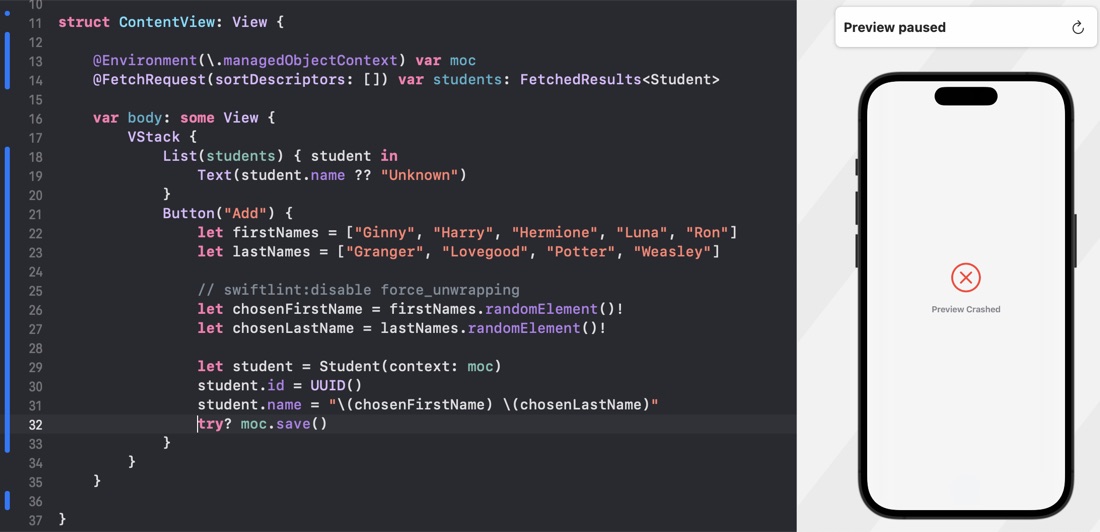
It ran fine in the simulator, and in the text for Day 53 there was a comment about adding the managed object context to the preview, but without a hint about how.
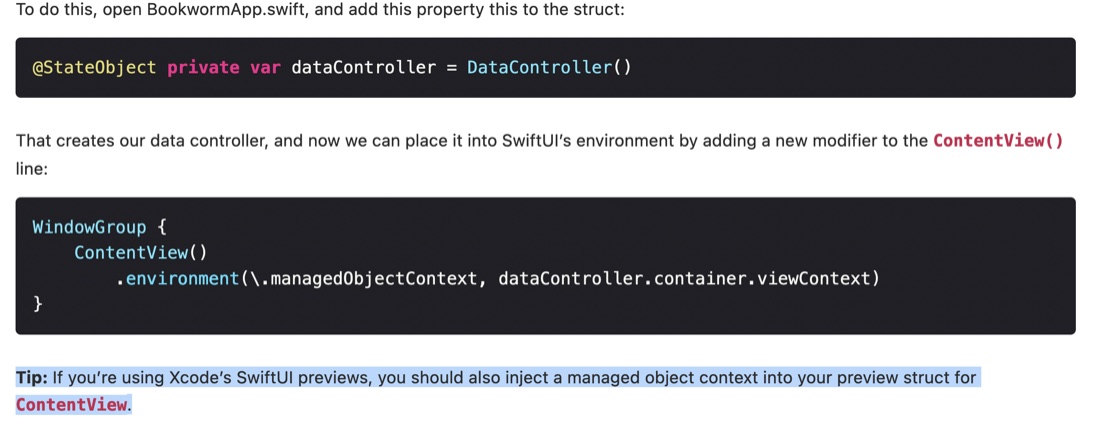
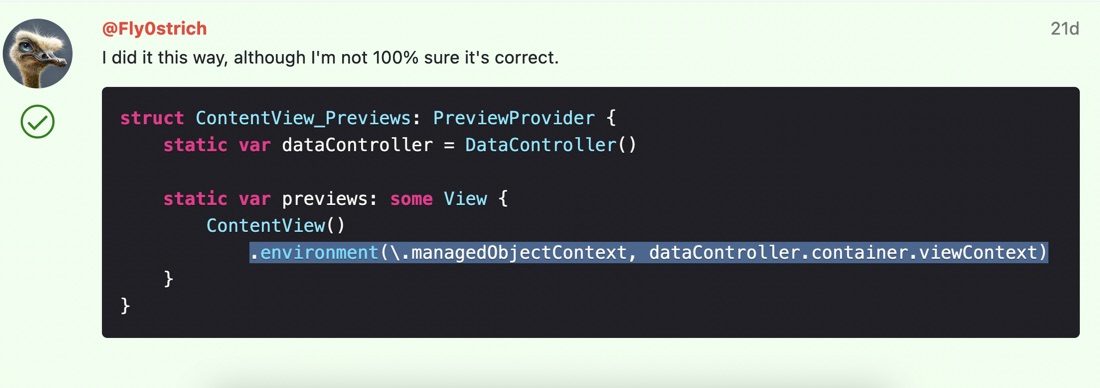
I tried a few things - it felt like I should be able to get it from the @Environment somehow, but ended up using this solution from fellow HWS student @Fly0strich .