Digital Color Meter
18 Jan 2023For the Calculator project, I needed to know the exact RGB values for the colours on the iOS calculator buttons so I could reproduce them. Assuming a tool for reading colours from the screen exisited, I googled it, and was surprised to find this exact tool is already installed by default on MacOS.
It’s called Digital Color Meter and just shows the RGB values for anything on the screen under the cursor.
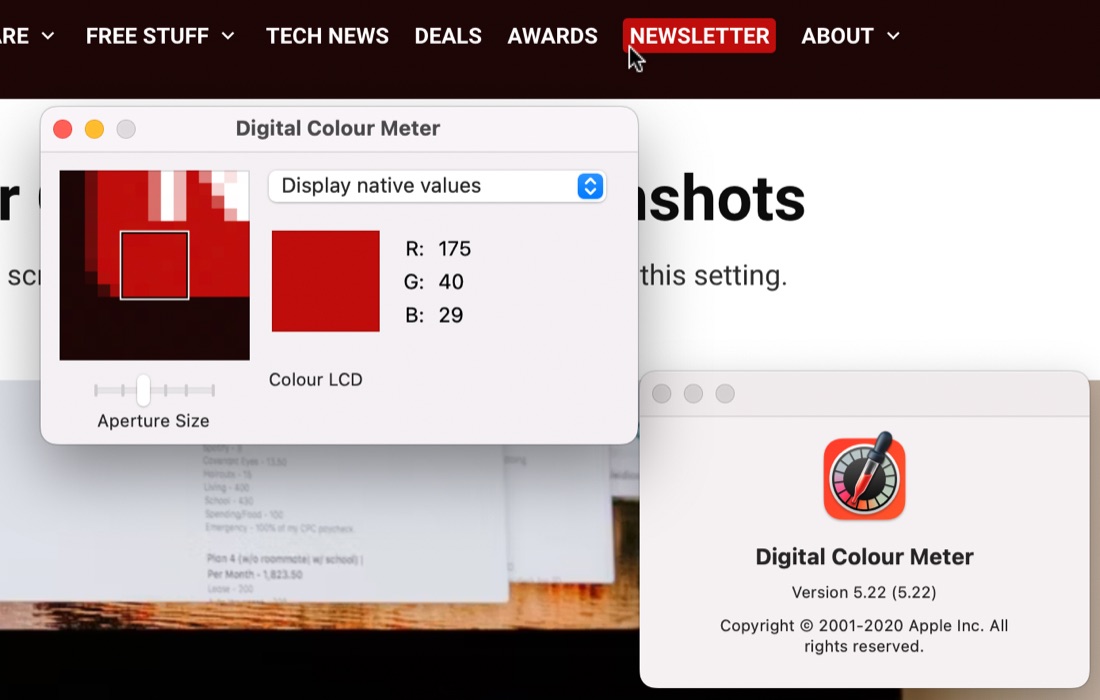
In order to copy the values, hit Command|L to freeze the current colour, then copy them from the Colour menu. Also in that menu you can choose to have the values shown as hex.
Cursor in screenshots
While I’m doing tips and tricks, to have the cursor showing in a Mac screenshot (which I needed for the image above), do shift|command|5 (which is the time delay whole screenshot) then turn it on in the option bar that appears before starting the timer.