Getting Your Vite React App to Work on Github Pages
26 Jan 2024
One of the many cool things about GitHub is GitHub Pages - the free web hosting Microsoft gives you while they vacuum up your code for CoPilot training. Each repository you keep there can have pages at <your-github-username>.github.io/<repo-name>
GitHub
To enable this, you need to go into the settings for the repository - look down the left for “Pages”.
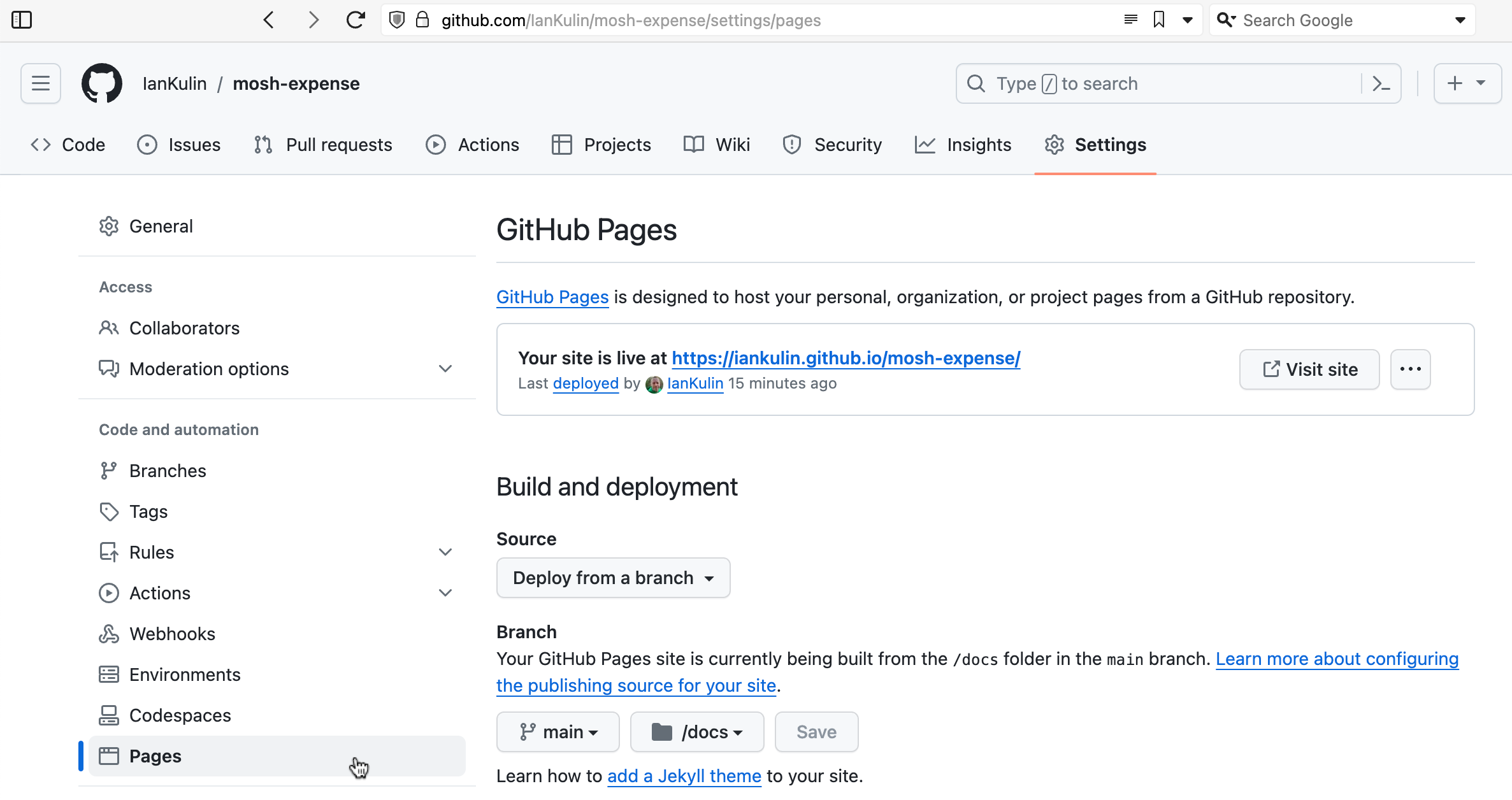
It’s possible to have it based on a complicated GitHub action (where your build step happens on GitHub when you push your code), but the easiest thing is just to have it deployed from a branch. To do this you choose which branch (usually main) and whereabouts in the main branch your HTML is. The choices are in the root of your project, or in the /docs directory. I’ve chosen the /docs directory in the screenshot above, since my messy React project is in the root.
That’s all the GitHub set up we need. Now whenever I push my project to the main branch on GitHub, whatever is in the /docs directory will be uploaded to my GitHub page for this repo.
Vite/React
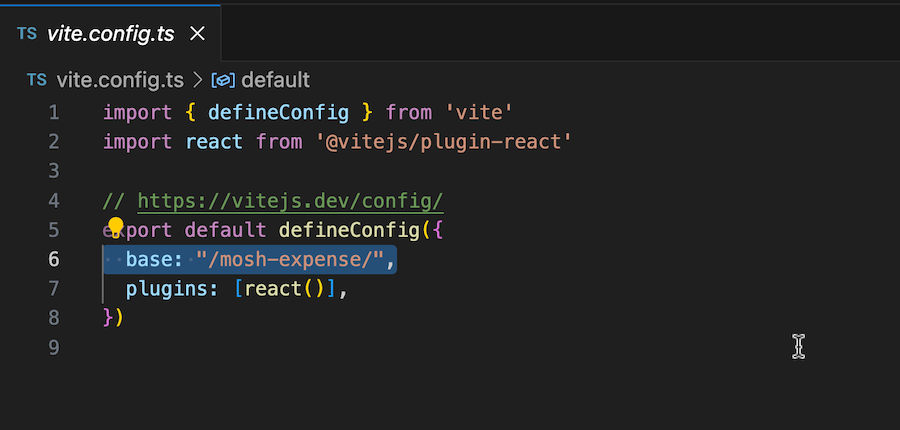
Now we need to make a couple of changes to our project to get this to work. The first is to tell Vite the “base directory” for the project which needs to be the repo name you’ve used on GutHub.
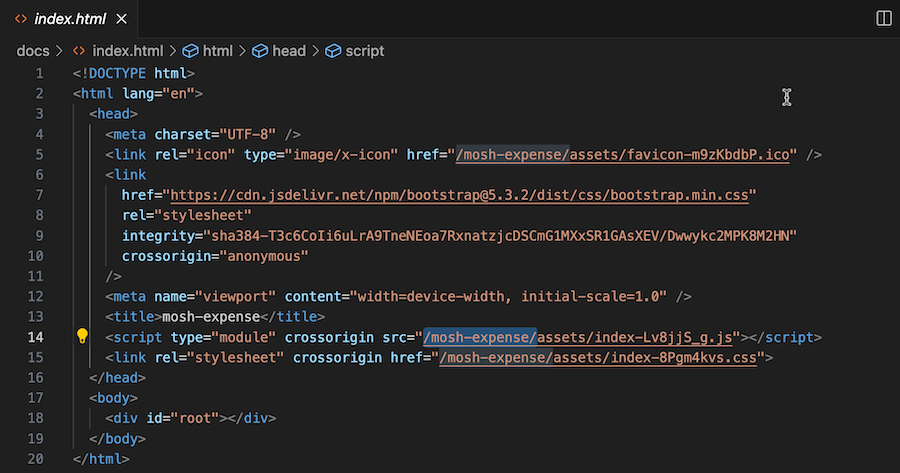
This is written into the index.html that is built as part of this process. If it’s not there, then any browser accessing your index.html on gh-pages won’t be able to find your JavaScript, and the user will be left looking at a blank white page instead of your amazing app.
My process from this point, is to build the project with npm run build. By default, this creates a /dist directory in your project (which is already added to .gitignore) and puts the project artifacts (the HTML, JavaScript, CSS and any images) into it. I then manually copy the artifacts over to the /docs directory of the project and push it up to GitHub to be published - which takes two or three minutes.
I like this manual step of copying the files over so that publishing is an intentful action on my part, and also, for solo projects I generally just work out of the main branch rather than on feature branches that then get PR’d into main. If you did want the process to be more CI/CD flavoured, you can just make another change the vite.config.ts file to have your builds go straight to the /docs folder.
import { defineConfig } from 'vite'import react from '@vitejs/plugin-react'// https://vitejs.dev/config/export default defineConfig({ base: "/mosh-expense/", plugins: [react()], build: { outDir: 'docs', }})
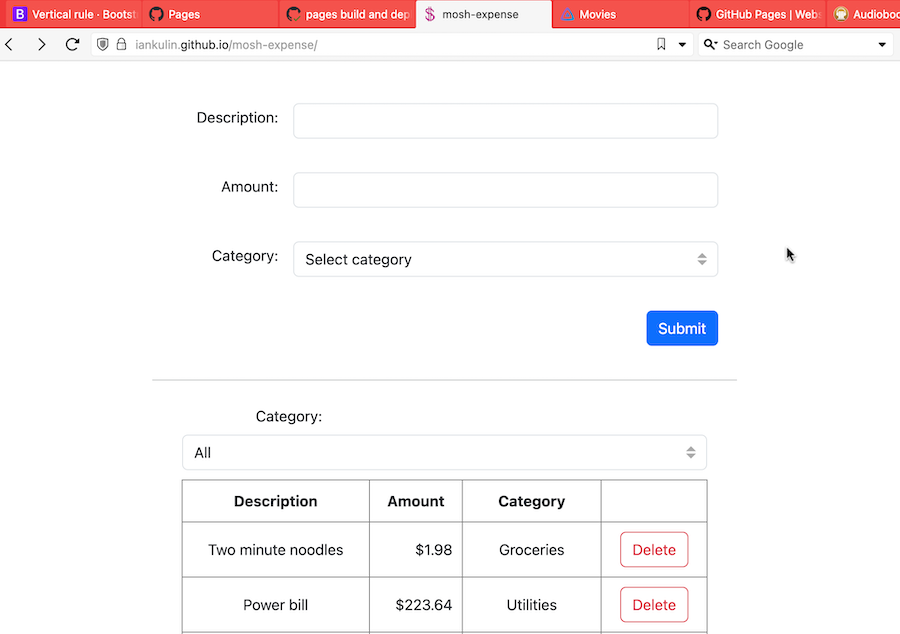
Once all that’s working, and you’ve pushed your changes and waited a minute or two, your project should be live to the world on github.io
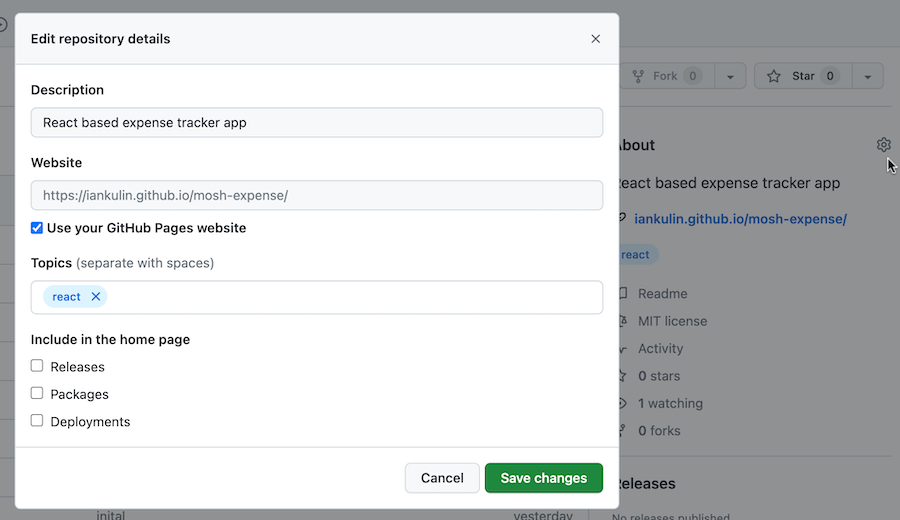
If you want users browsing your repo to find the live version, it’s worth editing your repository about settings to point to it.