Git - make all the commits into a single commit
29 Oct 2022When I’m following a tutorial app, I generally pause and type up the code as I go, and make local commits with appropriate messages. This is almost completely unnecessary, but it seems like a good habit and doesn’t cost me anything - I just tick the box for creating the git when I start the project, then it’s a couple of keystrokes (option-command-C) and I’m done.
Most of the apps have a follow-along portion, then some challenges which involve minor changes to the app. When I get to the challenges I like to throw it up on Github - it’s conceivable it could help someone one day, or at the least, I’m helping to train Microsoft’s AI to write shitty beginner code in exchange for free git server access.
The early commits I do are no help to anyone, even me by that stage, and it feels somehow untidy to leave them in there, so I started to wonder if there was some branchy/rebasey way to eliminate them before I push it up.
This and the related problems of just eliminating some of the recent commit history are clearly topics of interest - there’s many stackover flow posts and blog articles. But shout out to Pat Noz , for his suggestion - just delete the .git directory and start over .
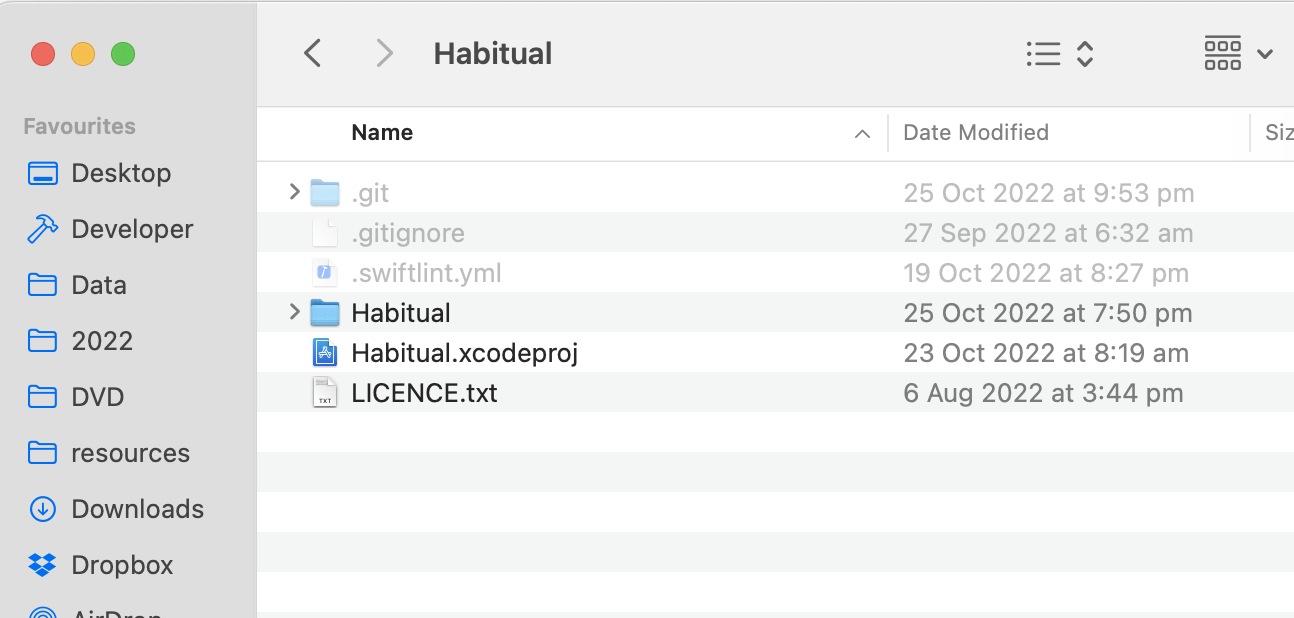
When you git init, a hidden folder is created in the directory you init in called .git - you don’t normally see these hidden folders, but if you press command-shift-. you can see it. This directory holds all the data that allows the magic of git to happen. If you delete just this directory and it’s contents, it’s like you never used git on this code.
So in Pat’s words:
rm -rf .git
git init
git add .
git commit
Simple. Elegant. Obvious once you’ve had the suggestion.