Git - pushing to two remotes
15 Dec 2023
I am loving running a local Gogs instance - it’s nice pushing my git repos to a totally private hub that I know is backed up with all my other self-hosted infrastructure.
Of course, there’s good reasons to have code in GitHub as well - my build-in-public philosophy, the vague possibility that some of it might be useful to someone, my contribution to our future AI overlords, and when I need to make some code linkable - for example from one of these posts. And of course there’s this bit of social-engineering which I assume was inspired by the bathroom decor in Veronica Mars .
Git is an amazing tool, so of course this is possible. Normally my workflow is that I git init whenever I’m working on a new something, then at some point I think “I should really push all this so it’s backed up”. I create the repository for it on GitHub or Gogs via the web interface, then come back to my project and:
git remote add origin git@github.com:IanKulin/test.git
This is making the connection between my local project and the GitHub repo. I’d never really thought about what origin meant in this context the hundreds of times I’ve previously typed it in, but actually it’s just the name we are giving to this connection. It’s just a convention to call it ‘origin’, it could just as easily be called ‘fred’ or ‘github’. Since I am now planning to push to two separate remotes, it’s going to make sense to give them meaningful names. So in that case, we can do this:
git remote add github git@github.com:IanKulin/test.git
git remote add gogs http://ct-gogs/iankulin/test.git
Then, we can push with:
git push github main
git push gogs main
You might be wondering what happens if you just do a git push at this stage (or as I like to call it “Pressing the ‘Publish Branch’ button on the VS Code source control panel”). The answer is that at the command line you’ll get an error saying you haven’t specified the destination, or in VS Code, it will ask you which one.
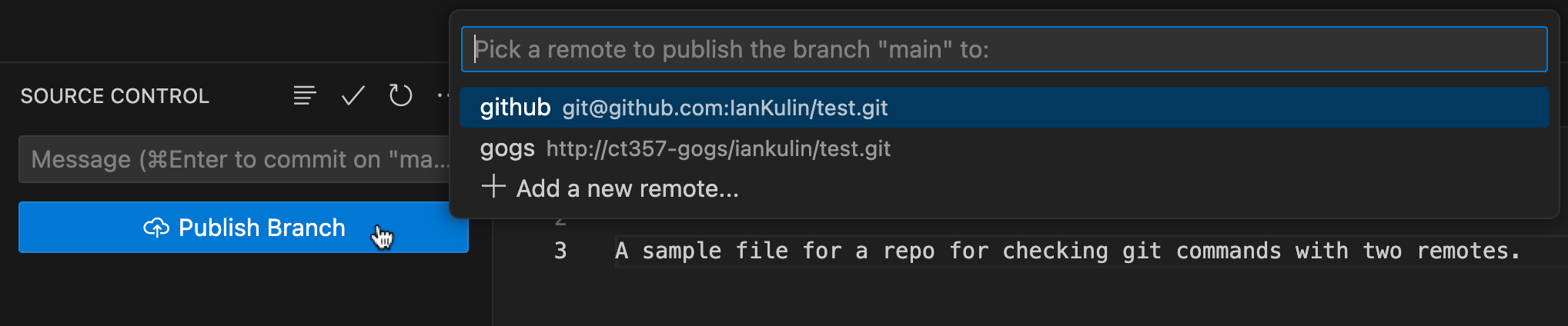
We can set the default remote with the -u flag when we’re pushing
git push -u gogs main
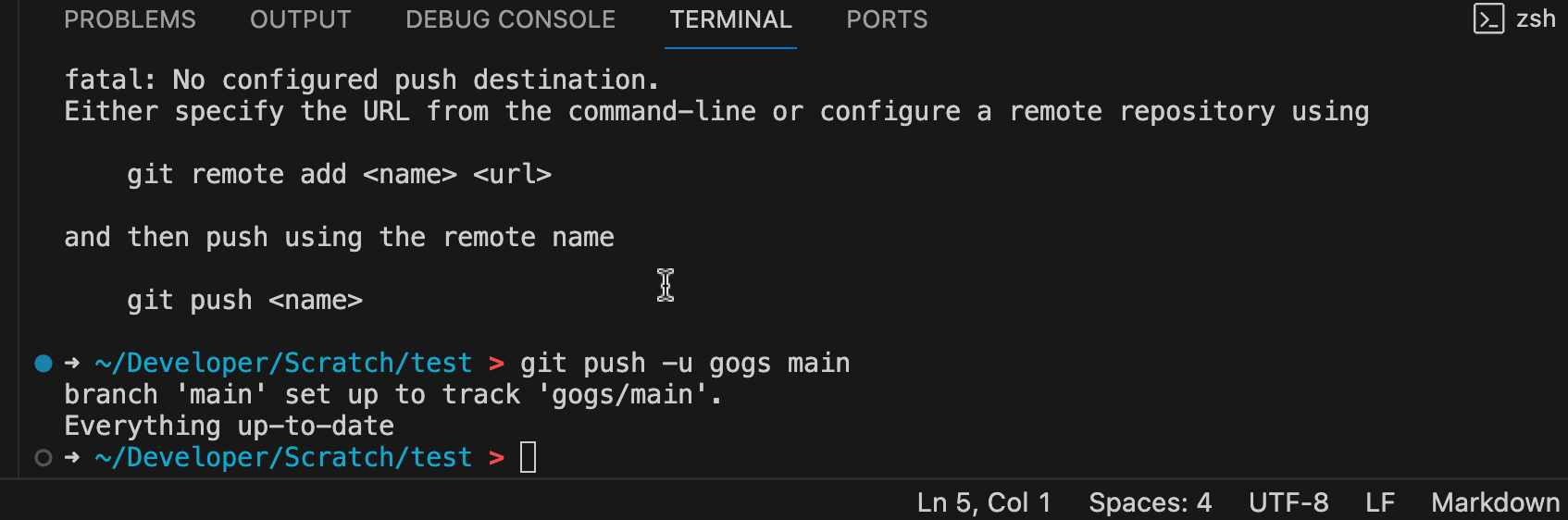
Now the button in VS Code will say something “Sync Changes” and when you press it, it will only push to the remote we used in the last -u push. Same thing if we git push at the command line - it will work, but only push to the remote we used in the last -u.
It’s also worth noting that when we’ve set the default remote with the -u flag in a push, it is also the default remote for pulling from. Essentially this remote becomes the source-of-truth.
For me this setup is usually fine - I’m generally working on my local gogs remote, that’s the source of truth so I specify it as the default with the push -u. Then, when I’m done, I manually push to github so I can share it. If it was a project I needed to work on with anyone else, that would have to be the other way around - I’d use GitHub (or GitLab, Bitbucket etc) as the source of truth, and probably not even worry about hosting a copy on my home network unless I was worried about the repo being deleted.