How to deploy a Node.js app
5 July 2023
This is one of those things that is simple once you know it. I had my tiny Node service working on my MacBook, but how do I run it on the server?
Native or Container
Obviously I need Node.js installed on the server, should I have it in a Docker container, or native on the machine. There’s no clear answer here - in a container set up with Docker Compose might be more in line with my ideology of treating machines as disposable, but a native install is simpler, and I probably want to make life simpler at this stage when I’m learning everything.
Installing Node
This took me down a bigger rabbit hole than I was expecting. My VPS is Unbuntu LTS 22.04.2, so I spun one of those up in a VM on the homelab to try things out.
A quick google search suggested the NodeSource binary distributions . That involves curling a big script (when I pasted the script into ChatGPT it said it wasn’t malicious). I could chose the Node version, so I grabbed 20.x That was as painless as you’d expect.
Then I started wondering why I couldn’t just apt install it. If I could do that, it would reduce the chance of a supply chain attack since I’d have the power of Canonical on my side. So I rolled the previous install back (thank you Proxmox backups of VMs), and tried:
apt install nodejs
That worked fine - Node is in the Ubuntu packages, but the version is quite old - v12.22.9. This is on the current Ubuntu LTS 22.04.2. I don’t think it will matter for my purposes, but it explains why you’d do something other than just this.
I’m also going to need npm , so lets get that with:
apt install npm
That seemed to download a heap more stuff that the node install.
Deploying your project
Again, the first search result was more complicated than I needed. The advice was to clone my repository onto the server where I wanted to deploy. This is such a minor project, I hadn’t pushed it up to GitHub. So that seemed excessive. You know, not everything has to be DevOps CI/CD! I mean, we ain’t talking about a very complicated project here:
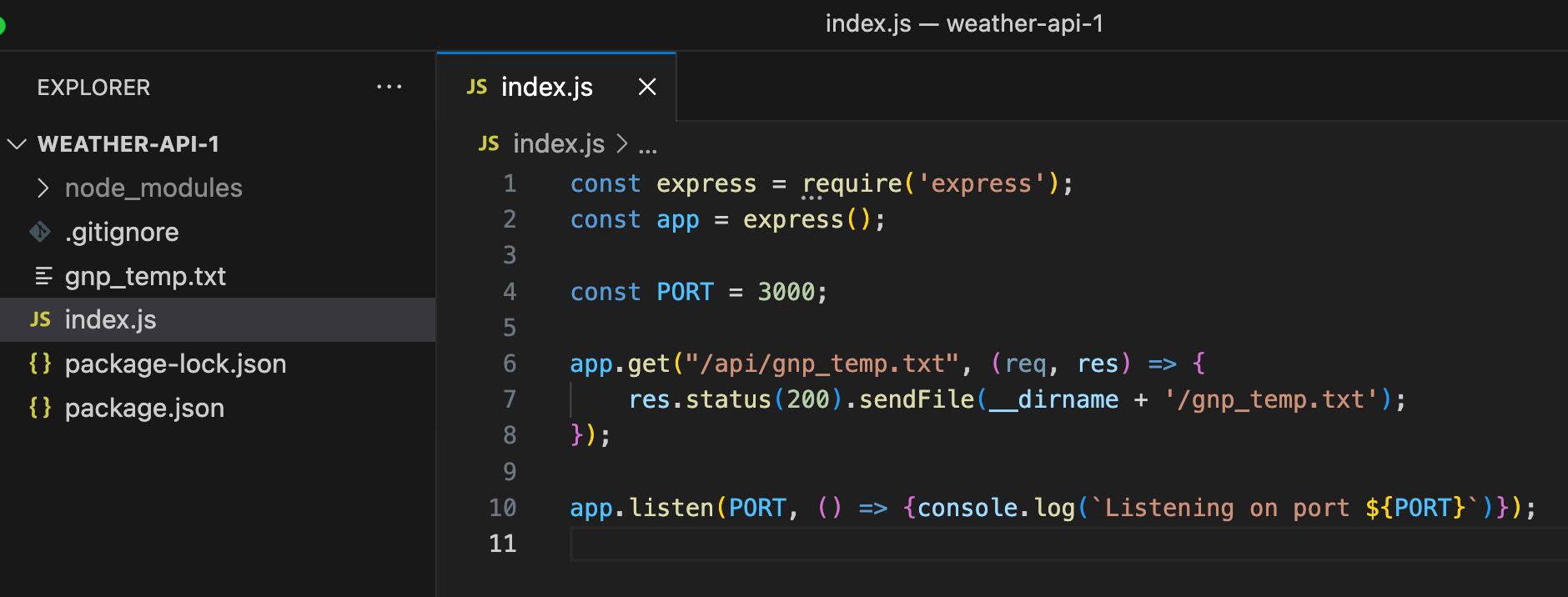
I’ve got this tiny source file, and the text file I want to serve. All the dependencies (just Express) are in the package.json, so presumably that’s all I need on the server to get going.
I scp’d those from my laptop to a directory on the folder:
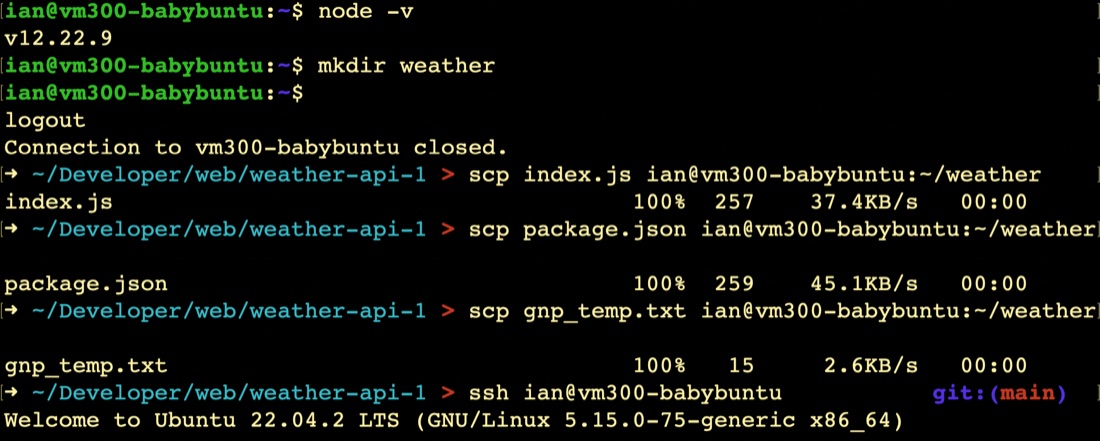
Once they are there, I need to install the packages from the package.json, so we do that with:
npm install
That installed 59 packages (presumably Express plus 58 of it’s dependencies). Then I started the app with:
node .
and it worked!
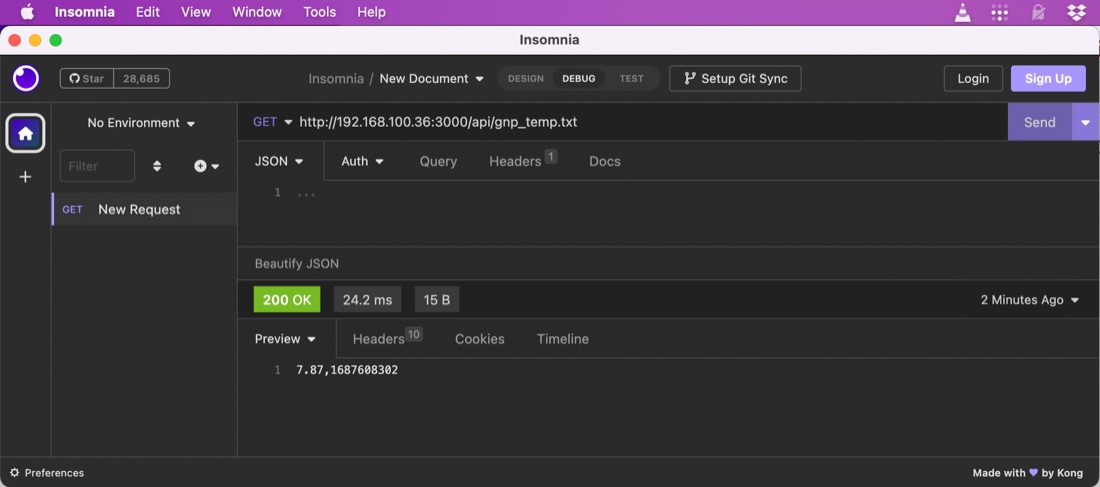
Insomnia
I should probably explain what you’re looking at above. I could have tested this little node server by going to the api address in a browser and checked that I got back the text file I was expecting. And in Chrome (and I assume Firefox) there are developer tools that would show the return code etc. However, most of the REST API videos I’ve watched use a better tool - mostly Postman . These sort of tools give you a heap of other capabilities, none of which I really need for this simple project, but will be very handy for more complex APIs where there is a body to the request.
The only reason I’m using Insomnia instead of Postman is that when I tried Postman, it straightaway wanted some of my data to make it work. Insomnia hasn’t forced me to do that yet.