How to upgrade XCode and Swift
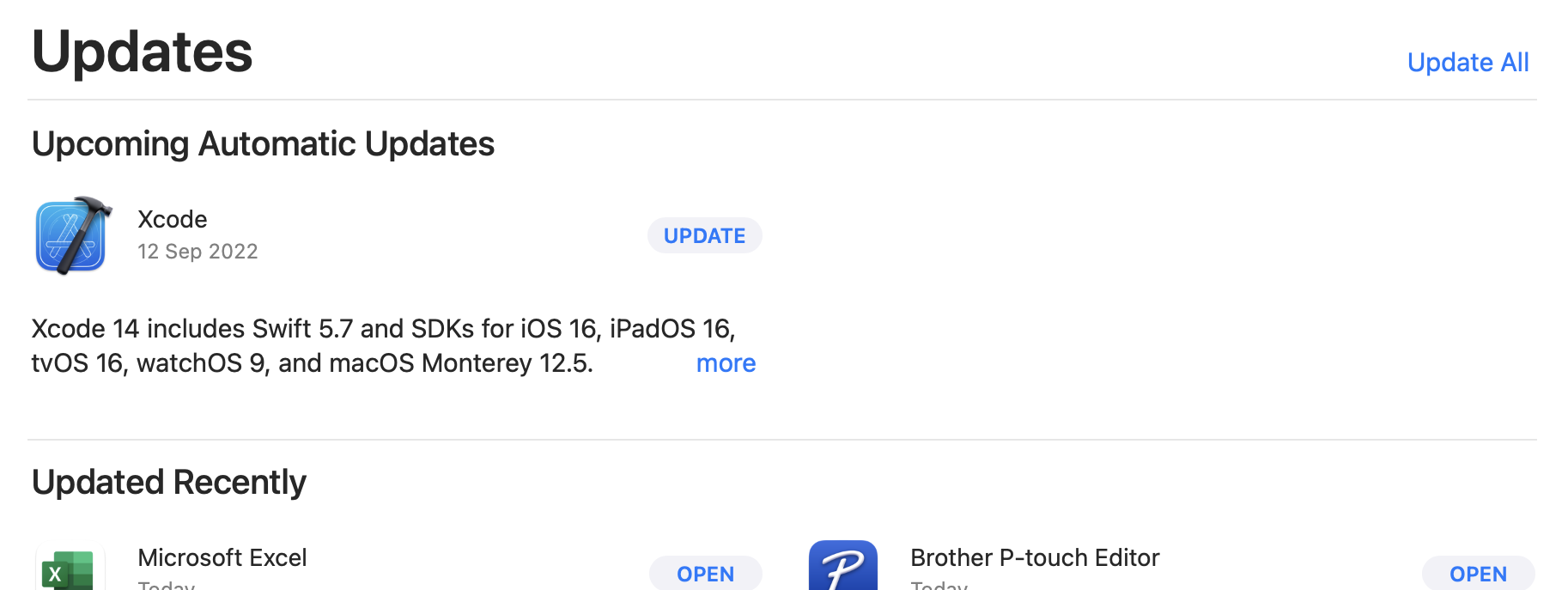
18 Sept 2022With the September release of XCode 14 and Swift 5.7 it was time for my first update - I looked in “About” for an update link but there wasn’t one - so if you’re as dense as me, the tip is to head to the Mac App Store and have a look at the Updates page.
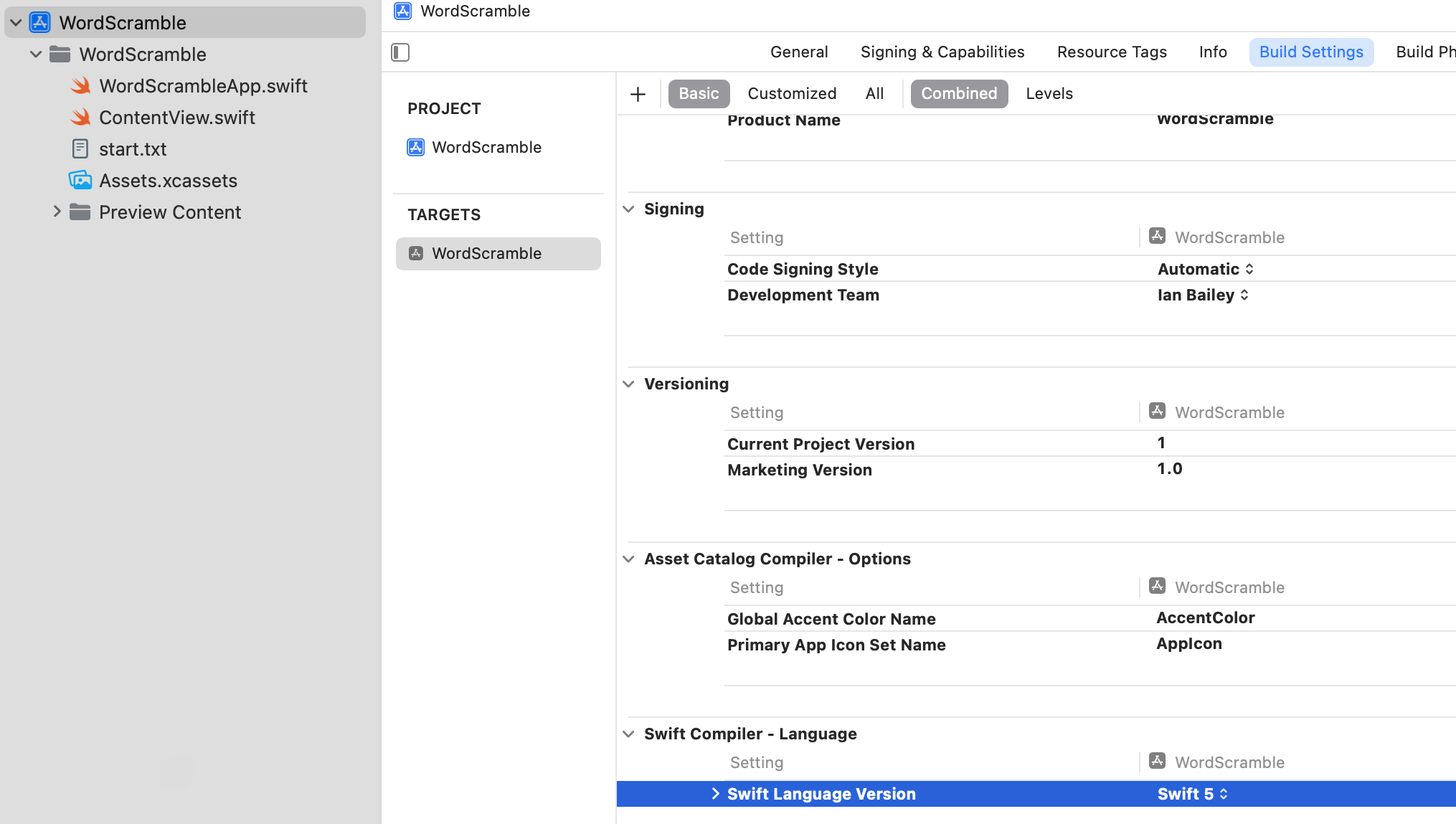
Your current XCode version can, of course be found in the XCode | About dialogue. Mine was on 13.4.1. There’s a couple of ways of finding the Swift version - If you’ve got an XCode project open, click on the .xcodeproj in the explorer,and have a look in Build Settings for Swift Compiler - Language for the major version.
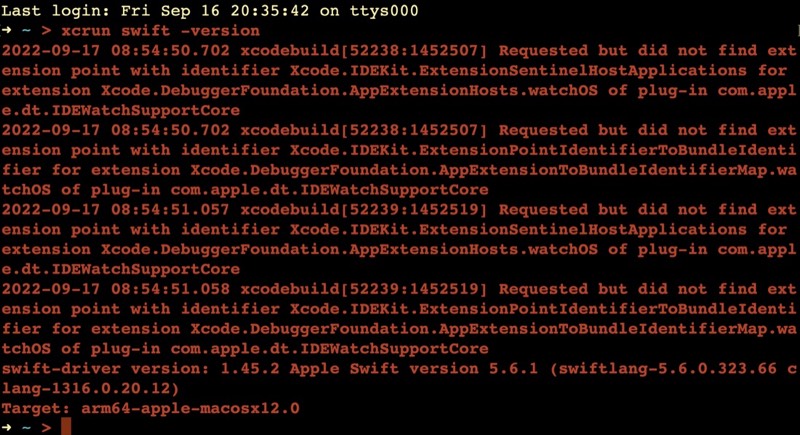
Or for a bit more accuracy, try xcrun swift -version at the command line. I got a few errors, then the version 5.6.1
I won’t bang on about the changes for XCode or Swift since that’s already been done well elsewhere, and the Swift changes are mostly beyond my expertise level.