ImageRenderer()
8 Dec 2022ImageRenderer () is a SwiftUI class that creates an image from a view. You just initialize it with the view, then extract a cgImage (Core Graphics) or uiImage that can be cast to a SwiftUI Image.
I’ll need a view to work with, so here it is; a crude version of my behaviour ticket.
struct TicketView: View {
    var body: some View {
        ZStack {
            Color(.cyan)
                .frame(width: 300, height: 350)
            VStack {
                Text("Fred Bloggs")
                    .font(.largeTitle)
                Text("")
                HStack {
                    Text("Putting rubbish in the bin")
                    Image(systemName: "trash")
                }
                .foregroundColor(.purple)
                Text("")
                Text("Green Faction")
                Text("")
                Text("")
                Text("\(Date().formatted())")
            }
        }
    }
}
Here it is, with a couple of buttons underneath:
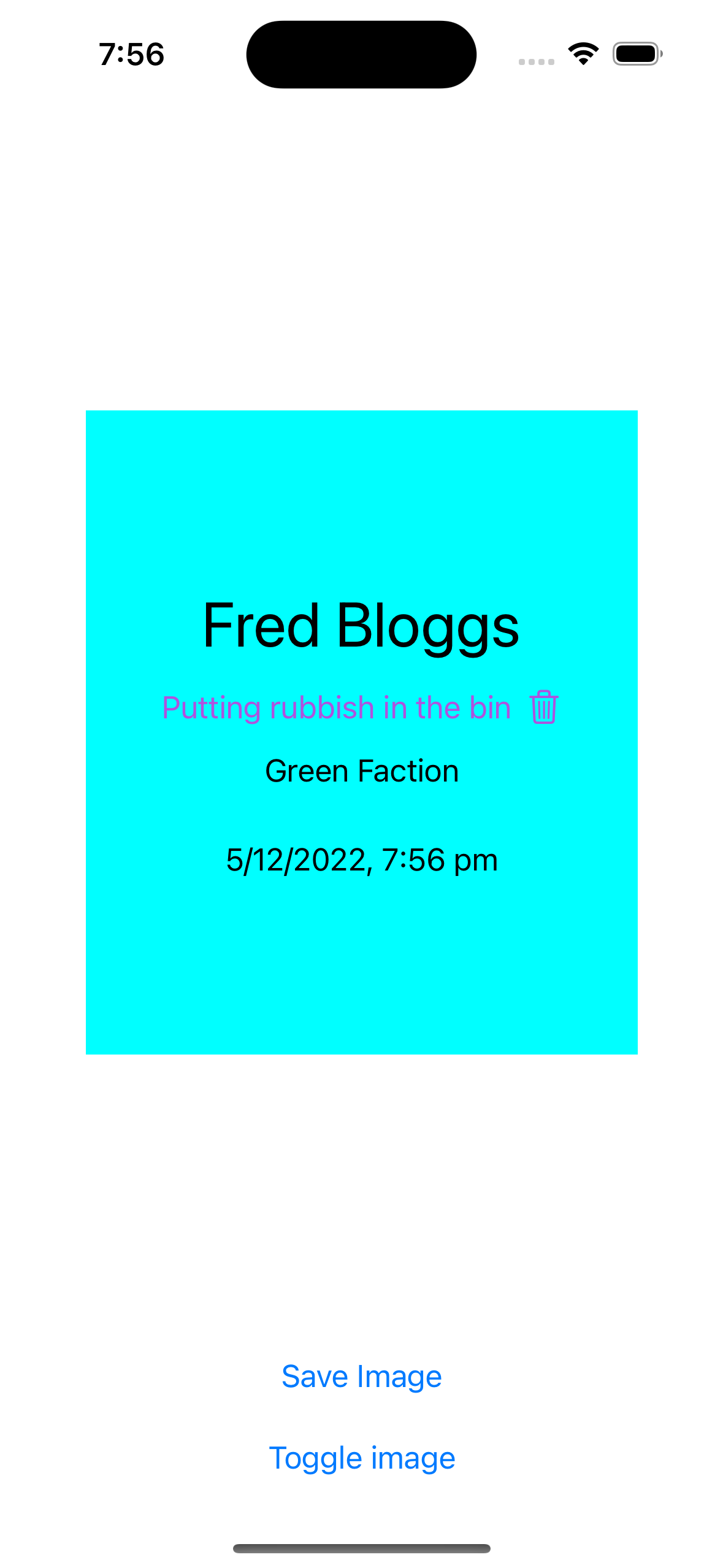
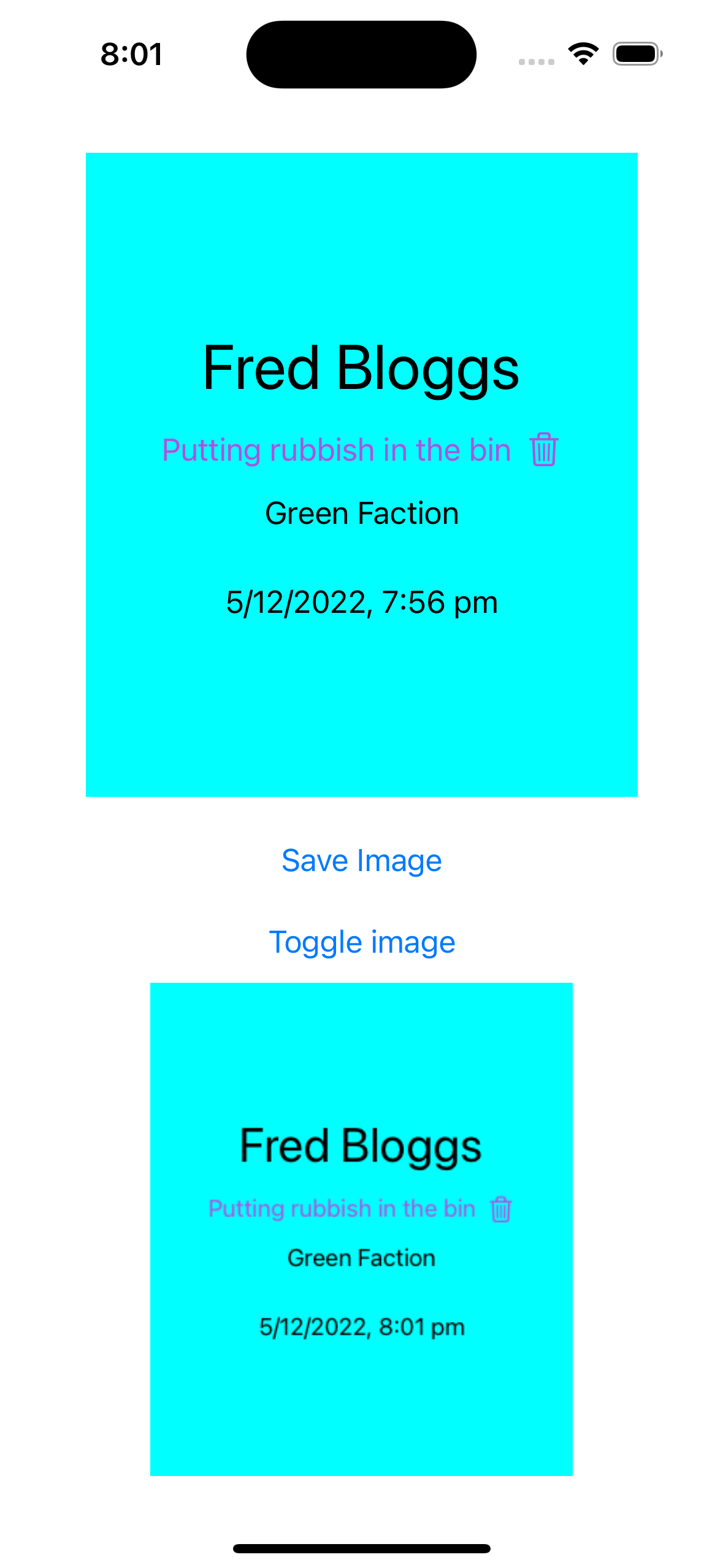
I’ve assigned the view to a property of my content view, then displayed it along with the buttons. The first button saves the image to an @State and the second one displays it if it exists.
struct ContentView: View {
    private var ticketView = TicketView()
    @State private var image: Image?
    @State private var showImage = false

    var body: some View {
        VStack {
            Spacer()
            ticketView
            Spacer()

            Button("Save Image") {
                let renderer = ImageRenderer(content: ticketView)

                if let uiImage = renderer.uiImage {
                   image = Image(uiImage: uiImage)
                }
            }.padding()

            Button("Toggle image") {
                withAnimation {
                    showImage.toggle()
                }
            }
            if showImage {
                if let image = image {
                    image
                        .resizable()
                        .scaledToFit()
                }
            }

        }
        .padding()
    }
}
If we save the screen:
Button("Save Image") {
    let renderer = ImageRenderer(content: ticketView)

    if let uiImage = renderer.uiImage {
       image = Image(uiImage: uiImage)
    }
}.padding()
Then it can just be inserted in the view same as any bitmap image by hitting the Toggle Image button.