Mounting one Synology NAS to another one
21 Mar 2023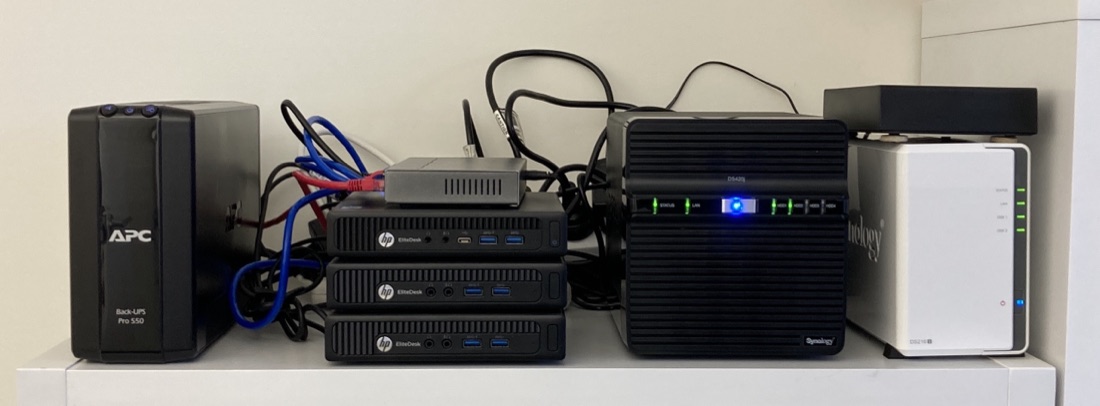
I went over mounting a Synology NAS share on a Mac or Linux host a while ago . Now I’ve populated a new NAS, and I want to copy my data over to it. I could mount them both to my laptop, and the data flow would look like this:
NAS1 - switch - wifi - laptop - wifi - switch - NAS2
Since I’m copying 4TB, it will take a few hours, and if I forget what’s going on and close the laptop, or take it outside of my wifi the transfer will die, and I won’t be sure which files are patent. What might be better would be something like this:
NAS1 - switch - NAS2
This is eminently possible, we just need to mount a share from one NAS into the other, then I can just initiate the copy and bug out, leaving it them to do their thing.
DSM - the Synology operating system, is Linux, so in theory I could just SSH in and mount the other NAS with the mount command, or by editing /etc/fstab, but DSM is highly customised and slimmed down, and somethings are just outright different, sometimes in a dangerous way.
On the flipside, Synology’s whole reason for existing is to make things easier and GUI-ier, so there’s no need to drop into the command line, we can do what we want quite easily via their web interface.
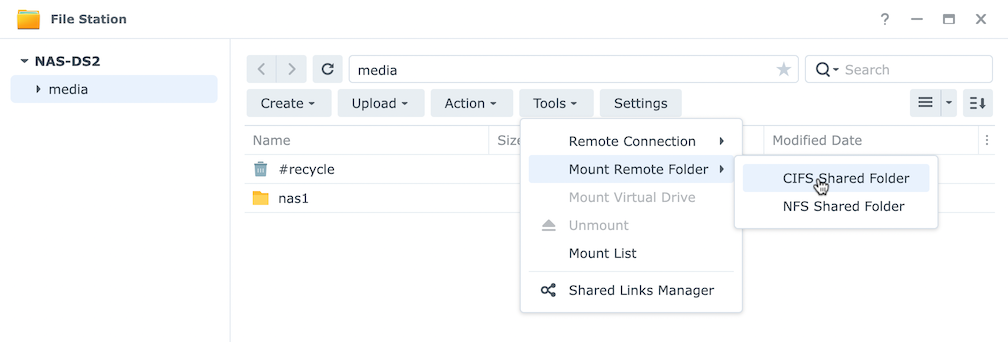
I’ll start out on NAS2 (the empty one). Using FileStation, I’ll create a share, then inside that, I’ll create a nas1 directory - this will be the mount point. In the root of the share, Open Tools | Mount Remote Folder. I’m using SMB/CIFS for my share so I’ll chose CIFS option, but obviously if you’re using NFS, use that instead.
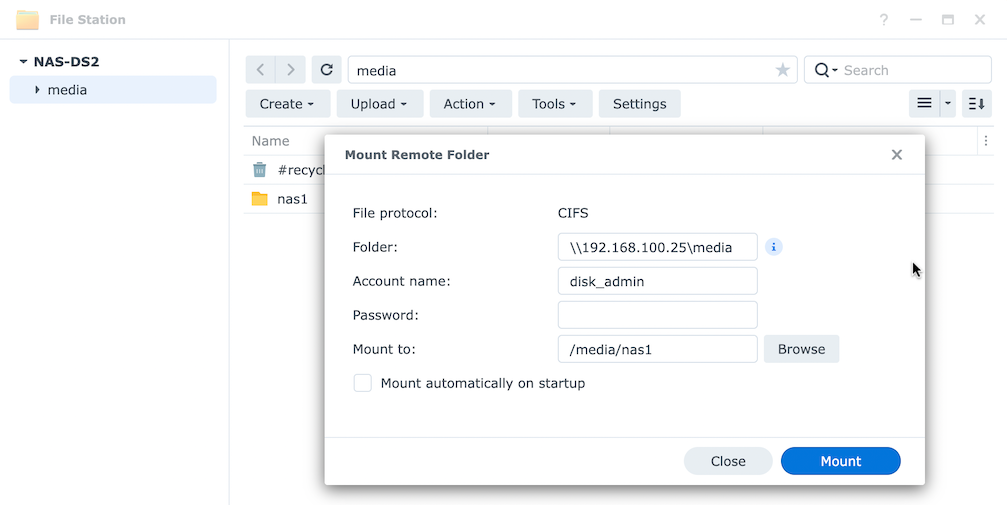
Since underneath it’s actually running the mount for us, or doing whatever their equivalent of editing /etc/fstab is, it needs all the same information.
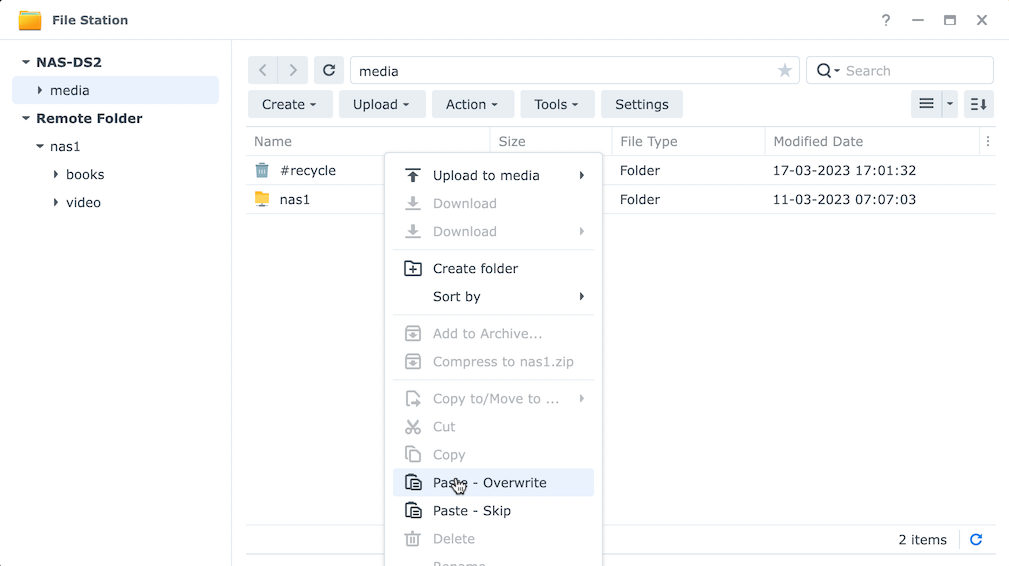
Once you press Mount, the other (remote) NAS will appear in FileStation under Remote Folder. The it was just a matter of right click | copy on the NAS1 then paste into the NAS2 share.
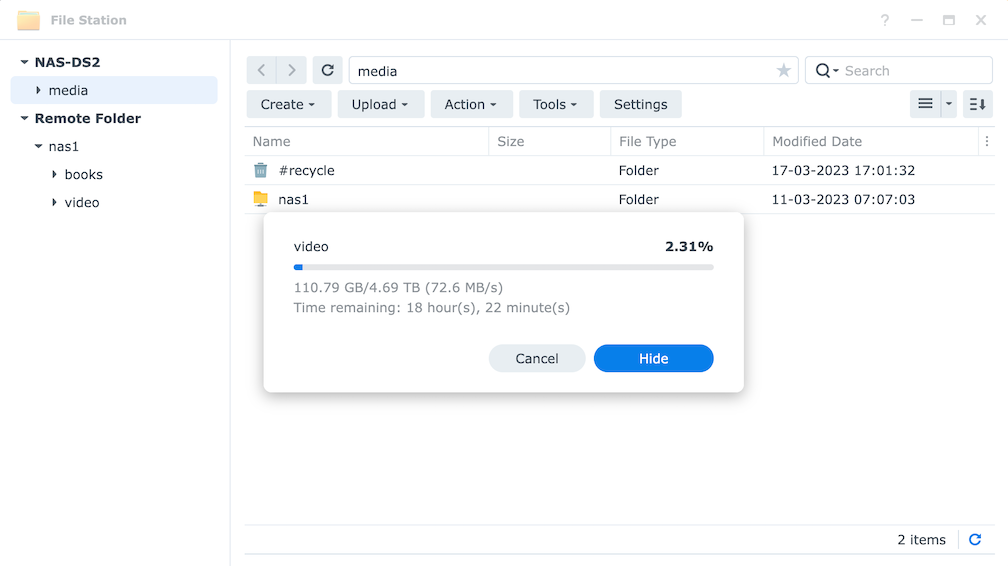
According to these guys , the theoretical max transfer rate of a 5400RPM drive (which is what I’m running in both NASs) is 75MB/s. NAS1 that I’m copying from is RAID1, so I assume if the OS is smart enough it could pull data from both disks at once, but I don’t really understand what happens with the writes when that data hits the RAID6. In any case, it was maxing out at around 70MB/s. Although most of the time it was anywhere between 30 and 70.