My Web App Update Process
1 Apr 2024I’ve settled on a very standard, reproducible setup for services in my homelab. This post looks at that, then runs through the update I did today to Forgejo which only took a few minutes and felt relatively risk free.
Standard Setups
My system is based around Proxmox. I have three physical machines - one for production apps, a production spare, and a development/testbed machine. A Synology NAS serves for backups. Moving a VM or LXC between the machines is trivial; but it’s done manually - the machines are not clustered for high availability.
Most workloads are Docker containers inside an LXC. This works fine with a couple of caveats. I have an LXC template saved with Docker and Tailscale installed, my non-root user added, the mount for the NAS, and SSH keys. Setting up a new app starts with a full clone of this, a dpkg-reconfigure openssh-server and tailscale up and changing the root & non-root users’ passwords.
Next I create a sub directory for the app and write the docker-compose.yaml in there. Then it’s just a matter of docker compose up -d. If there’s any data, it goes in a another sub directory off this one.
Unless I need something else, nightly backups to the NAS happen automatically for all the VMs and containers handled by a setting in Proxmox.
Upgrading an App
I’ve noticed a couple of posts about a new release of Forgejo on Mastodon in the past few days, so I figure I should look at that. My version is 1.21.1 and the new one is 1.21.8
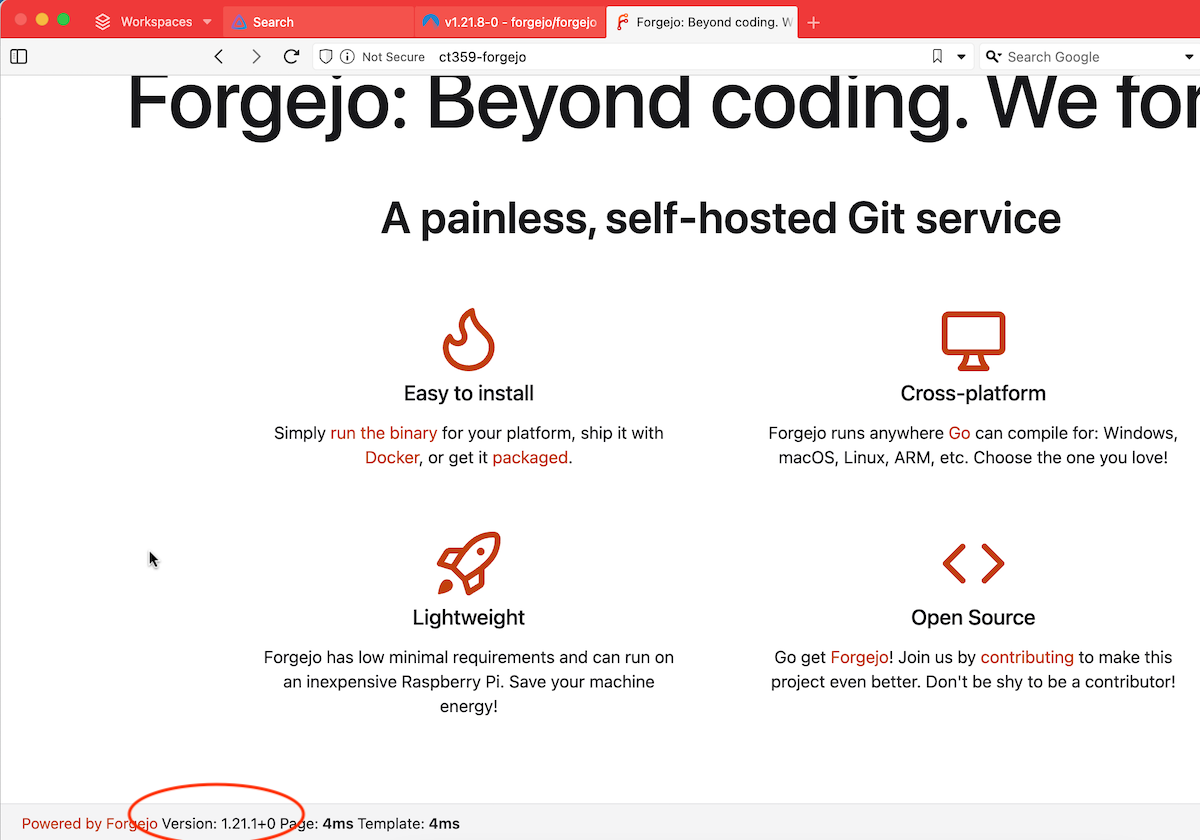
Because of semantic versioning , I’m confident this is not going to break anything, but I check the release notes anyway. It looks good.
Backup
I jump into the Proxmox web gui and make a backup of the container.
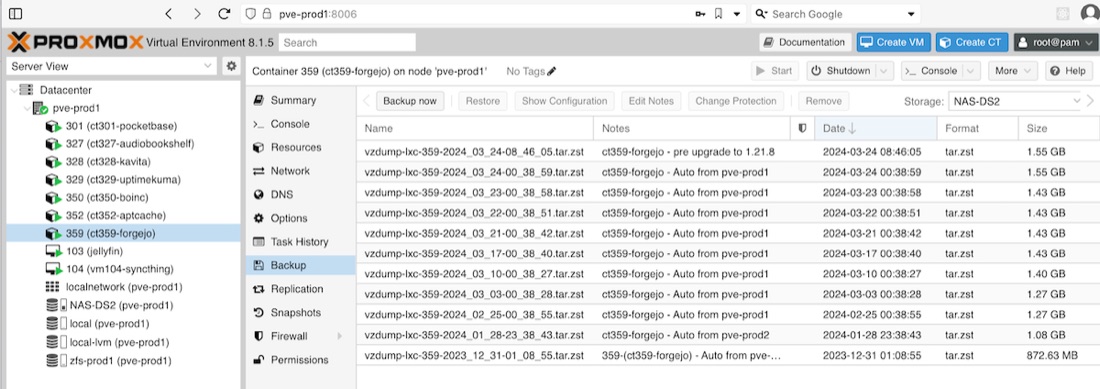
Docker Compose
I ssh in to look at the image tag in the docker-compose.yml file. The reason I’m interested in this is that if the compose is set to codeberg.org/forgejo/forgejo:1.21.1 then it will be locked into that patch version, but it says codeberg.org/forgejo/forgejo:1.21 so we’re good.
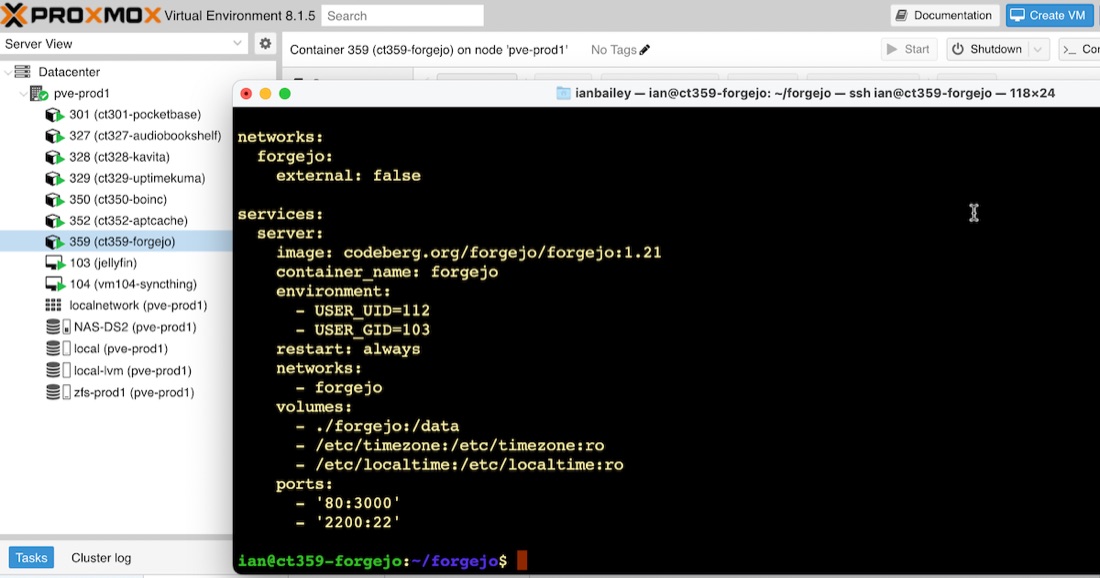
Now I take the service down from the CLI with sudo docker compose down, then pull the new image with sudo docker pull codeberg.org/forgejo/forgejo:1.21
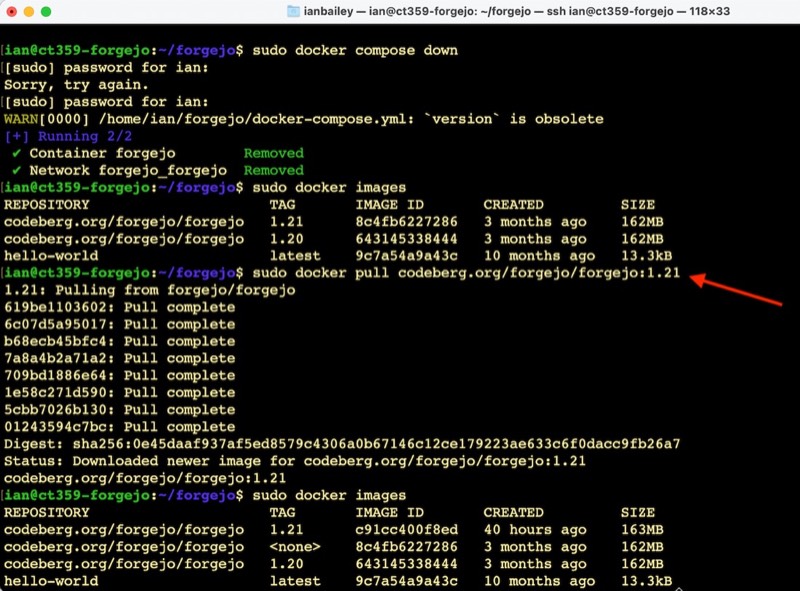
The to start it again, it’s just a docker compose up -d and we’re live again.
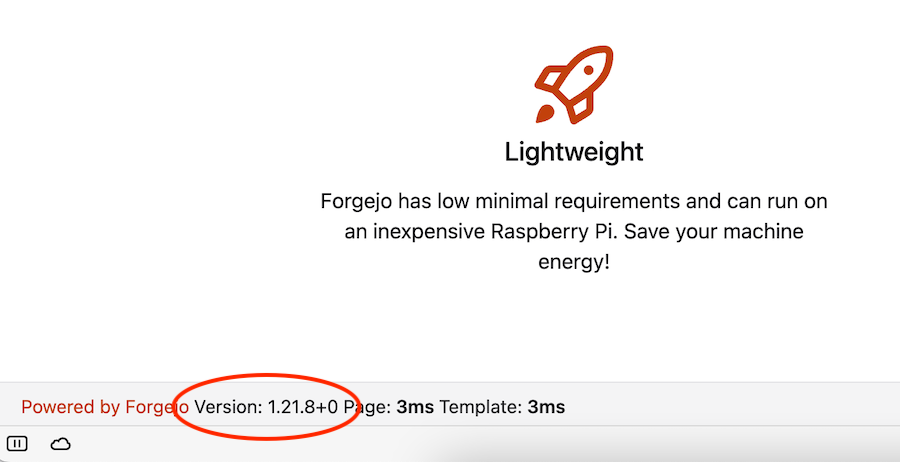
Testing
My testing of this was pretty brief since (a) I’ve got high confidence in the developers at gitea and forgejo and (b) this app gets pretty much daily use so if there are issues I’ll surface them pretty quickly, (c) anything I’m actively working on had full git histories on my laptop, and (d) the releases since my last update are pretty much just bug fixes.
Nevertheless, I clicked around the web gui, and tried some pushes, pulls and clones and everything seemed fine.
Conclusion
I’m very comfortable with the way I’ve put all this together now. It’s a reliable, easily managed setup that makes maintenance like this simple and safe.