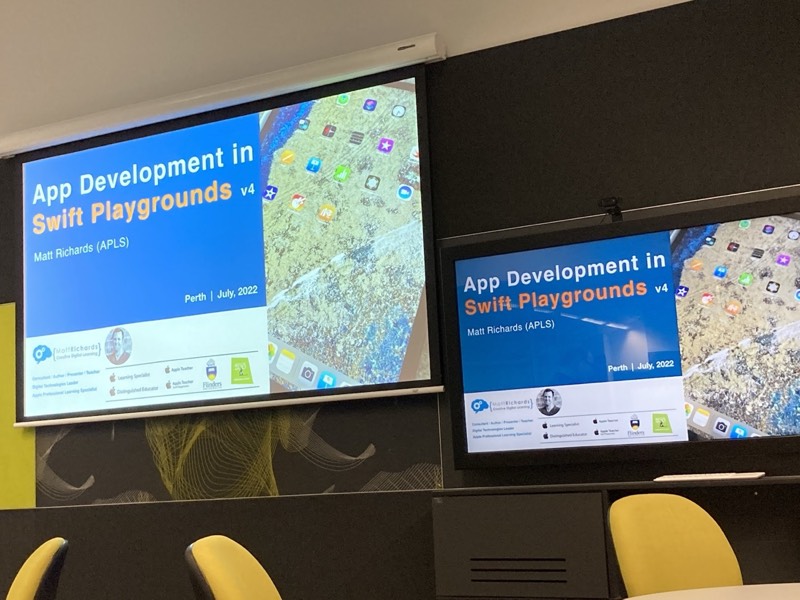
During the week I attended “App Development in Swift Playgrounds” run by Matt Richards with the support of some of the Apple team and hosted by Dr Michelle Ellis . It was aimed a teachers looking at using Playgrounds for digi-tech teaching.
The day included pulling apart one of the Playgrounds apps and rebuilding it - this being an example of a “top-down” approach - starting with a complete app and fiddling around with it - to better engage students. The alternative being a bottom-up approach where lesson one would be “good morning students, this is a variable, it can hold a value, it has a name we can use to refer to the value”.
Started on Day 10 of 100 days of etc etc today which is about structs. It was immediately clear when I first started looking at Swift and Swift UI that structs were going to be a big deal. I am used to structs being able to contain a collection of other types, but not methods. So I was confused at why tuples existed; that is now cleared up.
If structs can have methods as well as properties, it answers the question of why tuples exist, but immediately asks the question, why have classes since structs have all this power? I already know (from my podcast consumption) one of the answers for this is that structs are value types rather than references. When you:
One of the ways I keep engaged in a topic is to listen to podcasts about it. Currently Fireside Swift is one of the Swift/SwiftUI/iOS Development podcasts that I have in the rotation.
The blurb for the show is:
“Fireside Swift is a popular iOS Development podcast where four buddies discuss a new Swift programming topic each week. They try to stay informal while also conveying the information they know about each topic with bits of humor sprinkled throughout. Have a seat by the fire, and enjoy some nerdy discussion with friends!”
/*
 Your input is this:

 let luckyNumbers = [7, 4, 38, 21, 16, 15, 12, 33, 31, 49]

 Your job is to:

 Filter out any numbers that are even
 Sort the array in ascending order
 Map them to strings in the format “7 is a lucky number”
 Print the resulting array, one item per line

 So, your output should be as follows:

 7 is a lucky number
 15 is a lucky number
 21 is a lucky number
 31 is a lucky number
 33 is a lucky number
 49 is a lucky number
 */

let luckyNumbers = [7, 4, 38, 21, 16, 15, 12, 33, 31, 49]

func isNumberOdd(number:Int) -> Bool {
    return number%2 == 1
}

let filteredNumbers = luckyNumbers.filter(isNumberOdd)

// this closure effectively does nothing
let sortedNumbers = filteredNumbers.sorted(by: {$0<$1})

let mappedNumbers = sortedNumbers.map({ String($0)+" is a lucky number" })

for i in 0..<mappedNumbers.count {
    print(mappedNumbers[i])
}
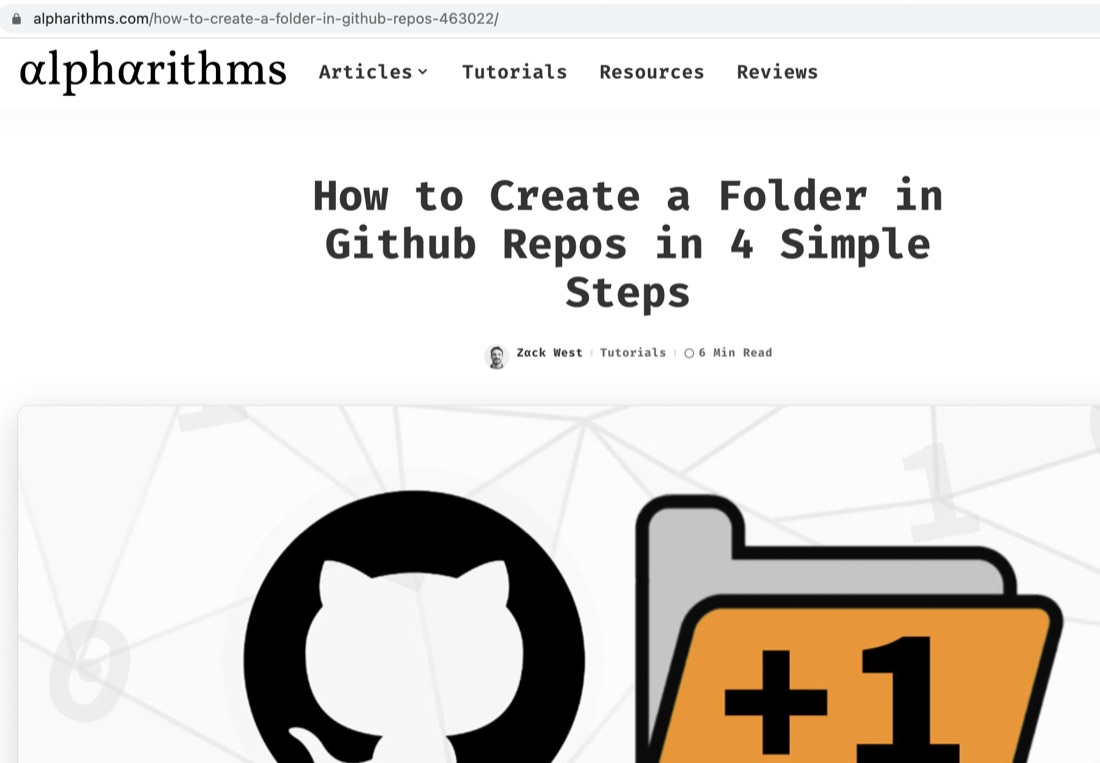
You can’t, but you can create a folder by adding a file through the web interface and using <folder name>/<file name> - so add a README.md or whatever. Then you can drag your source into the new folder as normal.
I learned this from Zack West here , where there is also a better explanation with pictures.
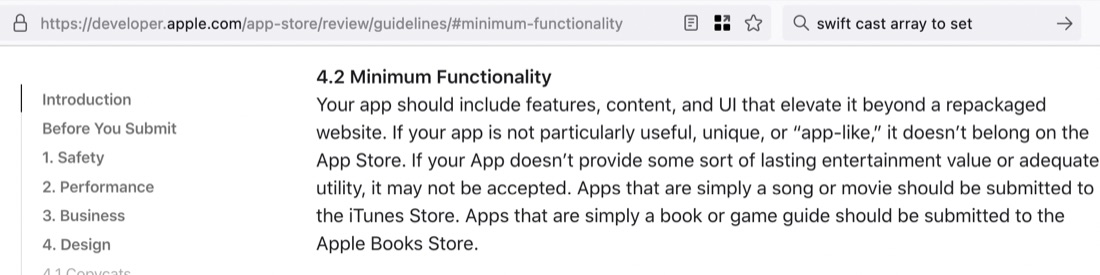
In my post about my first app, EasterDay, I mentioned that it might be too trivial for an App Store submission. I’ve just been reading the App Store Review Guidelines, and there is a section on Minimum Functionality that seems like it might be too pointless for acceptance.
I’ll push on and build it anyway as I still need the rest of the learning experience, but may not submit it. Of course I’ve got other ideas for apps (like everyone who has ever met an iOS developer) but they are outside my expertise for the time being.
In order to have something to put up on GitHub (as part of working all that out) I went back to re-write the Checkpoint 2 code that I’d written, but not saved, three or four days ago.
The task was to count the unique elements in an array. The teaching had been about the complex data types, so clearly the hint was to cast the array to a set. Although the idea of sets is new to me this year, I’ve come across them twice. Once in the 100 days course (the same day as having to write this code) and once from a few days earlier from a podcast episode . This is high quality learning - getting the same topic a couple of different ways a few days apart, then having to use the information for real.
/*
 The challenge is this: write a function that accepts an integer from 1 through 10,000, and returns the integer square root of that number. That sounds easy, but there are some catches:

 You can’t use Swift’s built-in sqrt() function or similar – you need to find the square root yourself.
 If the number is less than 1 or greater than 10,000 you should throw an “out of bounds” error.
 You should only consider integer square roots – don’t worry about the square root of 3 being 1.732, for example.
 If you can’t find the square root, throw a “no root” error.
 */

enum IntSqrtError: Error {
    case low, high, noIntRoot
}

func calculateIntSqrt(_ number:Int) throws -> Int  {
    let lowerBound = 1
    let upperBound = 10_000
    if number < lowerBound {throw IntSqrtError.low}
    if number > upperBound {throw IntSqrtError.high}
    // brute force sqrt finder
    for i in lowerBound...number {
        if i*i == number {
            return i
        }
    }
    // none found or we would have returned by now
    throw IntSqrtError.noIntRoot
}

do {
    try print(calculateIntSqrt(5929))
} catch IntSqrtError.low {
    print("Lower bound error")
} catch IntSqrtError.high {
    print("Upper bound error")
} catch IntSqrtError.noIntRoot {
    print("No integer root")
} catch {
    assert(false)
    print("Unknown error")
}
func calculateIntSqrt(_ number:Int) throws -> Int  {
    let lowerBound = 1
    let upperBound = 10_000
    if number < lowerBound {throw IntSqrtError.low}
    if number > upperBound {throw IntSqrtError.high}
    // brute force sqrt finder
    for i in lowerBound...number {
        if i*i == number {
            return i
        }
    }
    // none found or we would have returned by now
    throw IntSqrtError.noIntRoot
}
Although not coded for speed, there are a couple of subtle optimisations here; the first is that it gives up once it gets to the number instead of going up to the end (it assumes the square root of a number can’t be greater than the number), and the second is that it counts up from the bottom rather than down from the top - I’m assuming the bottom of the range is richer in square roots than the top.
One of my early goals was to get in the habit of using version control with Git/Github, and I’ve got that sorted out today. My source was this excellent, very clear video from Gwen Faraday . I highly recommend it if you are just starting.
It possibly helped that I’m also on mac, so I didn’t have to deal with the “or however that’s done on your system” type problems. Also, where things didn’t work as expected, the explanation about what was being done was clear enough that the problem was solvable. For example, the push command Gwen used was:
Another advantage of the videos, that hadn’t occurred to me when I mentioned it the other day , is learning the correct pronunciation of things you’ve only ever read in books.
Apparently, tuple is pronounced two-pull, and not with the tup to rhyme with cup as I’d always imagined. Google has confirmed, so it’s not just a UK thing.
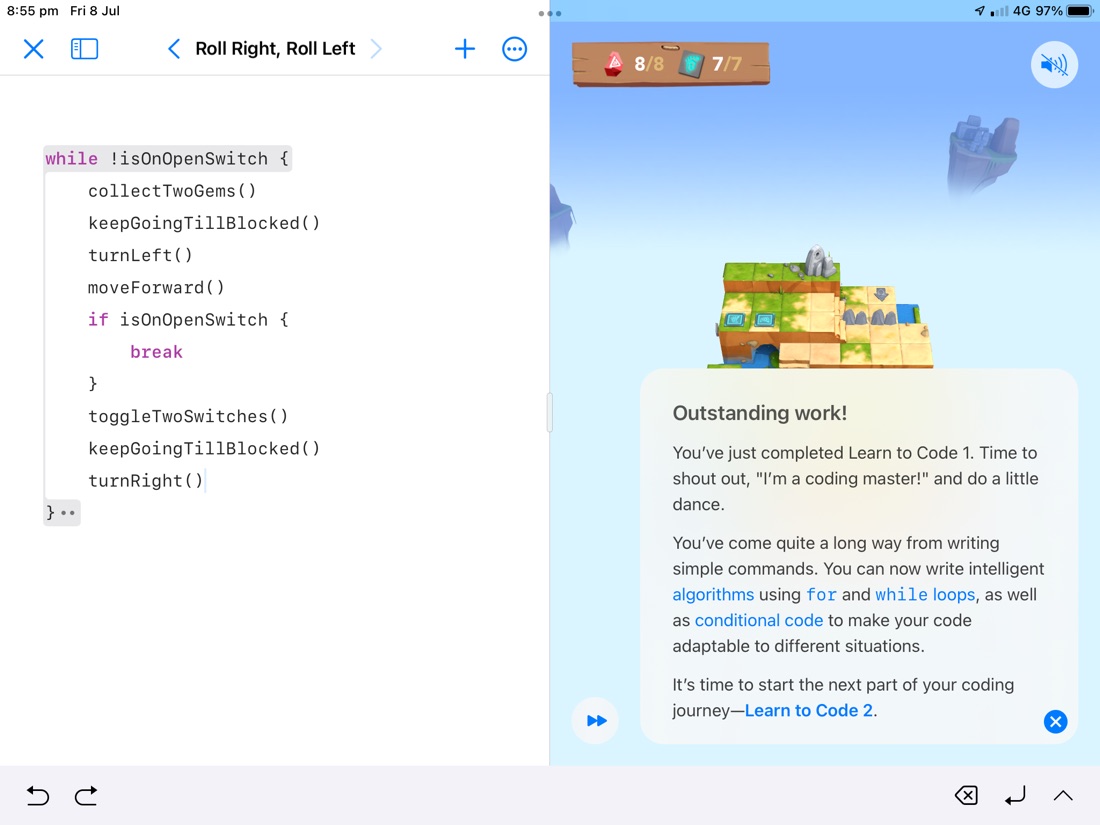
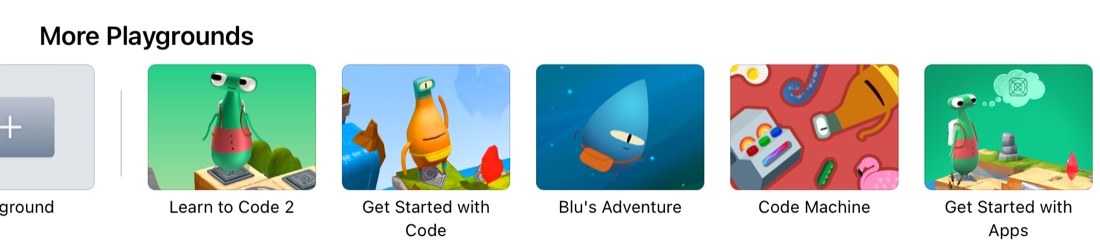
A little milestone passed - I’ve finished the “Learn to Code 1” Playgrounds book. Next is “Learn to Code 2”, and I also see there’s a few more in the default load, including “Get Started with Apps”.
Then there’s a heap more under “More Playgrounds” which I guess is like a mini app store for Playgrounds. Some look like complete (but small) apps - such as “Meme Creator” and “Bubble Level”. Others are filed under “Extend your App” and seem to be focused on particular features such as “Organizing with Grids”.
I’m loving how, in XCode and Playgrounds, it’s constantly sort of compiling or interpreting in the background so errors are being flagged as you’re working. I tried to google the proper name for this but it’s clearly so unremarkable as to be un-remarked on. I guess maybe it’s a commonplace feature of modern IDEs , but for someone who literally used to go to make a coffee when compiling a medium size Clipper , or even years later Visual Studio C++ project, it’s a revelation.
I’m appreciating, in the 100 Days of Swift UI , that Paul Hudson has provided a video and a text description for each of the topics. Usually, I’ll read the text - a lot of these early topics cover ground well-trodden from my previous experience, so I can skim forwards to find the Swift specific bits I need. However, if I’m making up my hour per day of Swift by multitasking it with a meal, then the video is handy.
I’m loving Swift Playgrounds - it’s getting daily use switching back and forwards between the iPad and MacBook. It’s sort of amazing that a tool to support education - it seems designed for primary school students, and is certainly being used that way - scales right up to “commercial” level app production.
iPad Pros is a podcast about iPads (unsurprisingly) by Tim Chaten and I listened to a 2017 episode about the launch of Playgrounds 4 with guest Frank Foster. The focus was more about using the iPad as a serious development tool - a la XCode for iPad - than the education possibilities. I’m all for XCode (or something closer) on iPad, but I’d be disappointed if Playgrounds was changed in any way that made it more intimidating for children.
The Swift documentation is here on the Swift.org website. if you were expecting it to be at developer.apple.com , that’d be fair enough, there is plenty there for iOS developers. Swift however, is it’s own Open Source thing, so it gets its own site. I use the epub version of the Swift Programming Languag e book - its just a bit easier to keep my place.
 /*
 If it’s a multiple of 3, print “Fizz”
 If it’s a multiple of 5, print “Buzz”
 If it’s a multiple of 3 and 5, print “FizzBuzz”
 Otherwise, just print the number.
 */

for i in 1...100 {

    let isMultOfThree = (i % 3 == 0)
    let isMultOfFive = (i % 5 == 0)

    if (isMultOfFive && isMultOfThree) {
        print("FizzBuzz")
    } else if isMultOfThree {
        print("Fizz")
    } else if isMultOfFive {
        print("Buzz")
    } else {
        print(i)
    }
}
I’ve loved the first couple of these “Getting Started with SwiftUI” lectures from Paul Hegarty at Stanford. He’s put a lot of thought into the sequence, and seems to address the questions that float up in my mind (with super clear explanations) just as I’m thinking of them. They also generously make the reading and homework assignments available at cs193p.sites.stanford.edu so it’s possible to treat it as a course which I have made a bit of a start on, before being distracted by building my own simple app.