Proxmox Backup Files
31 Mar 2023I’ve got some extra RAM to drop into the HP 800 G2 mini that I use as my production server. I feel like that’s a low risk change, but since it’s easy to take VM snapshots I shutdown the VM’s and did that, and wanted to just copy them off the local storage.
I’m moving towards having these backups (and the ISOs) on the NAS rather than locally, but have not implemented that. So to get my backups I need to SSH in and find them.
The Proxmox documentation for storage says to have a look in /etc/pve/storage.cfg to see what’s up. Mine looks like this:
dir: local
	path /var/lib/vz
	content iso,vztmpl,backup

lvmthin: local-lvm
	thinpool data
	vgname pve
	content rootdir,images
And sure enough, if I look in /var/lib/vz/dump (dump is the backup location mentioned in the docs):
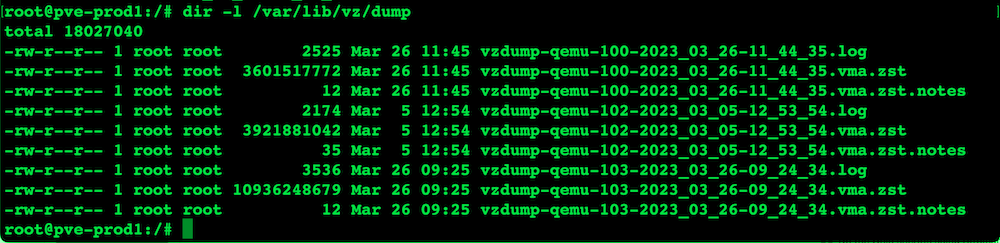
I ain’t messing around this morning, so I’ll just grab these onto my laptop with scp.
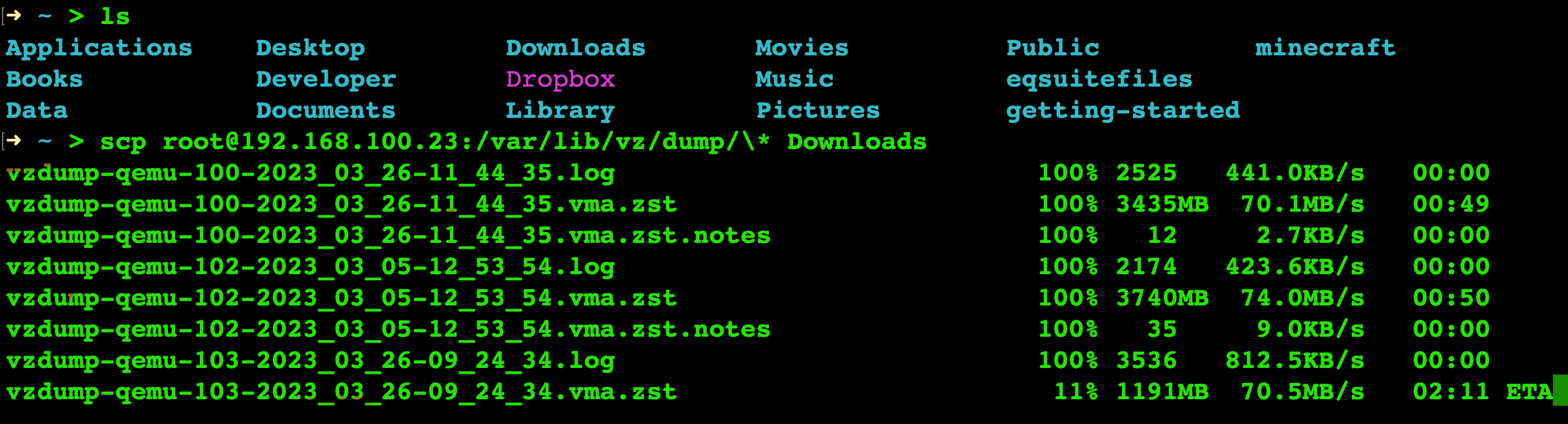
scp root@192.168.100.23:/var/lib/vz/dump/\* Downloads
You may notice in the command above that I’ve got a backslash in front of the wildcard. This was a little gotcha that is specific to using zsh/OhMyZsh that I had to escape the wildcard. I found I could specify the whole filename and it worked okay, but the wildcards needed escaping. Thanks again StackExchange .