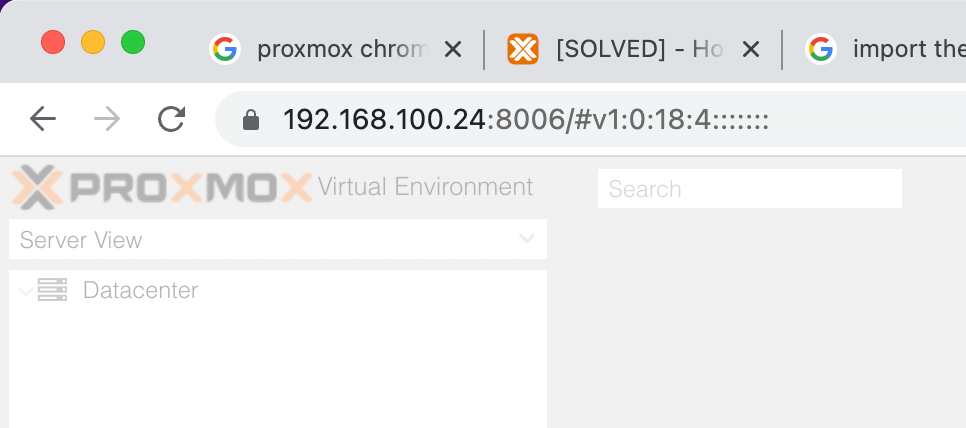
Save Proxmox password in Chrome
11 Feb 2023When I installed Proxmox, I’d used a secure, and therefore absurdly long and complicated root password. I do use a password manager, but don’t have it integrated into Chrome, so it was buggging me having to find it and paste it in each time - why wasn’t Chrome offering to save it for me?
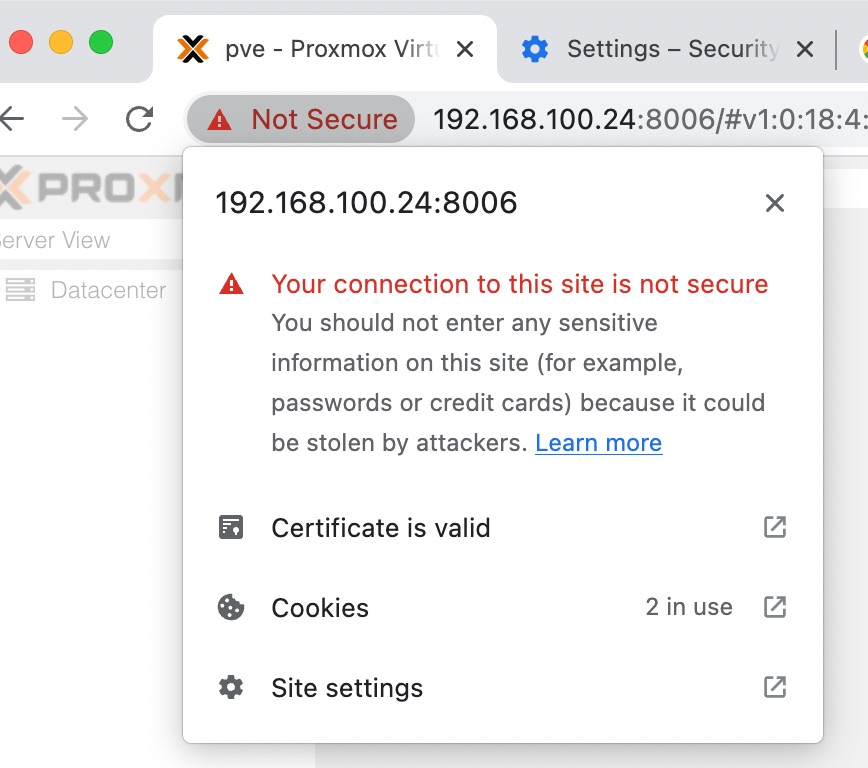
Well, you’d guess it was something to do with this. I feel like Chrome is trying to tell me something here:
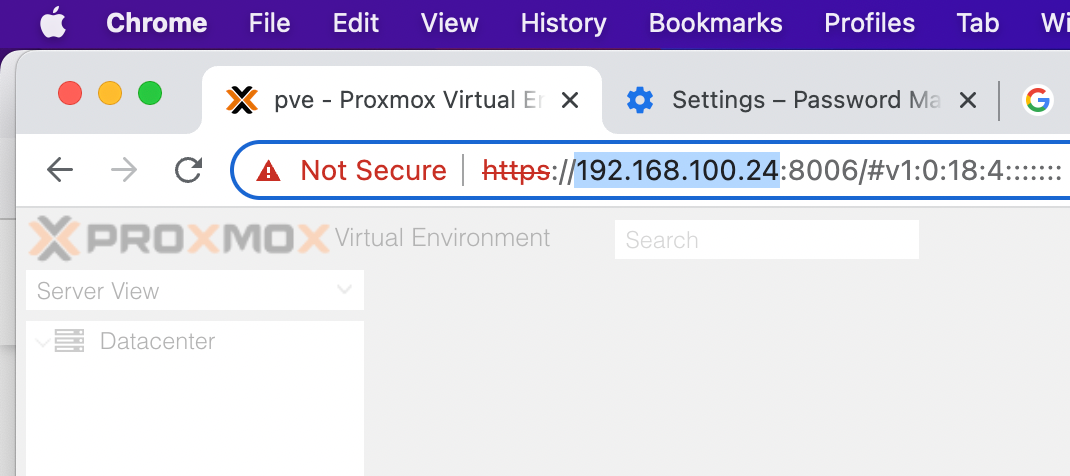
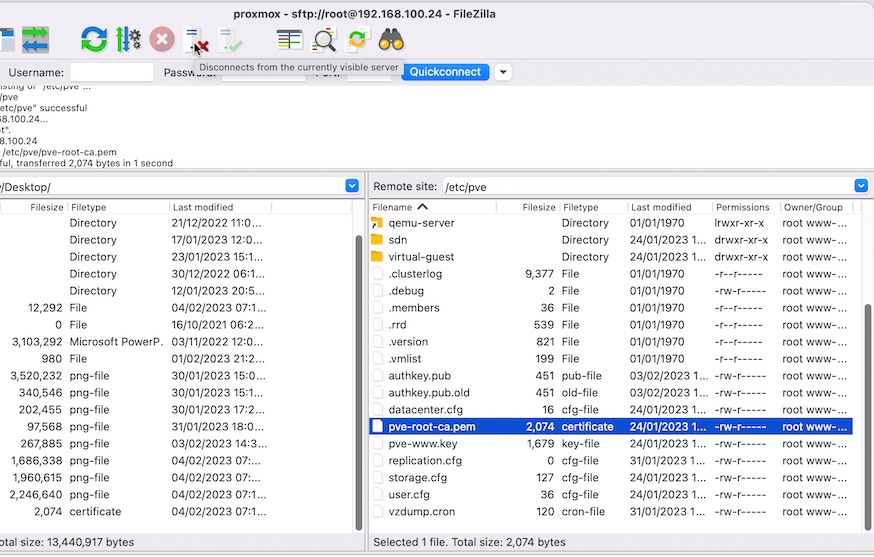
Seems like a certificate thing. These peeps say that I need to import the CA from PVE, and one more googlestep reveals the certificate is on the Proxmox machine at /etc/pve/pve-root-ca.pem so we need to grab that.

A while ago, I wrote a post about using scp to copy files over ssh , and you should totally know how to do that, but my daily drive for secure file copying is now filezilla . Once you have a bundle of servers in VM’s and containers that you revisit and move stuff around all the time, its just a big productivity step-up to have that list of hosts and credentials a tap away, plus having the visual arrangement of nested folders works for my brain somehow.
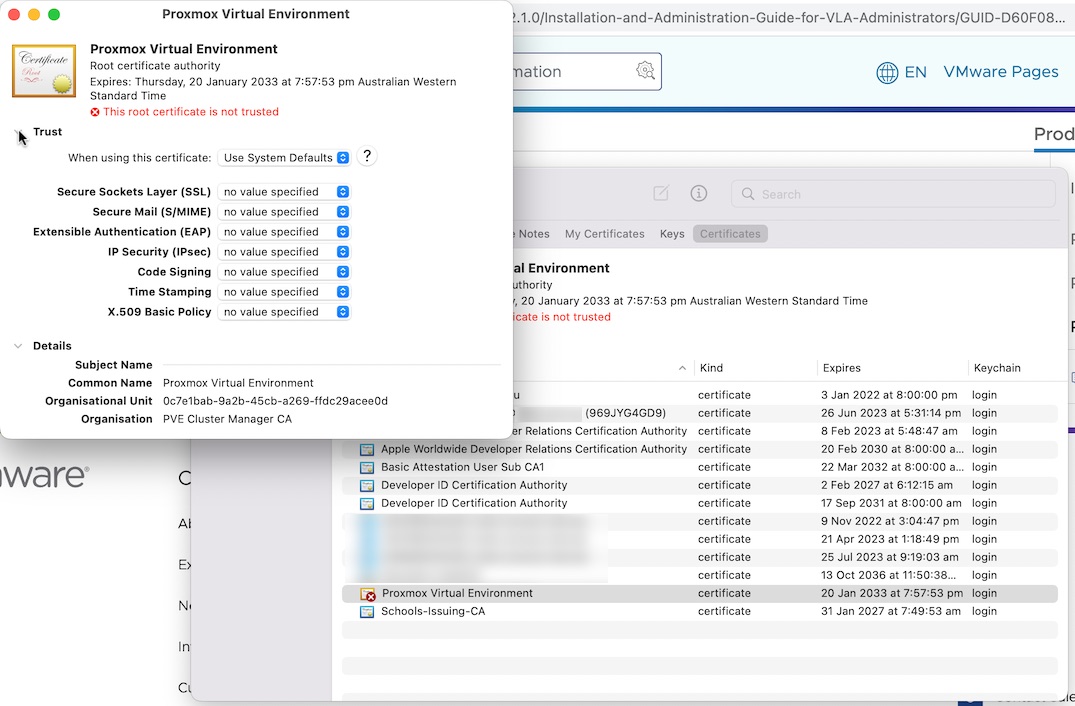
On Mac, certificates need to live in the KeyChain, so you just drag the file into the certificates page. But it won’t be trusted, so you need to go in and manually do that. Where it says “Use System Defaults” change it to “Always Trust”.
It was annoying at this stage to find that Chrome was still saying it was insecure - even though it had changed to saying the certificate was valid.
Looking at the settings for the site in Chrome, there’s an option for “Insecure Content” I try changing that to “Allow”, but really I’m guessing by this stage.
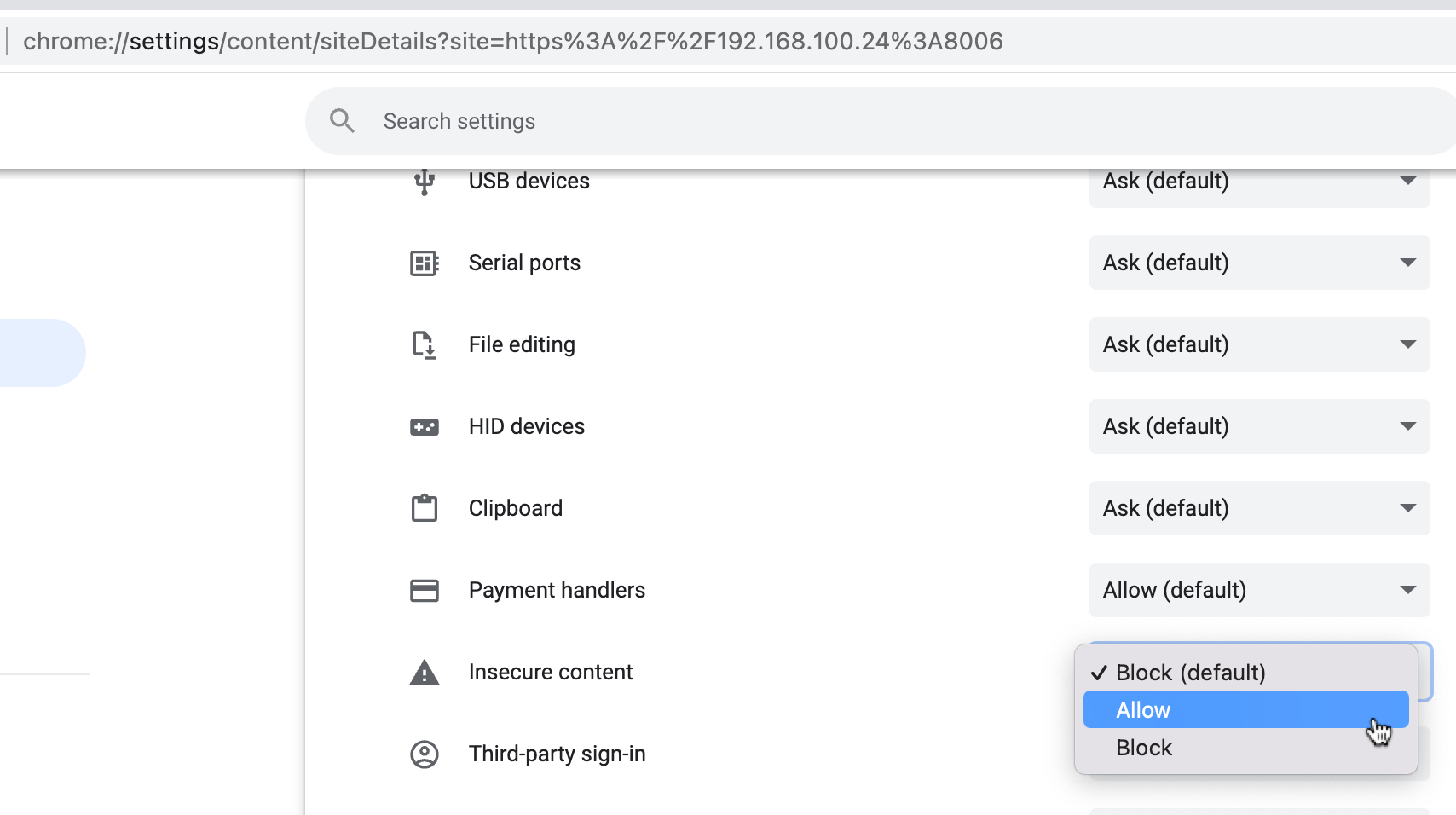
But it actually does help - I’ve got the little padlock. That wasn’t quite the end since Chrome still wasn’t offering to save the password, but clearing the cache fixed that.