Share files securely with Enclosed
27 Jan 2025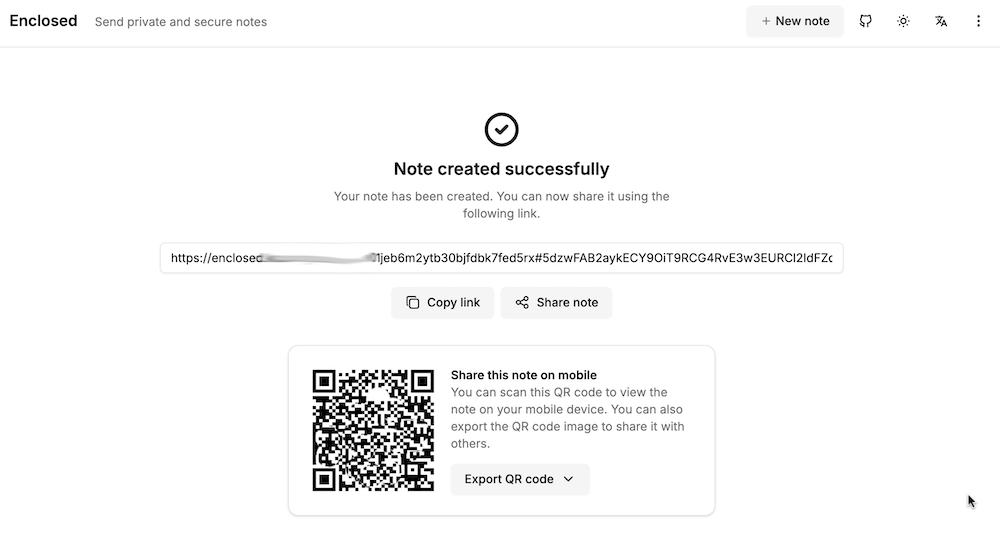
My accountant works for one of those giant firms, and it bugs me that I’m emailing him password protected zip files of my accounts rather than to a secure upload facility at his firm. I can fix this with the power of self hosting, by running my own secure file dropping app on a VPS.
There’s a number of applications that do this sort of thing - allow you to upload a file, get a link in return which you can then share to people to download the file. For this to be more secure than emailing, the file needs to be encrypted on the server, and we want to be able to set a password, impose limits on downloads, and limit how long the link lives for. I’ve previously looked at Sharry which adds the ability for unauthenticated users to upload files to you securely, but for this slightly simpler job, I chose Enclosed by Corentin Thomasset .
The docs provide a simple compose file to get going docker. Mine is slightly more complex because it’s proxy-ed with Nginx Proxy Manager, so it needs to share it’s network.
services:
  enclosed:
    container_name: enclosed
    image: corentinth/enclosed
    restart: unless-stopped
    networks:
      - nginx-proxy-manager_default

networks:
  nginx-proxy-manager_default:
    external: true
Authentication
What’s not well explained in the docs is how to set up authenticated login. By default, if you throw this up on a VPS, the entire world can use it to share their files. What I’d like is that I log in to share a file, but the person I send the link to can download the file without logging in. This is easy to do, we just need to add a couple of environment variables to our compose file. I always like to keep my secrets in an .env file since I source control all my home-lab and VPS setups, and I don’t want the secrets in source control.
Here’s a sample .env file. This just goes in the same directory as our docker-compose.yml
AUTHENTICATION_USERS=example@example.com:$$2a$$10$$n4StEr5Tcat7jItq
PUBLIC_IS_AUTHENTICATION_REQUIRED=true
The AUTHENTICATION_USERS string is just the username and a bcrypt salted/hashed password. You don’t need to do anything hard to create this, the project kindly provides a tool for it .
The tool includes an option for escaping the ‘$’ character correctly for docker compose files (hence the double $ in the string above.
To use this .env file, we pull in the values in the docker-compose thus:
services:
  enclosed:
    container_name: enclosed
    image: corentinth/enclosed
    environment:
      - AUTHENTICATION_USERS=${AUTHENTICATION_USERS}
      - PUBLIC_IS_AUTHENTICATION_REQUIRED=${PUBLIC_IS_AUTHENTICATION_REQUIRED}
    restart: unless-stopped
    networks:
      - nginx-proxy-manager_default

networks:
  nginx-proxy-manager_default:
    external: true
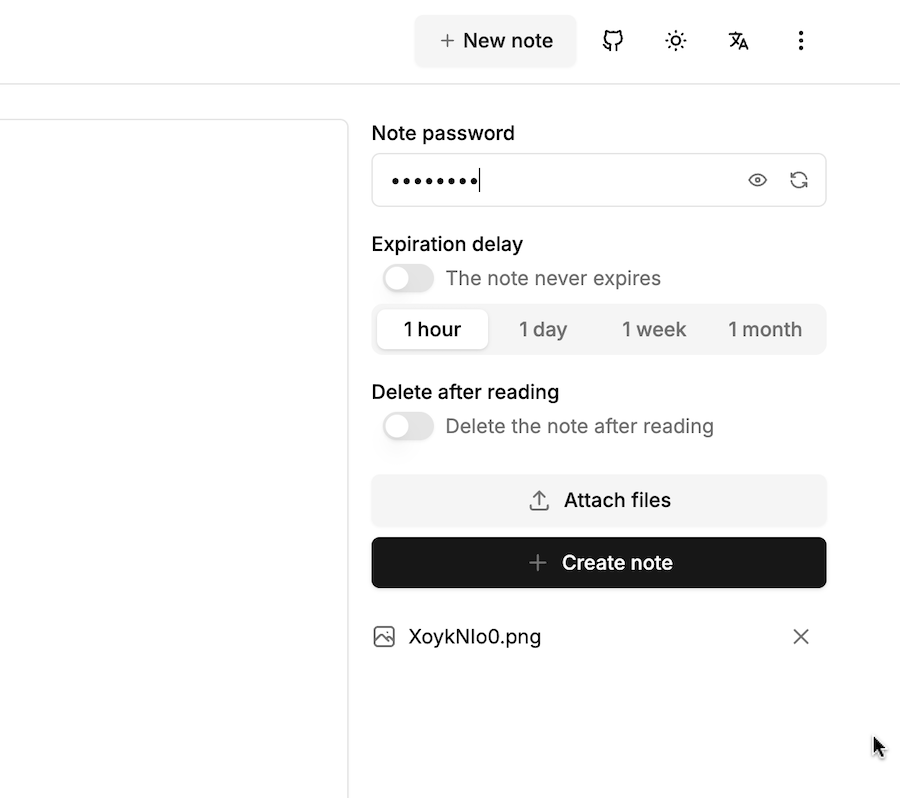
Once that’s running, the user name and password will required to upload files or write notes. The interface is clean and self-explanatory: