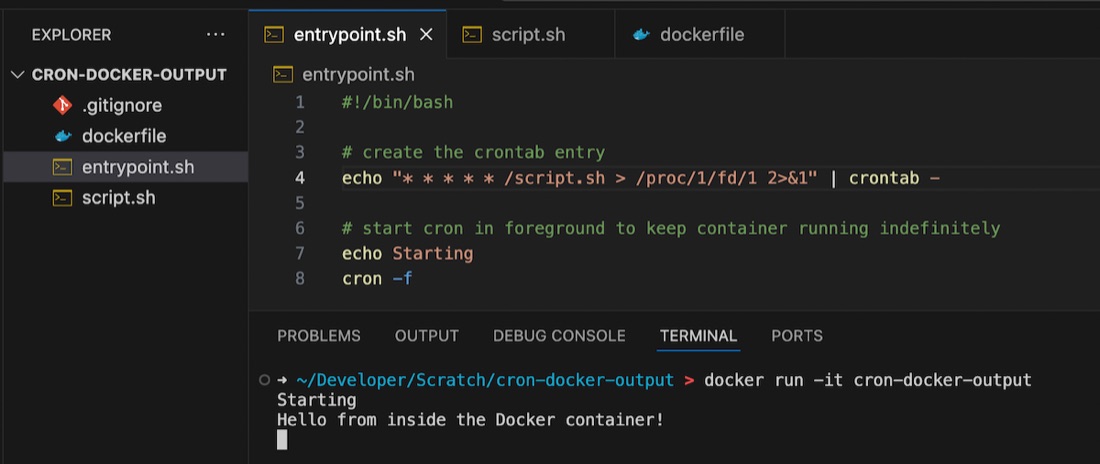
User environment variables are not available in cron
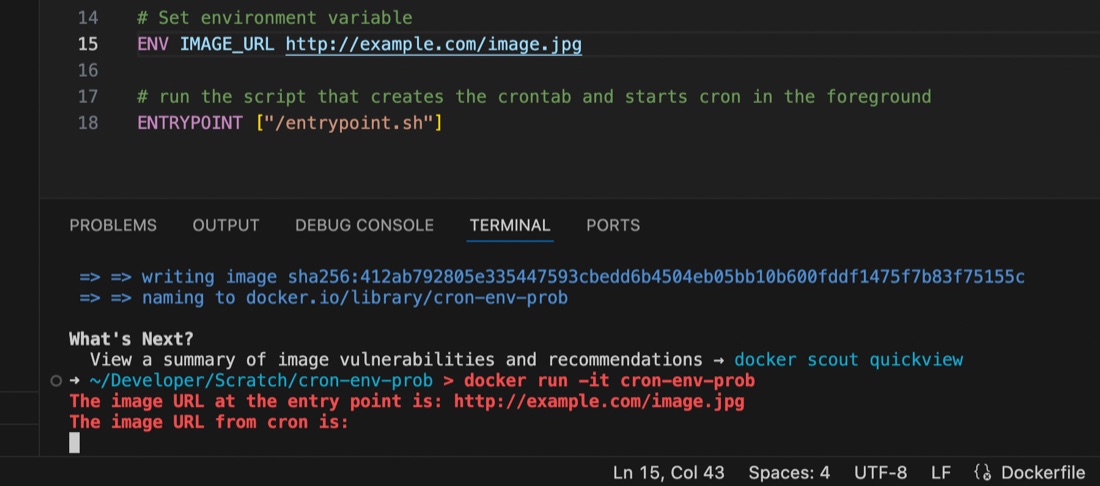
I’m used to using the docker-compose.yaml or dockerfile to set environment variables for containers running my apps, but ran into an issue recently where the variable seemed to be set some of the time, but at others it didn’t appear to exist.
I had a script set to run by cron inside the container, and it turns out that the environment variables set for the container are available in the user space, but not in cron, even if running with that user’s permissions. This is probably old news to established Linux users but it threw me for a while. I’d exec into the container and the script would work perfectly, then wait another minute for cron to run it and it would fail 🤦♀️ It was exasperated by my discovery that I didn’t know how to console.log debug from inside a container cron job as well - the subject of an earlier post.