Getting Your Vite React App to Work on Github Pages

One of the many cool things about GitHub is GitHub Pages - the free web hosting Microsoft gives you while they vacuum up your code for CoPilot training. Each repository you keep there can have pages at <your-github-username>.github.io/<repo-name>
GitHub
To enable this, you need to go into the settings for the repository - look down the left for “Pages”.
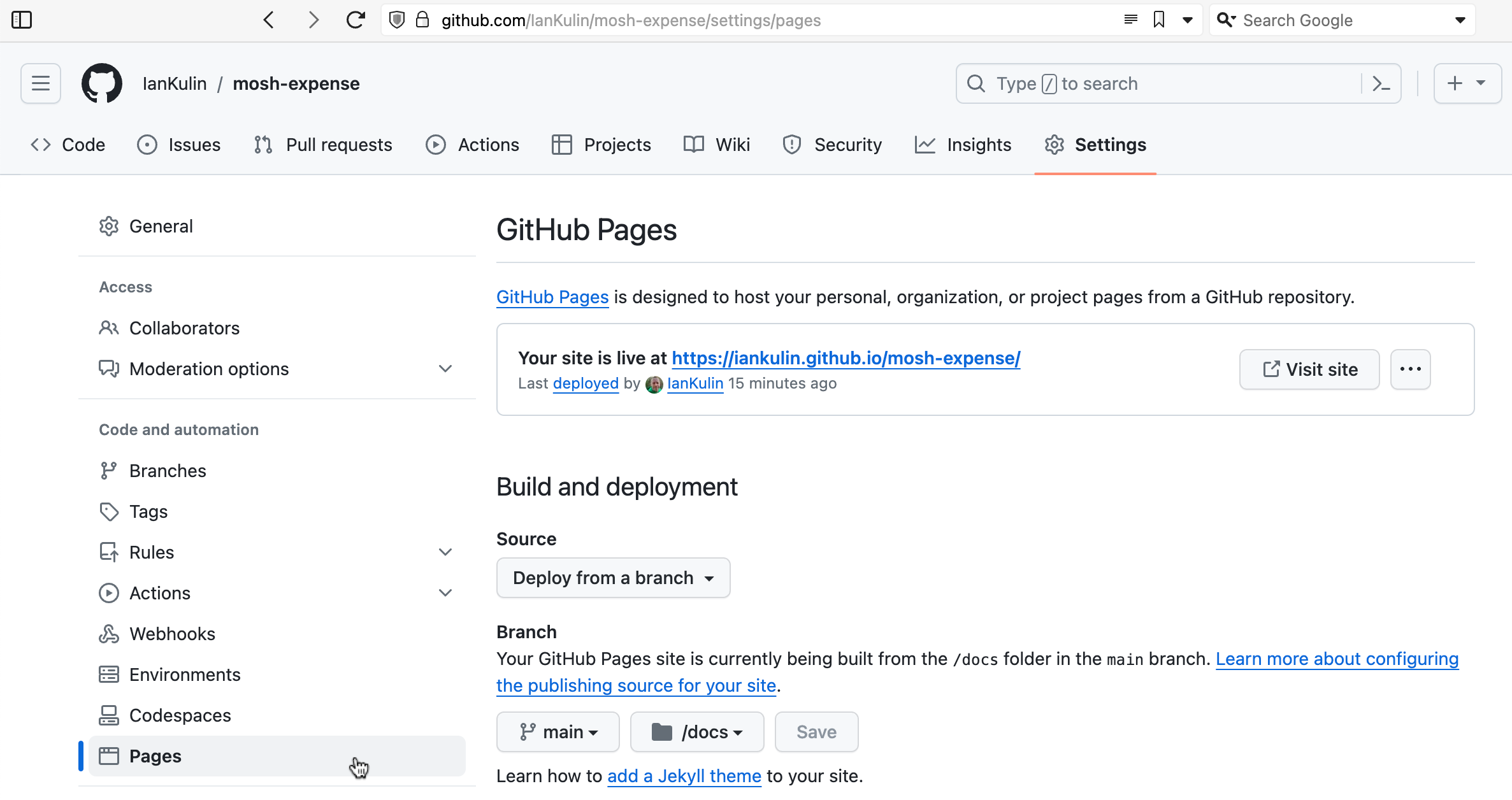
It’s possible to have it based on a complicated GitHub action (where your build step happens on GitHub when you push your code), but the easiest thing is just to have it deployed from a branch. To do this you choose which branch (usually main) and whereabouts in the main branch your HTML is. The choices are in the root of your project, or in the /docs directory. I’ve chosen the /docs directory in the screenshot above, since my messy React project is in the root.