I am loving running a local Gogs instance - it’s nice pushing my git repos to a totally private hub that I know is backed up with all my other self-hosted infrastructure.
Of course, there’s good reasons to have code in GitHub as well - my build-in-public philosophy, the vague possibility that some of it might be useful to someone, my contribution to our future AI overlords, and when I need to make some code linkable - for example from one of these posts. And of course there’s this bit of social-engineering which I assume was inspired by the bathroom decor in Veronica Mars .
Once you’re familiar with coding tools, like the excellent VS Code , and git , it’s immediately apparent that these tools can be applicable for other purposes. A great example is that I now do my financial accounting in plain text (using beancount ). I have a python script that converts by bank account data in to the beancount format text files, I edit them in VS Code with a plugin that does the syntax highlighting and checks everything balances.
I have a sort of muscle memory for starting little web projects now. I seem to have landed on node/express SSR apps with HTMX sprinkles. So it goes a bit like this:
Create a working directory - all lower case with a simple, but unlikely to be duplicated by me, name.
Open the directory in vscode
npm init in the directory to create the package.json
create a public sub directory, and drop htmx.min.js in there, and create a styles.css there. I’m always conflicted about what to do about this htmx dependency. I’d rather host it rather than use their CDN because reasons . But I also feel bad about committing it on Github. I could .gitignore it, but then when I clone the project on the production server I’d need to add another step to download it. HTMX is only 44K, and Microsoft can afford the bandwidth, so for the moment I commit them, but I need a better solution for the future.
using the git tools in vscode, add .DS_Store to .gitignore (which also creates it), then edit it to also ignore node_modules
Create the repo on github with the same name - no readme and no licence. I do it this way for a couple of reasons - I want to find out at this point if I’ve already used this repo name, and I want it to give me the cut and paste commands to push the repository.
I’m working on the world’s shortest shell script - it’s called by cron to pull down a JSON weather report to a text file using curl so I can expose it on an Nginx endpoint. The purpose is to allow me to hammer that weather API from multiple machines I control without violating the TOS of my free API key.
Because I’m learning all the things, instead of just creating this on the VPS where it runs, it’s cloned from my GitHub repo for that machine. I’m creating and editing the file in VS Code on macOS, pushing to Github, then pulling the changes on the Ubuntu VPS. The intention is that this will eventually become automated with a Github action.
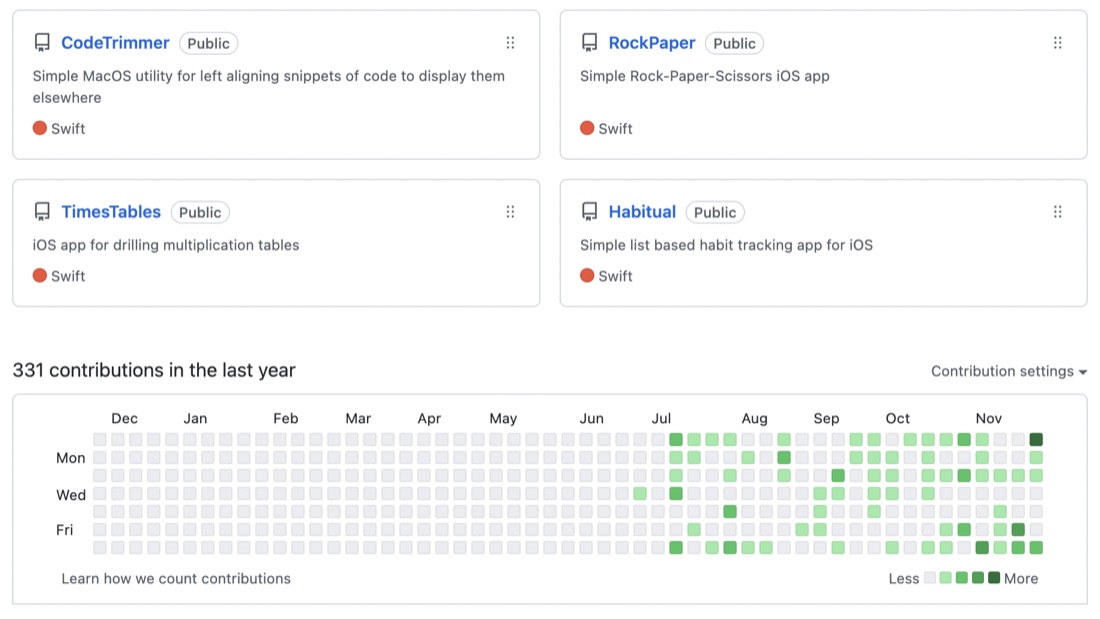
I quite like logging into GitHub and seeing my commit history as the graph with the green dots. Once I get up to a year it would be a great thing to have on a T-Shirt.
I’d expect to be seeing the busy weekends, but Tuesday nights seem to be oddly productive. It could just be a start of the week energy thing - I have some other community obligations on a couple of Monday nights a month.
When I was writing the blog post for the last project, I needed the “before” code to paste into the post. I’d committed that code, so a quick way to go back without losing my changes. I hadn’t committed the new code, so there is a super easy way to accomplish this.
git stash
This grabs the code since the last commit and stashes it away, reverting the directory to the last committed version. I was able to copy the code I needed to the blog post, then to go back to my changes:
I’m on Project 12 of the #100Days course, and like a number of earlier “projects” it’s not really a project, but a series of type-along tutorials. Often these have the same format - there’s a base amount of code to provide the setup, then this base is used to try each of the tutorial techniques. At the end of each technique, you delete all the new code you’ve done back to the original setup, and you’re ready for the next one.
When I’m following a tutorial app, I generally pause and type up the code as I go, and make local commits with appropriate messages. This is almost completely unnecessary, but it seems like a good habit and doesn’t cost me anything - I just tick the box for creating the git when I start the project, then it’s a couple of keystrokes (option-command-C) and I’m done.
Most of the apps have a follow-along portion, then some challenges which involve minor changes to the app. When I get to the challenges I like to throw it up on Github - it’s conceivable it could help someone one day, or at the least, I’m helping to train Microsoft’s AI to write shitty beginner code in exchange for free git server access.
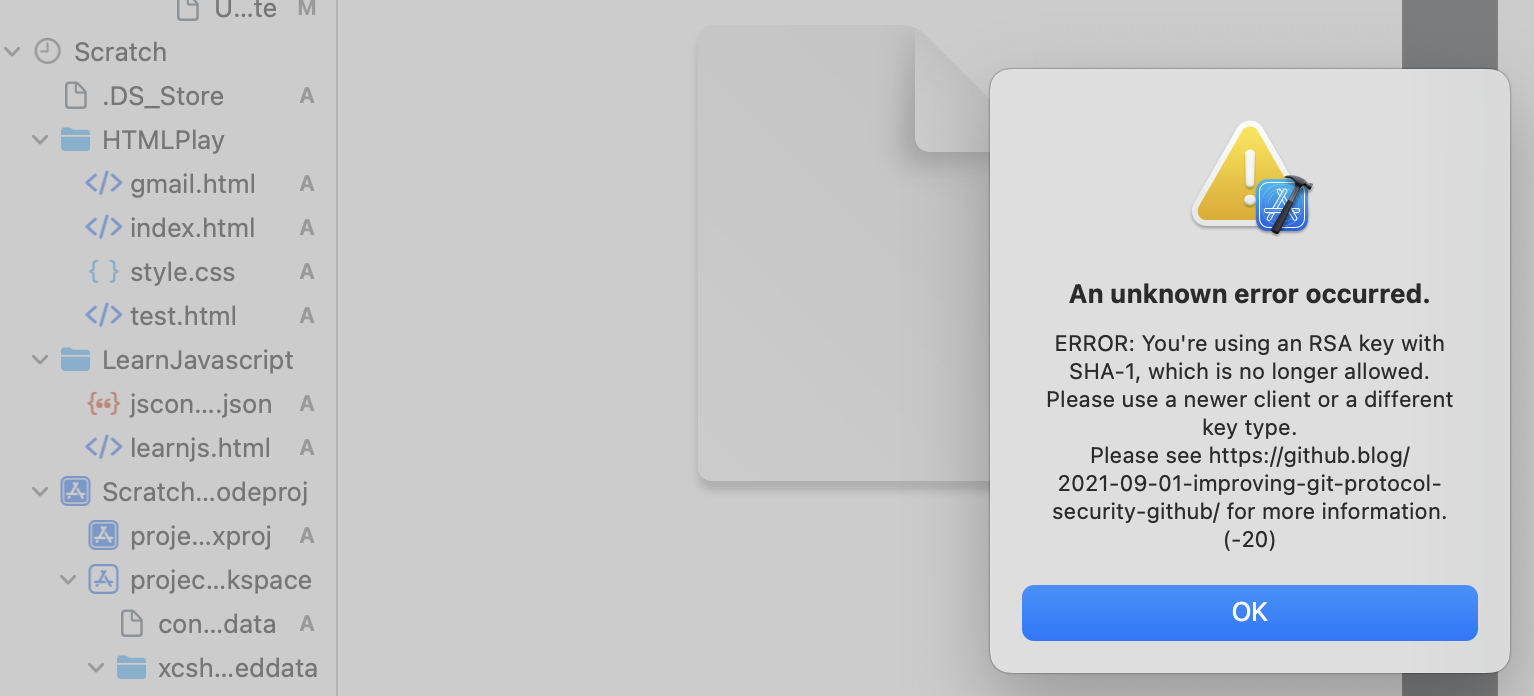
I’m very comfortable with doing all the routine git stuff from the command line, but it was bugging me that I hadn’t for the Xcode integration working. I was able to commit locally with no problem from Xcode, but could not push up to Github. It works fine from the command line, so the error about the change to a stronger SSH authentication didn’t really make sense to me.
I’ve started the habit of branching my code for each feature or batches of features. This is not really needed, I’ve developing solo, and the code on main is not in production. I could just go on committing, but part of my process is about becoming competent with git.
There are a couple of git commands (merge and rebase) that mush code between branches together in different ways. The video below (from Manuel Lorenz at Academind ) is a particularly clear look at these two commands.
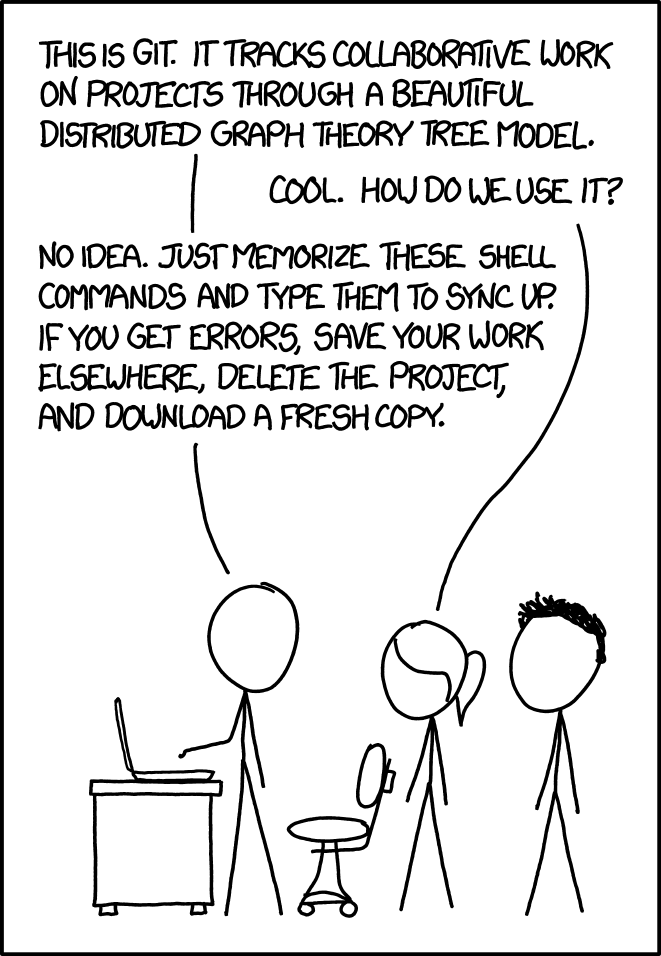
This meme’s been trending in the r/ProgrammerHumor subreddit , and although “to do literally anything” is a stretch, my git / github workflow is pretty routine now using the relevant xkcd method, but actually with quite a bit of understanding from the first half of the excellent Pro Git book . I highly recommend it.
I had in my goals to set up XCode for push (I think I probably just need to generate a token on GitHub and save it in xcode), so I will do that for completion, but I’m also enjoying my pimped out terminal so I’m pretty much a git cli guy now.
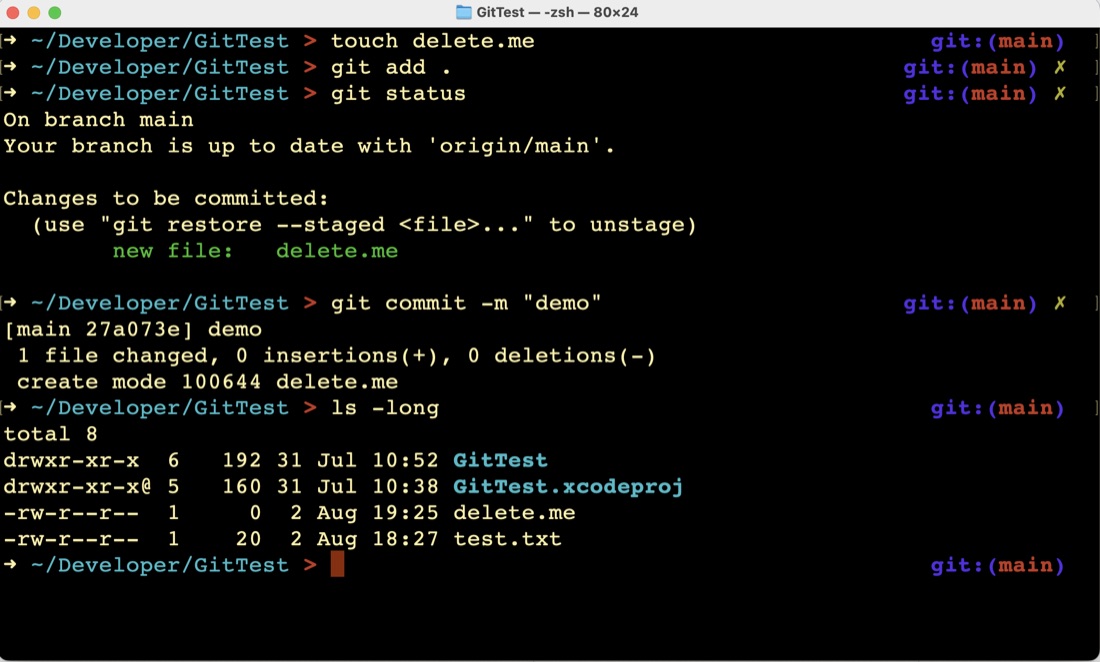
I’ve been playing in the zsh shell since I started on the Missing Semester , and was wondering how to get my git branch name in the prompt. A few googles later, I’ve installed Oh My Zsh, and added the git and macos plugins. Pretty.
I spent most of the day learning about, and practicing with git. I’ll list some of the resources at the bottom, but for the moment, this is my understandings / cheat sheet for git. Since this could conceivably turn up in someone’s google search, and slightly less conceivably be of some use, I will come back and edit it if there’s something bad/wrong here. Comments would be great if you think that’s the case.
One of my early goals was to get in the habit of using version control with Git/Github, and I’ve got that sorted out today. My source was this excellent, very clear video from Gwen Faraday . I highly recommend it if you are just starting.
It possibly helped that I’m also on mac, so I didn’t have to deal with the “or however that’s done on your system” type problems. Also, where things didn’t work as expected, the explanation about what was being done was clear enough that the problem was solvable. For example, the push command Gwen used was: