Jul. 28, 2025
Ghostty is a terminal application that I don’t really need (it’s listed features either already exist in the MacOS terminal, or seem so esoteric or marginal that I can’t imagine any real benefit from them in my normal use), but I wanted to be one of the cool kids, so I thought I’d give it a try.
After fiddling around with the themes for a bit I renamed it to ’term-ghosty.app’ so I’d remember to use it (ie when I pop up spotlight and type ’term’ it will come up) and got on with my day. Ten minutes later I’d run into a problem.
Mar. 31, 2025
A large part of the reason for my use of Nginx Proxy manager over vanilla NGINX, is that it has built-in Let’s Encrypt certificate requesting and renewing. This works perfectly for all my public facing services, and until recently, my homelab services. Before I dive into how I’ve fixed the problem I ran into, I better explain how my homelab domain is set up, and before I do that, an over-simplified description of how the SSL system works is required
Feb. 3, 2025
NTFY is a great open-source push notification service that’s self-hostable or free to use (although I suggest you pay for it as I do). I’ve written before how I use it with UptimeKuma for my uptime monitoring, but another common use is just when I’m initiating long-running commands and backgrounding them.
This magic is possible since we can just curl to send a NTFY notification. For example:
curl -d "😀 demo push message via NTFY" ntfy.sh/blog_demo
Since I’m subscribed to the “blog_demo” topic in NTFY, this message will be pushed to my phone and watch:
Jan. 27, 2025
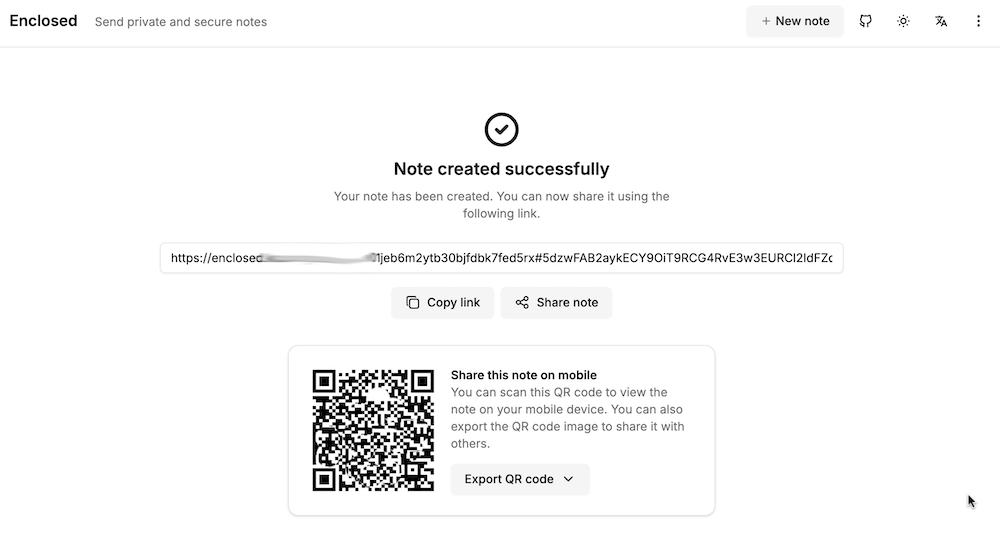
My accountant works for one of those giant firms, and it bugs me that I’m emailing him password protected zip files of my accounts rather than to a secure upload facility at his firm. I can fix this with the power of self hosting, by running my own secure file dropping app on a VPS.
There’s a number of applications that do this sort of thing - allow you to upload a file, get a link in return which you can then share to people to download the file. For this to be more secure than emailing, the file needs to be encrypted on the server, and we want to be able to set a password, impose limits on downloads, and limit how long the link lives for. I’ve previously looked at Sharry which adds the ability for unauthenticated users to upload files to you securely, but for this slightly simpler job, I chose Enclosed by Corentin Thomasset .
Dec. 9, 2024
When I’m spinning up side projects, I frequently ignore auth, and just rely on NGINX basic auth - one of the side benefits of reverse-proxying everything.
Regular NGINX
This article in the docs explains how to set up basic auth to protect different paths. To make it work in my node apps, I need the successful user name passed in so I check it against the user table to work out access rights etc.
Sep. 30, 2024
A while ago, I devised a complicated system where I could drop files in a web interface running on an LXD container and the files would then magically appear in a directory on a remote NAS in the morning. It turned out to not be very robust, and I gave up on it after a while.
Also, really there should be no need for it - underneath, it was just using rsync to move the files, so why not just do that direct from one NAS to another? Well, mainly because my NASs are all Synology - which I love, and they’ve been great, but in an effort to make them usable by muggles, Synology tend to somewhat complicate things for Linux command line wizards.
Sep. 16, 2024
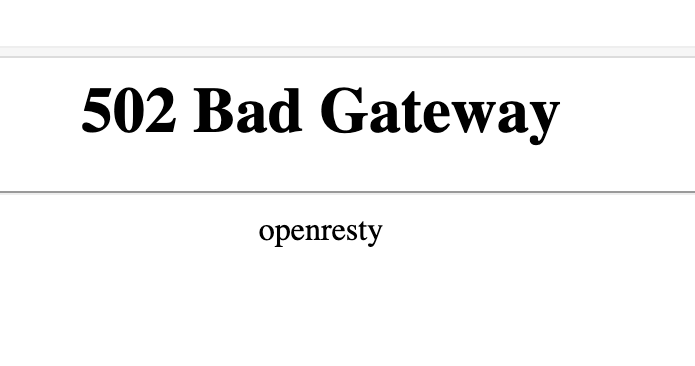
If you’re used to running NGINX Proxy Manager in front of your web apps, and switch to running it in a container, you’re going to need to learn a little about Docker networks to get everything connected. If you just do your regular setup, and direct the proxy for an address to 127.0.0.1:<some port>, it won’t exist, and you’ll visit your page to find the “502 Bad Gateway openresty” message.
Aug. 5, 2024

When I started with Docker, the docs seemed to suggest that using Docker volumes was a good thing. With a Docker volume, you just create the volume and Docker manages the rest. You don’t have to worry about where it is, or really ever think about it.
Here’s a docker-compose for Uptime Kuma using a volume.
services:
  uptime-kuma:
    image: louislam/uptime-kuma:1
    container_name: uptime-kuma
    volumes:
      - kuma_data:/app/data
    ports:
      - 80:3001
    restart: unless-stopped

volumes:
  kuma_data:
This is telling Docker we want to create a volume called “kuma_data” and then map it into the container file system at /app/data
May. 6, 2024
It’s not that long ago that I wrote about doing routine upgrades on containerised web apps using Forgejo as an example as I upgraded Forgejo (my git repository manager) between patch versions of 1.21, then a few days later, they dropped 7.0.0
They say the major version jump is due to it being an LTS (long term support) release, and changing to semantic versioning 2.0.0 , but that doesn’t quite explain it to me, and I assume this is partly signifying the fork’s drift away from the gitea codebase. In any case, the upgrade to 7.0.0 it does involve some breaking changes, and signifies to me that a lot has been on, which makes me keen to wait for a patch release (I’m always keen for other people to debug these things) which has now landed.
Apr. 22, 2024
I’ve been running NGINX Proxy Manager (NPM) in my homelab for a bit, and I’ve been meaning to clean up the VPS that runs most of my websites and public facing servers, so I’m considering running NGINX Proxy Manager on that VPS. While NGINX Proxy Manager wraps up the configs in a beautiful GUI, in the process you lose some of NGINXs capabilities. In particular there’s no GUI way to serve static virtual hosts from NGINX Proxy Manager.
Apr. 15, 2024
I’ve mentioned using NGINX as an interface between the internet and a service a while ago. This works by all incoming traffic coming to NGINX, and NGINX determining which service that traffic should go (from the NGINX config files) then acting as a middleman. This functionality is generally referred to as a ‘reverse proxy’.
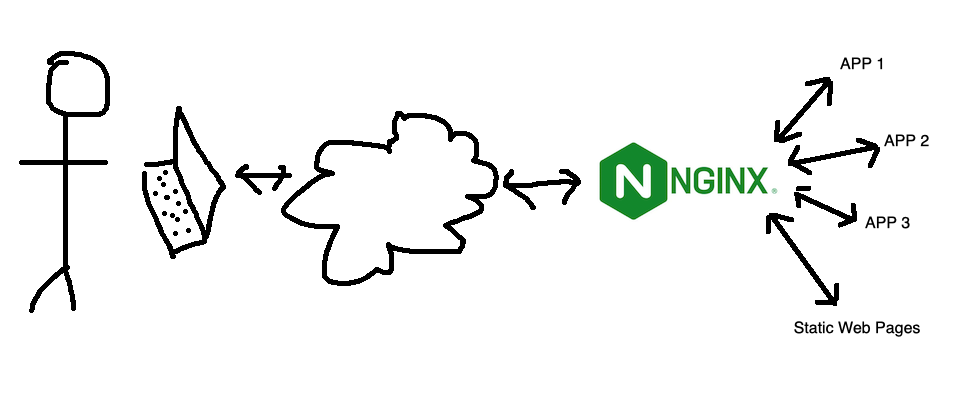
This is nice for a few reasons:
Apr. 8, 2024
 Photo by Brett Jordan on Unsplash
I need a survey tool, and a quick search turned up LimeSurvey , there’s a ‘community edition’ so naturally I plan to self-host it. I scrolled down to the ‘installation’ section of the manual which has a big list of PHP dependencies.
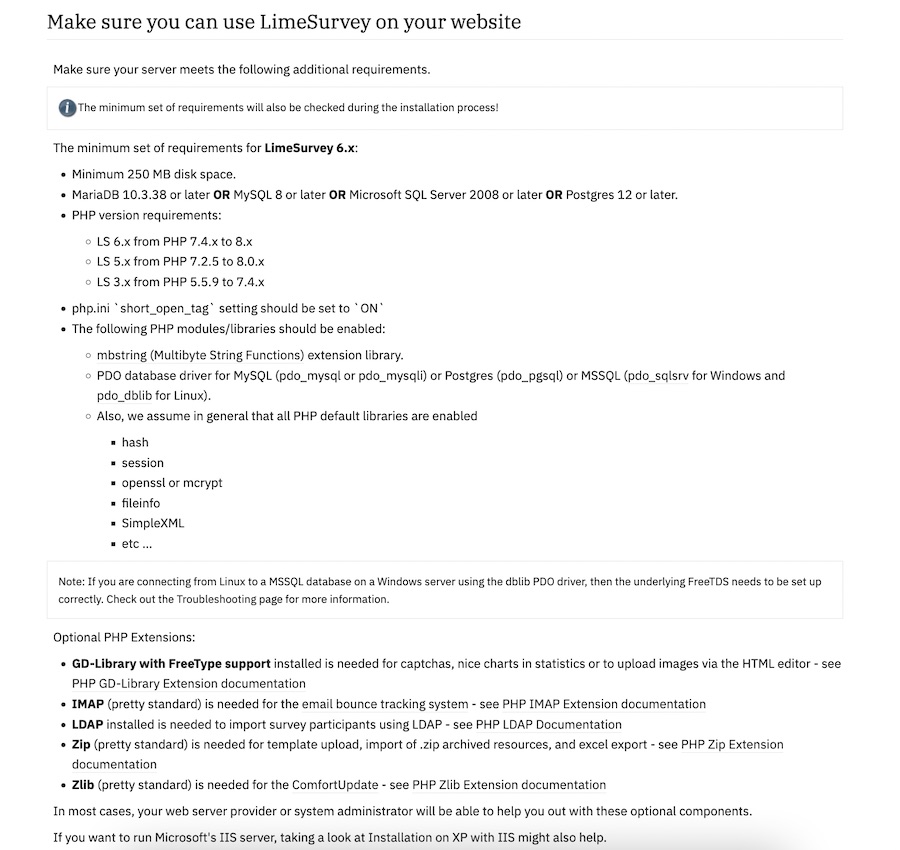
Ain’t nobody got the time for that in 2024, I scroll further looking for the docker-compose but there isn’t one. Huh. No official Docker image.
Apr. 1, 2024
I’ve settled on a very standard, reproducible setup for services in my homelab. This post looks at that, then runs through the update I did today to Forgejo which only took a few minutes and felt relatively risk free.
Standard Setups
My system is based around Proxmox. I have three physical machines - one for production apps, a production spare, and a development/testbed machine. A Synology NAS serves for backups. Moving a VM or LXC between the machines is trivial; but it’s done manually - the machines are not clustered for high availability.
Mar. 31, 2024

When I wrote the install instructions for mdserver (little Markdown server Node app) on it’s github page it was something like:
- Have node.js installed and working
- Clone the repo
- Start with
npm start
Which is great if you know how to do those things (they are bread and butter to a web dev) but not if you’re a self-hoster who just wants a web server that converts markdown to HTML on the fly. For any situation where you just want to use the app, what you probably want is a Docker image of the app.
Mar. 25, 2024

The Docker Personal (ie free tier) plan currently allows one private repository, but even if you want to pay for the next level where you can have unlimited repositories, you may still want to host your own private registry - it’s going to be quicker inside your network, and you won’t run up against Docker’s pull/push limits if you are hammering it with your CI/CD system.
Feb. 2, 2024

I’ve been aware since I set up Uptime Kuma for my monitoring, that having an instance on my local network monitoring my VPS websites wasn’t ideal. The main reason being that the flakiest part of my infrastructure is my 4G home internet, so if that goes down I have no website monitoring, and even if I did, the notifications couldn’t get out.
Of course, it would also be a simple matter to run an instance on the VPS that I host the sites on, but that has a similar problem in that if the VPS goes down, so does my monitoring of the VPS. What I really need is a third, independent space to run an instance.
Jan. 19, 2024

If you work or study in tech, I always feel a good getting-to-know-you question is “what courses or tutorials did you start, but not finish?”
My Udemy doesn’t look too bad:

The ZTM course was good, but I got stuck on an AI API exercise. I think it’s a common sticking point for students since Andrei includes a little rant about how it definitely does work - but I downloaded his repo with the solution and it was having the same errors I was and I gave up in frustration. I probably should have just skipped that one.
Dec. 24, 2023

I wrote a couple of weeks ago about a standard workflow I use to spin up a web service in an LXC container to add to my self-hosted collection of services. It went a bit like: do this, and then this, then this other thing. Whenever you find yourself repeating a set of steps like this, it’s usually a sign that you should be automating it. Not just to save time (although this is a key benefit) but also to improve repeatability and to avoid introducing errors.
Dec. 21, 2023
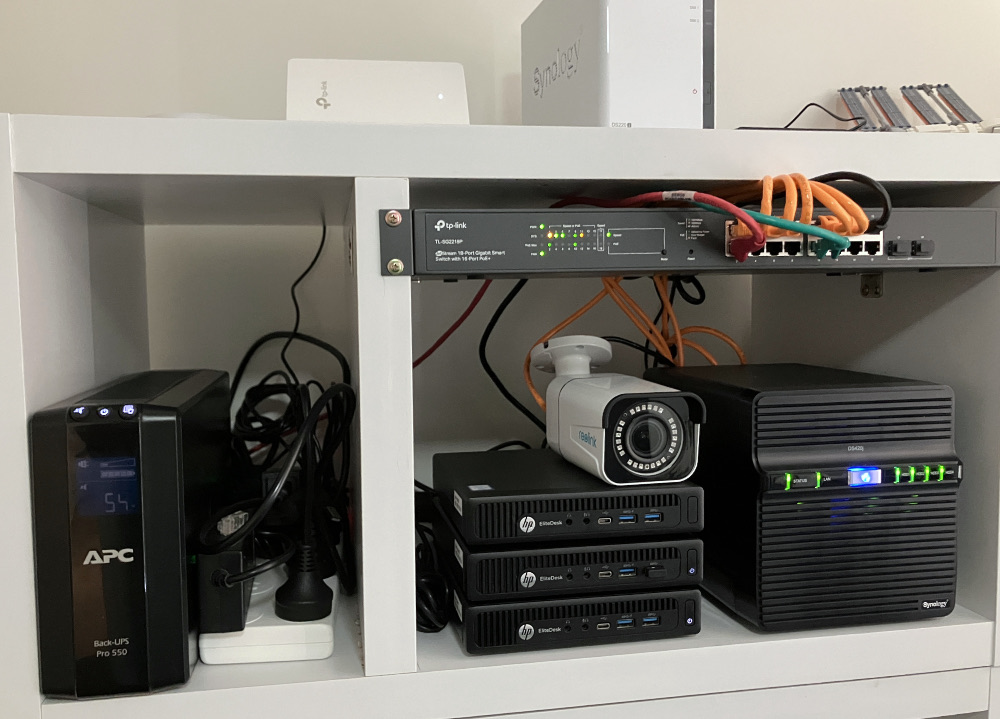
My homelab set up is a production node, (pve-prod1) a backup production node (pve-prod2) and a development machine (pve-dev1). They are all G2 800 minis, but pve-prod1 has a i7 6700T and 32GB RAM, where as the other two are i5 6500T with 16GB. My thinking is that the older two can easily share the workload of the main production machine for disaster recovery. Everything is virtualised on top of Proxmox, so sharing up the VM’s and containers is trivial.
Dec. 18, 2023
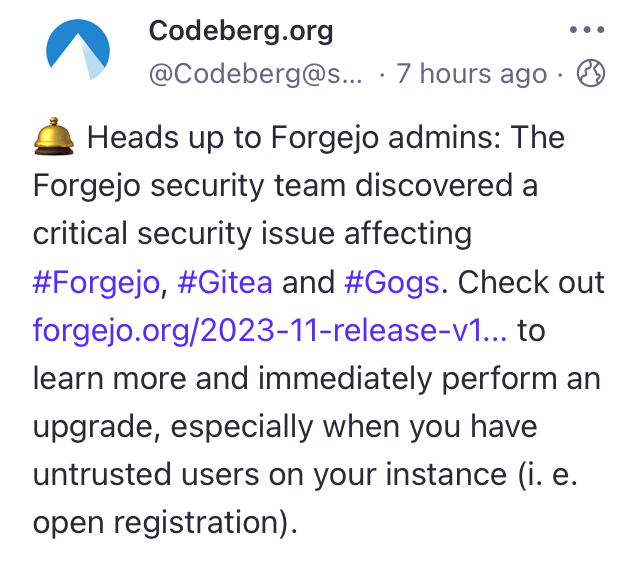
I’ve been really pleased with Gogs - it’s lightweight, was simple to spin up, and has worked perfectly. But then this morning on Mastodon, there’s a post from @Codeberg.org describing a security vulnerability in their Git hosting project Forgejo. This issue also apparently affects Gitea and Gogs - what’s up with that?
I actually already did spend a bit of time comparing Gogs and Gitea before deciding on Gogs, since I’d heard of people running Gitea over the past year or so, but only seen that Gogs seemed to be popular with self-hosters in a Lemmy post I’d read. My first impression was that Gitea was more focused on CI/CD and seemed to have a more complicated install process.
