Feb. 4, 2023
Even though it’s my server, I still have a pang of guilt when this happens.
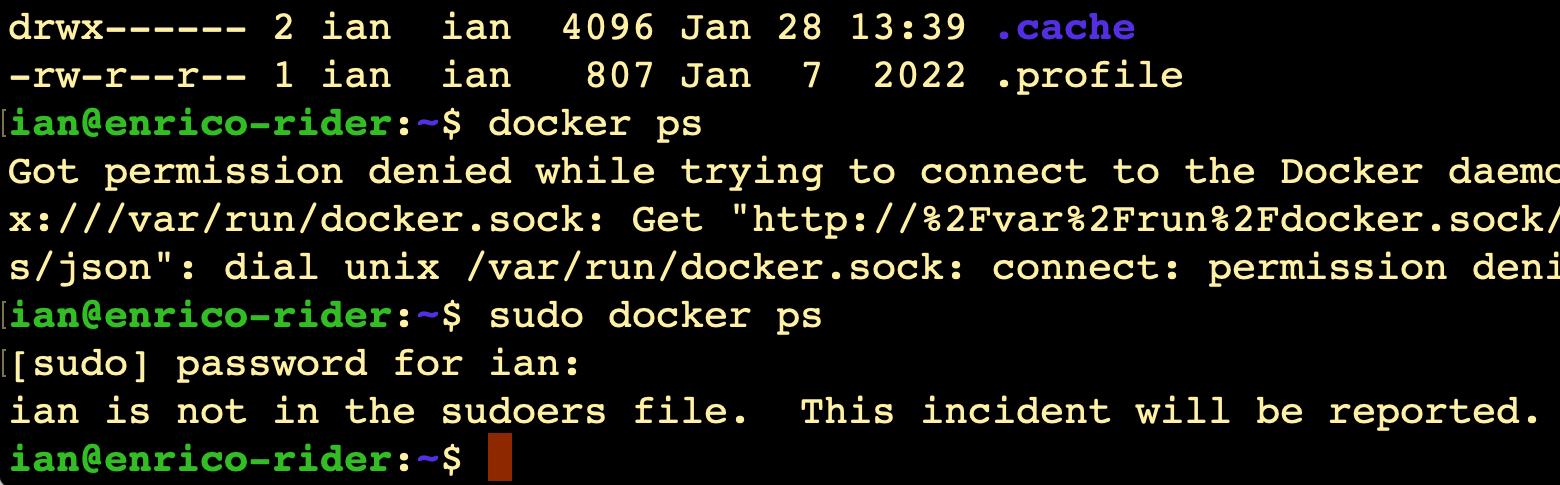
I always imagine Richard Stallman (or someone with a similar 2000’s database administrator beard) looking at me disappointedly and shaking his head slowly.
It does raise the question though - since it’s my server, shouldn’t I be getting a text message from CERN or something?
Where is this report?
(Relevant xkcd )
Like everything, the answer is ‘it’s logged’. We can use the journalctl command to look at the logs, on this server that’s been running less than 20 hours, there’s already several thousand lines to look through if you just enter journalctl, so I’m going to just send all the high priority logs to a file:
Feb. 3, 2023
Once you’ve got Proxmox installed, you can point your web browser at the IP for the physical server, and use the port 8006. Log in as root using the password you entered during the install. If you just accepted all the defaults during the install it will look something like this:
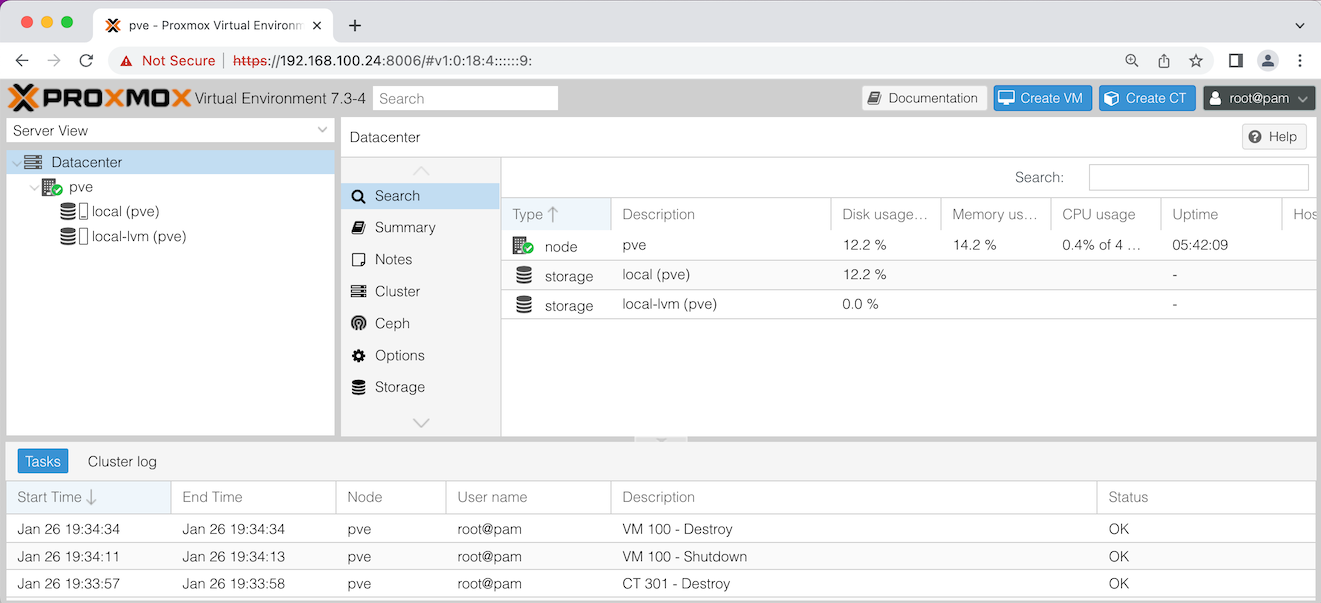
Let’s discuss what you’re seeing in that ‘Server View’ on the left there. pve is the name of my node - this installation of Proxmox on my physical server. If you named your server something different during the install, it will be show that name here.
Feb. 2, 2023
Now that I’ve seen I can easily stand up VM’s on this baby server, it’s apparent the first limitation I’ll run into is RAM. It has two laptop sized memory slots that can take up to 8GB apiece. So it could easily be doubled, but at a cost of around $70.
While I’m looking on eBay for RAM, the algorithm thinks I might be interested in this.
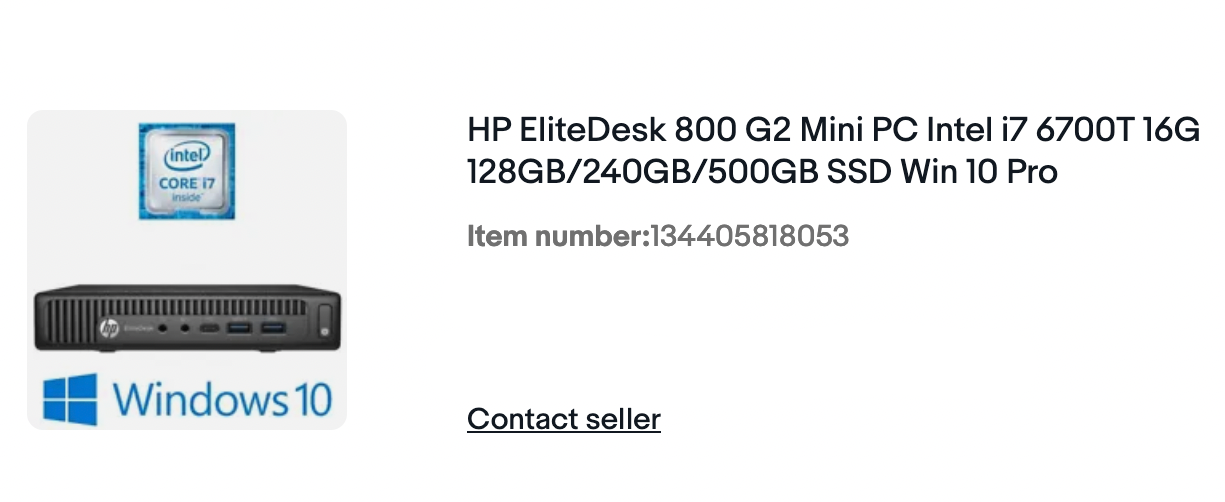
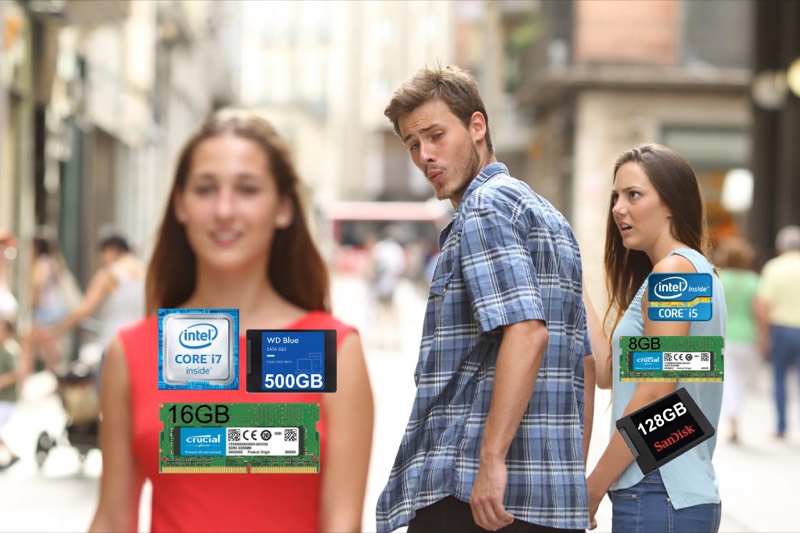
While I’m looking at the specs (4 cores - the current one has 2, double the RAM, bigger disk), eBay is like “Hey, how about this 20% off discount code - is thAt soMetHing ThAt miGHt HeLp yoU deCiDe?”
Feb. 1, 2023
I mentioned a while ago that the price of the Raspberry Pi4 was getting such that it’s smarter to purchase one of the little business workstations instead. Depsite having little need for such a thing, I went ahead and bought an HP Elitedesk 800 G1 “mini” PC. It has 8GB RAM (which is the max for the Pi4) as well as a 128GB SDD, the processor is an Intel i5.
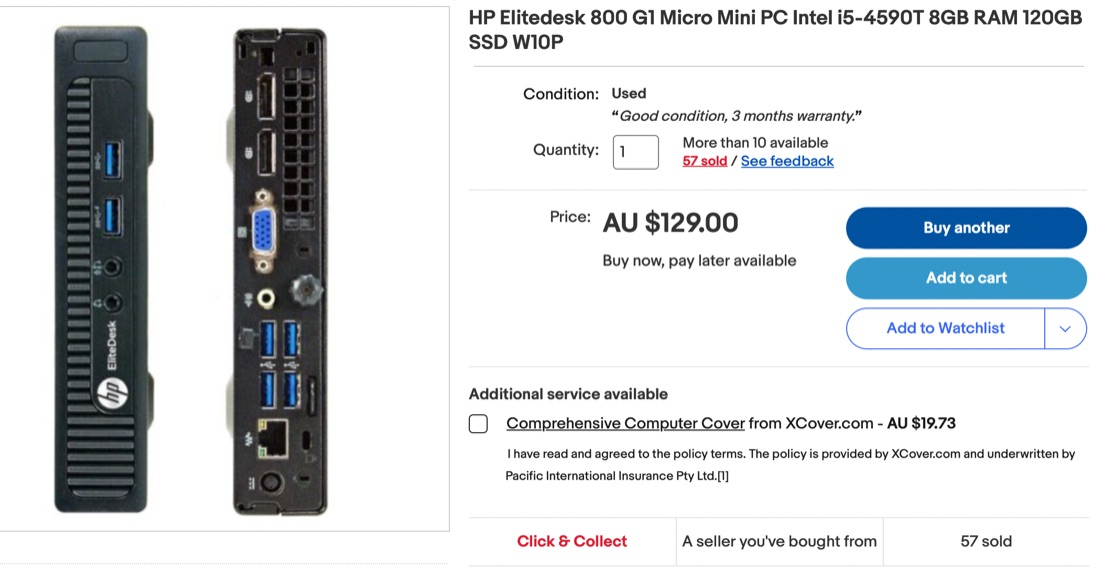
This compares pretty well with the 8GB Pi4 which only has a fraction of the storage (on an SD card) at around $400. One area where the Pi would have an edge might be in power consumption - I expect it would be a bit less. One possible catch for young players is that the HP has a ‘display port’ rather than HDMI for the screen connection, so pick up a $5 adapter if you’re getting one. The metal case and nice finishing on the HP actually looks really great in my office compared with my Pi 3b+ dev server that’s sort of hanging on the end of a cat5 cable.
Dec. 4, 2022
I have a a couple of Raspberry Pi’s on my home network. One is a radio interface on the AllStar network , and the other is just a toy server - I can’t actually recall why I bought it. Both of them are Model 3B’s - I’d love a 4, but they are scarce and expensive.
This doesn’t have much to do with Swift, although it’s possible to run Swift on a Pi , or even Vapor . Mine is set up as a generic web server that I use as the back end for my tiny projects. It runs Node.js , apache and lighttpd webservers, PHP , MySQL , SQLite , and, when I get to that stage of my programmming, Postgres . I could do all that on my MacBook, but it’s somehow more fun on the Pi.