Ios16


Dec. 8, 2022

ImageRenderer()

ImageRenderer () is a SwiftUI class that creates an image from a view. You just initialize it with the view, then extract a cgImage (Core Graphics) or uiImage that can be cast to a SwiftUI Image.

I’ll need a view to work with, so here it is; a crude version of my behaviour ticket.

struct TicketView: View {
    var body: some View {
        ZStack {
            Color(.cyan)
                .frame(width: 300, height: 350)
            VStack {
                Text("Fred Bloggs")
                    .font(.largeTitle)
                Text("")
                HStack {
                    Text("Putting rubbish in the bin")
                    Image(systemName: "trash")
                }
                .foregroundColor(.purple)
                Text("")
                Text("Green Faction")
                Text("")
                Text("")
                Text("\(Date().formatted())")
            }
        }
    }
}

Here it is, with a couple of buttons underneath:
Dec. 7, 2022

SwiftUI provides

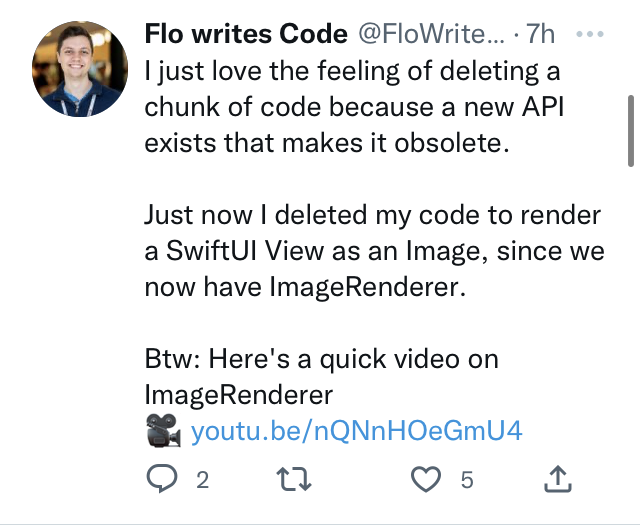
A few hours after I speculated about pausing work on the tickets app because outputting the tickets was too far out of my expertise, a helpful instance of the Baader–Meinhof phenomenon threw up some help in the form of this tweet from @FloWritesCode . It turns out this was an addition in iOS16 announced at WWDC that makes this straightforward.

As soon as I googled around about it I also found good solutions that wrapped the old code to provide similar functionality. So that’s a lesson for me about not assuming something’s hard before I’ve spent some time investigating it. I took that lesson and applied it to rendering to a PDF, and of course, @twostraws has a code example for that from three days ago!

Nov. 19, 2022

iOS 16 Developer Mode

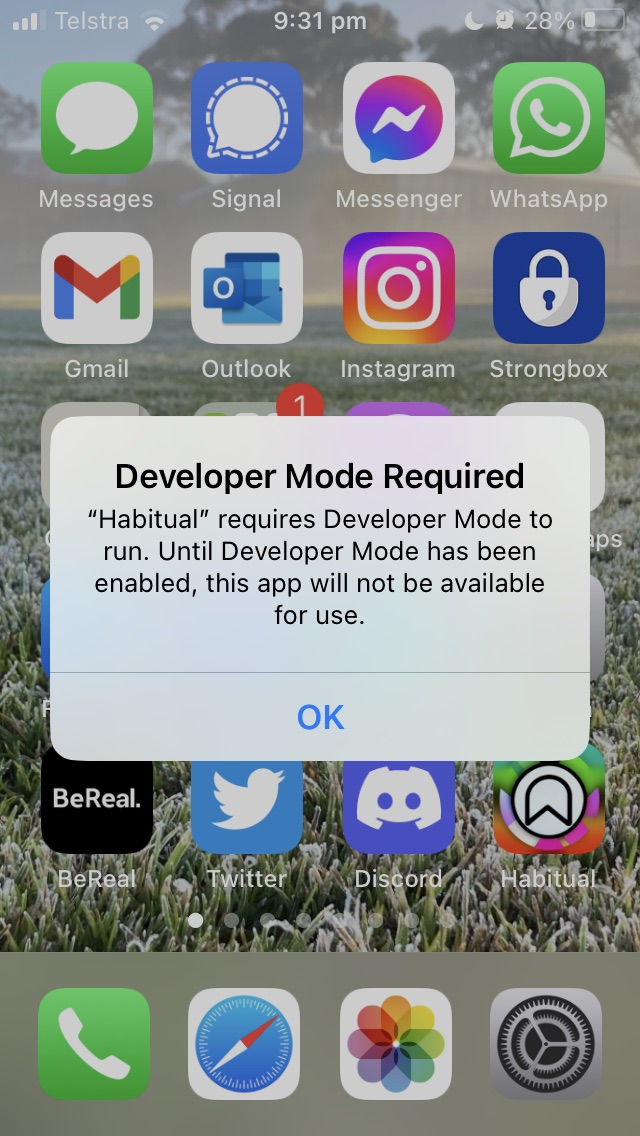
I updated my iPhone to iOS16 this morning, and tonight when I went to run one of my apps, it complained that it needed Developer mode. This is a new, probably wise, way to avoid dodgy apps being loaded on a phone. I don’t know exactly how you’d do that, but then I’m not a black hatted cyber terrorist.

I had to google the setting, it’s in “Privacy and Security” down the bottom, and requires a reboot. When you open the phone there’s another dialog and you need to reauth.