A Node/Express app I’m working on has been sprouting routes so much that the server.js file has swollen to 800 lines - way past my 200-250 comfort zone, so it’s time to organise the routes into their own files. That seems like a good topic for a beginner blog post, so let’s dive in.
Imagine we’ve written this little Node/Express app.
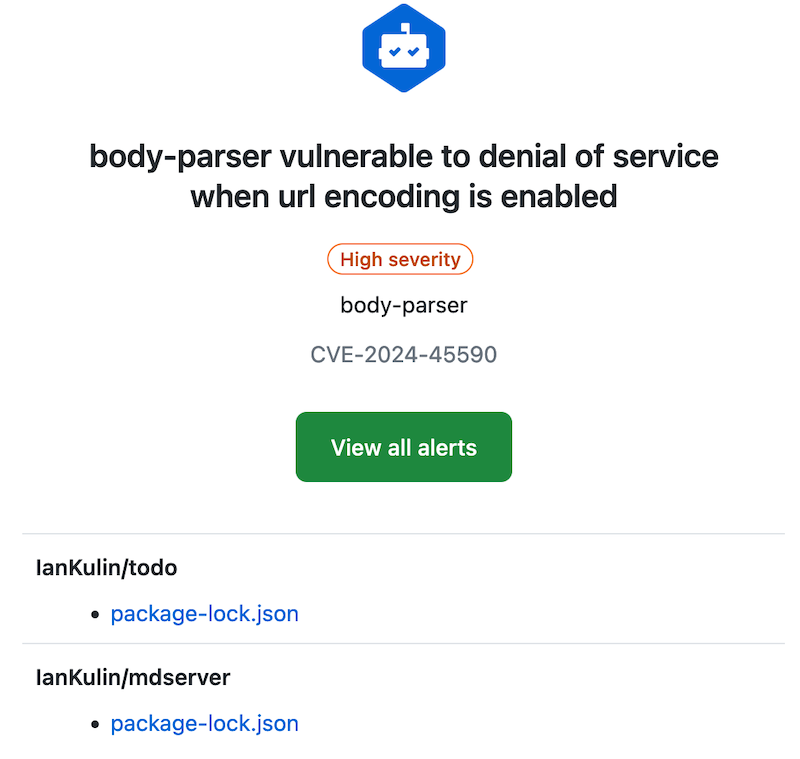
I quite like GitHub scanning all my code and sending me security advisories. Here’s today’s:
With these, and my dependabot alerts, fixing them is usually just a matter of pulling down the project, running an npm update, building any artifacts, then pushing it back up. But today, not so:
package-lock.json
It’s probably worth revisiting what the package-lock.json does. It contains all the versions of any packages you’ve imported, and their dependencies. The idea is that this will make the build reproducible. We don’t commit the node_modules folder (that actually contains all that package code), but npm can reproduce it exactly by using the version information in the package-lock.json file. Here’s a snippet where you can see all those versions:
If you find yourself copying over a source file from one Node project to another because it’s a handy utility you wrote and are used to using, you’re only doing it half right. A better way to do this is to publish your utility to the Node Package Manager (NPM). That way you can just import your utility where ever you need it, it will live in the node_modules of any project that uses it, and most importantly, updates are sorted out automatically - because that’s what package managers are good at.
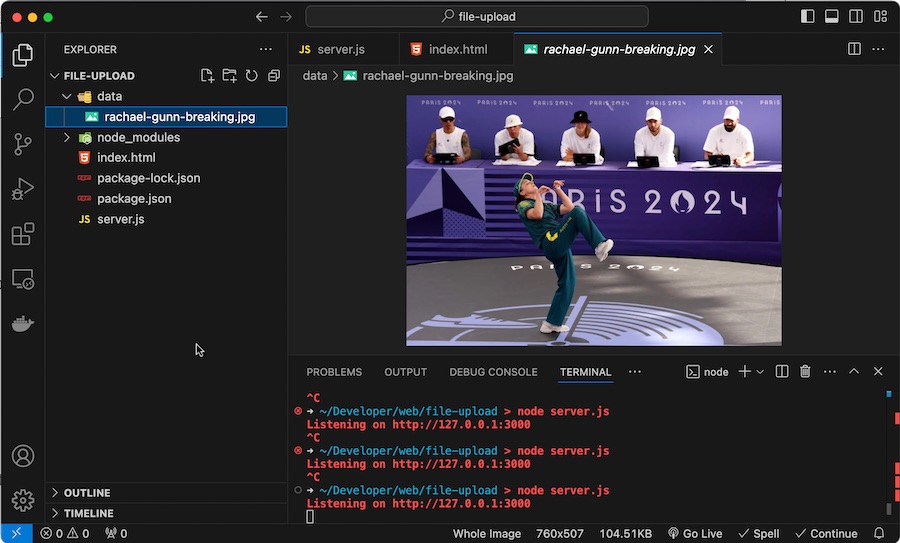
My default approach to web apps at the moment is Node/Express SSR. I needed to have users be able to upload files this week, and as usual there’s an express middleware that makes it trivial. This post just steps through using multer to make it simple to enable file uploads on your website.
Express & middleware
Before we look at file uploading, it’s worth just explaining how it fits with the other tools we’re using:
Pretty much every serious web app needs to include a way for users to log in securely and to be served their content. Since there’s a lot of complexity in this, it’s highly advisable to use good libraries to support this. In a future post we’re going to use those libraries, but first I want to explain what’s happening at the lower level and tease out some of the concepts as we build a secure system from the ground up.
When I wrote the install instructions for mdserver (little Markdown server Node app) on it’s github page it was something like:
Have node.js installed and working
Clone the repo
Start with npm start
Which is great if you know how to do those things (they are bread and butter to a web dev) but not if you’re a self-hoster who just wants a web server that converts markdown to HTML on the fly. For any situation where you just want to use the app, what you probably want is a Docker image of the app.
One of the basic requirements for any serious web app is a proper users/roles/authentication system - but if you’re just throwing up a utility of some kind on a public IP for testing, and you don’t want it to be abused, then this could be an option. There’s a few components:
Your app. In this demo it’s going to be Node, but it could be Go or whatever your server-side poison is. The app is listening for connections on a non-web port (ie not on 80 or 443), I’m going to use the traditional 3000.
A firewall. That port (in my example 3000) must not be accessible from the internet. It has to be blocked by a firewall.
A web server (I’m using nginx) that enforces basic auth.
I briefly discussed web server basic auth earlier - it’s a system built into the web server that requires a log in for a route, and authenticates it against the credentials in a password file (usually named .htpasswrd) and only serves the content if authenticated.
Bruno is a great open source Postman/Insomnia replacement, and I’ve been using it for basic tests of my node servers using the built in asserts and loving it. This is pretty great, and I gather it’s also possible to go beyond this and write tests in JS in Bruno . I believe it also has the hooks needed to build it into your CI/CD systems.
Any large project is probably going to benefit from a more comprehensive suit of testing tools, and while I’ll still be using Bruno, my serious tests will be managed with these other tools.
I don’t have experience with SQLite and want to shift one of my apps over from Mongoose since apparently SQLite is much more capable than I imagined. My usual tactic when trying something new is to try and get a minimal project working on it, so what follows is the simplest possible node/express REST API to demo SQLite.
The simplest possible Express app is going to look something like this. Of course we would have gone to the terminal with npm i express first so this could run.
The very first issue I opened on mdserver - my server project that serves HTML from markdown files - was that the title of the page (which shows in the browser tab, and is used for browser bookmarks) needed to be set inside the markdown file, rather than generated from the file name. I didn’t invent this idea - I’ve seen this sort of metadata in the top of Jekyll and Hugo markdown. Here’s an example from the Jekyll website :
I have a sort of muscle memory for starting little web projects now. I seem to have landed on node/express SSR apps with HTMX sprinkles. So it goes a bit like this:
Create a working directory - all lower case with a simple, but unlikely to be duplicated by me, name.
Open the directory in vscode
npm init in the directory to create the package.json
create a public sub directory, and drop htmx.min.js in there, and create a styles.css there. I’m always conflicted about what to do about this htmx dependency. I’d rather host it rather than use their CDN because reasons . But I also feel bad about committing it on Github. I could .gitignore it, but then when I clone the project on the production server I’d need to add another step to download it. HTMX is only 44K, and Microsoft can afford the bandwidth, so for the moment I commit them, but I need a better solution for the future.
using the git tools in vscode, add .DS_Store to .gitignore (which also creates it), then edit it to also ignore node_modules
Create the repo on github with the same name - no readme and no licence. I do it this way for a couple of reasons - I want to find out at this point if I’ve already used this repo name, and I want it to give me the cut and paste commands to push the repository.
I’ve been using the excellent Uptime Kuma for my monitoring, but a couple of recent incidents - an external USB mount disappeared on a remote machine, an NVME drive filled up on a different node and stopped backups working because of a configuration error - have made me start to think about more robust monitoring.
The are many great tools for this - Nagios , Prometheus etc. but they are pretty substantial time investments for the excellent power. They can save time series data and display them beautifully. However, all I really want is to add some extra ability to Uptime Kuma.
If you clone an old node project and npm install it, you’ll most likely get a bunch of errors and warning messages. If you just decide to yolo it and run the project, you’ll get a bunch more.
I’ve been doing this exact thing. I want to add some auth to my app, and I’ve been following WebDevSimplified ’s video about using passport . I was building into my app without really understanding what I was doing, ran into problems and decided just to clone his repo and integrate the code into my app. The repo is four years old.
Before I write a fancy Ansible playbook to automatically set up the Nginx/Node combo on my web servers, it might be worth going through how to deploy a Node app so it can run on a server without you being logged in.
Until now, I’ve been running my tests on my laptop, or in a server logged in as myself - sometimes detaching from tmux. But we need a bit more professional set up than that. The process will look something like this:
Having successfully set up and tested my node.js api handling app behind nginx on a development VM in the homelab, I decided to move it to my VPS so I could start using it for real. I had a bit of trouble finding the nginx.conf files on the VPS, until I remembered I was running nginx in a docker container on this machine!
I got everything set up, I could hit the domain in a web browser and get served the static page, and I could <domain_name>:3000/api/gnp_temp.txt and get the file delivered by the node script, but if I tried <domain_name>/api/gnp_temp.txt - “Bad Gateway”.
NGINX is a great webserver and reverse proxy - as in it can hand off requests to other web-servers. That’s the situation I want to have set up on my VPS. I want NGINX to handle incoming requests - some of them will just be sorted out by returning static HTML, others (like the weather api I’ve been playing with) need to be handed off to other services to respond to.
This is one of those things that is simple once you know it. I had my tiny Node service working on my MacBook, but how do I run it on the server?
Native or Container
Obviously I need Node.js installed on the server, should I have it in a Docker container, or native on the machine. There’s no clear answer here - in a container set up with Docker Compose might be more in line with my ideology of treating machines as disposable, but a native install is simpler, and I probably want to make life simpler at this stage when I’m learning everything.
As mentioned in the previous post , stage one is just to return the same static text file, but from the Node server, rather than NGINX. That’s non-trivial to a rank beginner since I need to figure out 1) how to serve a static file from Node, and 2) how to configure NGINX to hand off calls to the API to Node. This post will look at both of those, but it’s first probably worth just setting out what each of the puzzle pieces are.
I’ve been slammed with other work, so my web dev learning has fallen well behind. Luckily, the YouTube procrastination algorithm noticed this and suggested I watch a video from CodeWithCon titled Learn Backend in 10 MINUTES .
Since I was watching a video of a guy learning to land a C152 at St Baths (a skill I do not need) at the time, it was hard to argue with myself that I didn’t have ten minutes to learn all of backend programming.