As usual, I watch Paul’s solution video, and compare it to mine.
Task 1
This was passing in the predicate as a String. I passed the whole thing, but as I figured out along the way, Paul meant just the operator word. He also added some buttons to test it better, which I didn’t think of till Task 3 - it would have saved me some simulator runs.
Day 58 of #100Days feels like complex topics are being dropped in pretty fast. We tackle one:many data relationships and how to set them up in CoreData, using CoreData constraints and setting a merge policy to manage conflicts, and even the underscore to access the actual property inside a wrapped property struct (needed for dynamic filtering in a view).
I’ve mentioned before that I think Paul Hudson is an excellent teacher, and an example of this is that even though this was a day with a lot of challenging material, I’m not worried. I followed the discussion and tried the code, and more importantly I’m anticipating these new skills will be practiced in the next app, and probably shortly after I’ll be writing an app using them.
I’ve noticed Paul is inclined to ignore the preview and run his code in the simulator to check its operation. That’s valid, but it seems quicker, and reassuring, to see it in the preview as I type.
This led to a small problem with Day 53 that uses CoreData. When I added a student in the preview, it looked like this, and was immediately followed with a crash report.
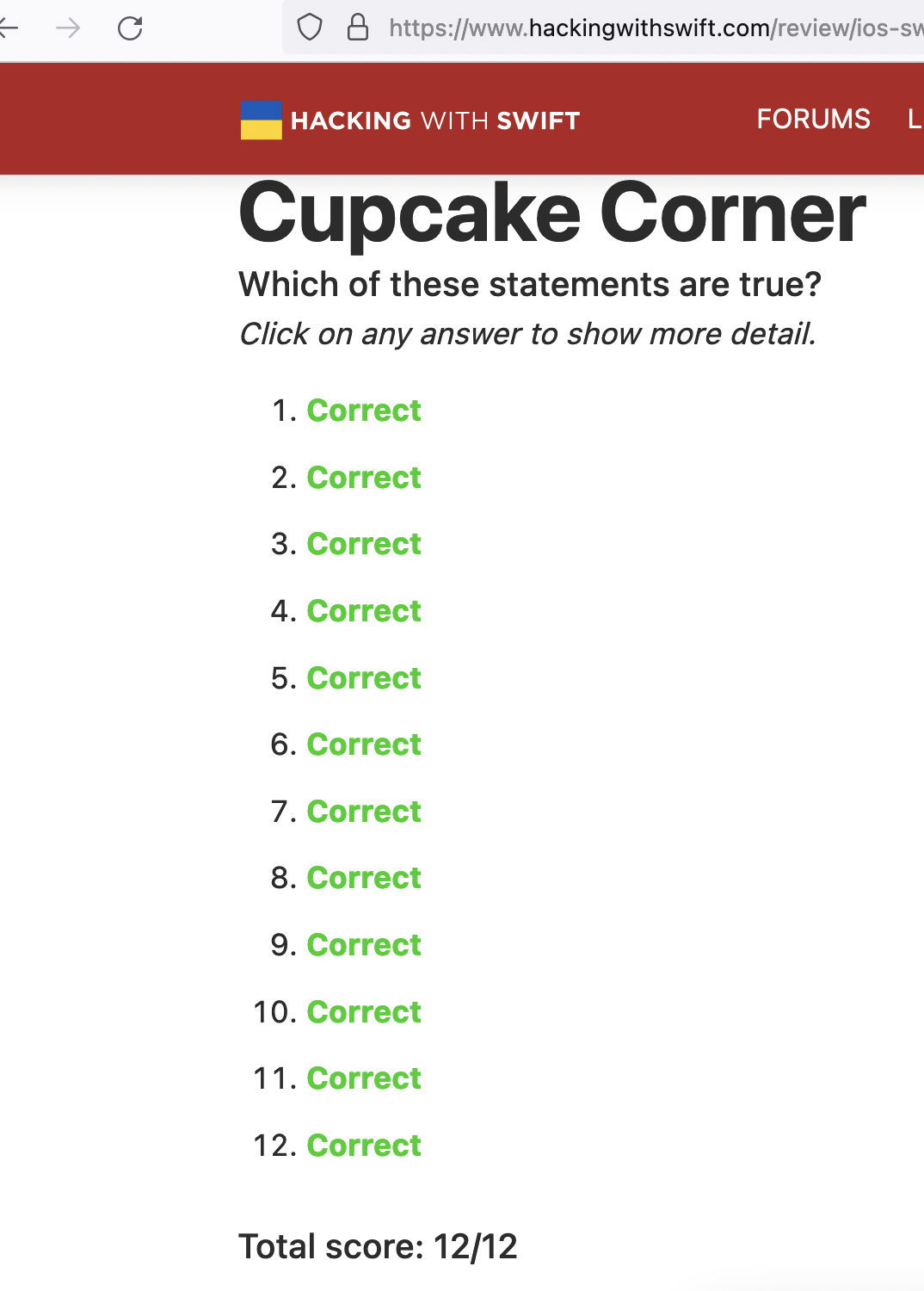
At various points in the 100 Days of SwiftUI course, you get asked sets of questions to check you’ve understood the preceding material. They’re usually presented as two different statements, one of which is true, and the other false. It’s actually a really good technique - the student feels like they’ve got a couple of opportunities to figure it out, plus they are forced to read both statements and think about them. Paul does a similar thing in the Unwrapped app - there, the questions are often presented as “Is this valid Swift code” and the user needs to scan through it all looking for mistakes. It’s checking your understanding, and making you a thoughtful debugger!
When I’m following a tutorial app, I generally pause and type up the code as I go, and make local commits with appropriate messages. This is almost completely unnecessary, but it seems like a good habit and doesn’t cost me anything - I just tick the box for creating the git when I start the project, then it’s a couple of keystrokes (option-command-C) and I’m done.
Most of the apps have a follow-along portion, then some challenges which involve minor changes to the app. When I get to the challenges I like to throw it up on Github - it’s conceivable it could help someone one day, or at the least, I’m helping to train Microsoft’s AI to write shitty beginner code in exchange for free git server access.
I’ve been mucking around with the Habits app too long - it’s started to look like procrastination. It already meets the specification , so I’m calling it an MVP and moving on.
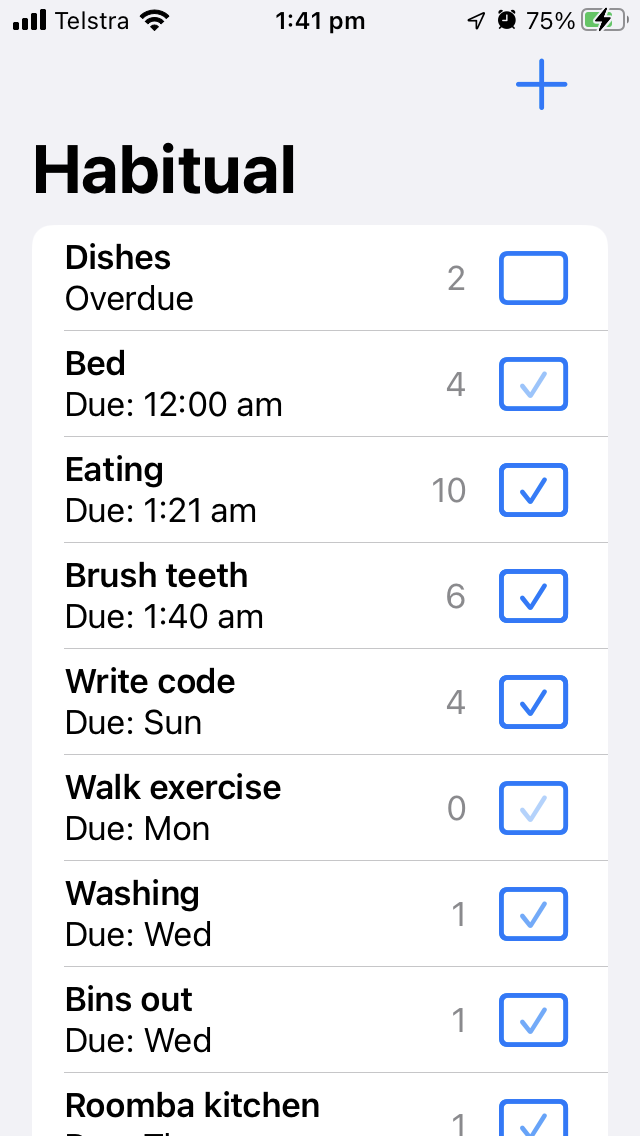
This is the first app of mine I’ve loaded onto my phone and started using, and there are a couple of things I’d like to do with it. It currently just lets you specify how many days between an activity repeating - so if you say you should go to the gym every second day, and you complete that activity on Monday, “Gym” will make it’s way to the top of the list on Wednesday. While it’s waiting in the list for Wednesday to come around, it will show the “Due” time as being exactly 48 hours after you last pressed “done” on it. But if the habit you want is to go to the gym after work at 6:00pm that’s when you want it to be due. I’d like that.
I mentioned yesterday “I could use a renamed old version of my struct to load the existing data, and convert it across to the new model.”. Since I’ve been testing the app on my phone, and using plausible data, it was going to be painful enough to lose it that I thought I should go through those steps.
First, I make a copy of the old struct, and renamed it with the app version number that used it. No need to bring all the computed properties into this struct, just the bits that get encoded into the JSON.
When I was first programming professionally, it wasn’t long before I noticed that there were patterns to the sort of bread-and-butter things I was writing most times - the majority of the small business applications I wrote tracked several entities; for each entity there needed to be add/edit/delete screens, there would be some business rules around those things, and some reports and search functionality.
The little joy of something working. It’s one of the things that makes coding enjoyable. Like a good video game you have an overarching goal, but on the way you need to solve a large number of problems of variable complexity, and you get a little bit of dopamine for each one.
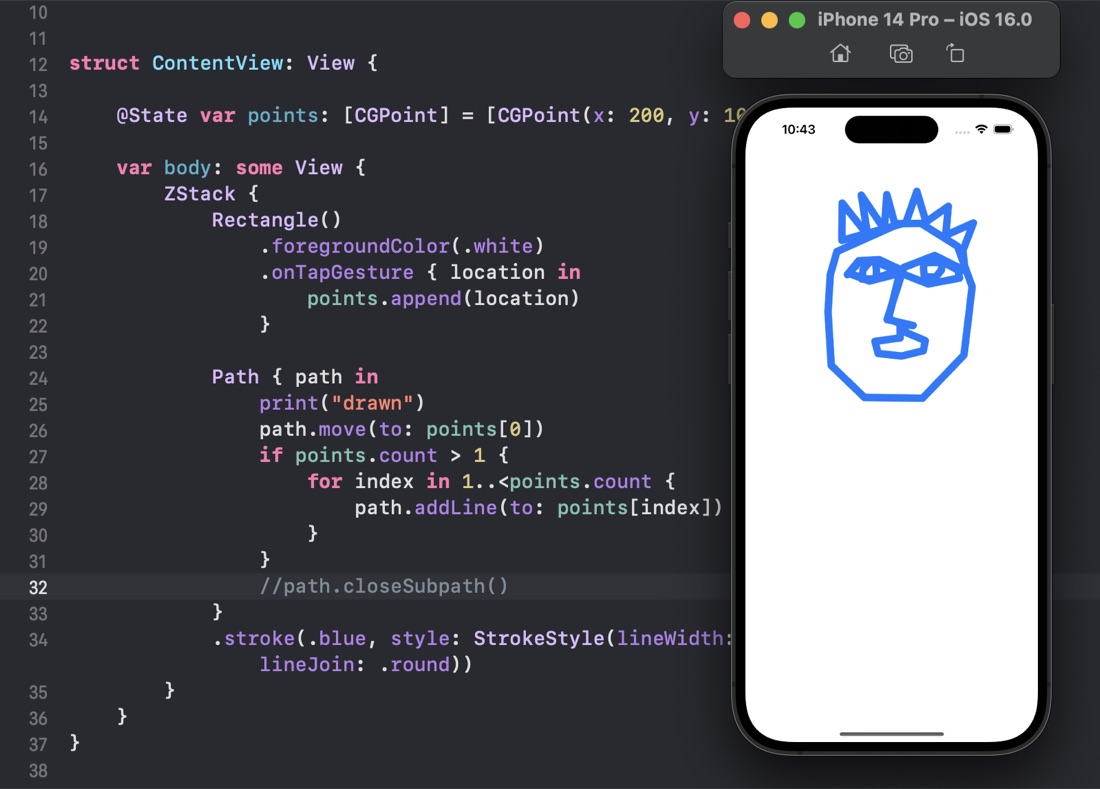
I think in every language I’ve ever learned, as soon as I know how to draw something on the screen, I start to get the urge to create a simple drawing application. When I was starting on Visual C++ and the MFC (Microsoft Foundation Classes) the book I used to get started built a drawing application as an example. It hooks into the benefit of being able to quickly see the evidence you’ve achieved something.
I’ve been feeling my enthusiasm for the online courses I started waning a little, additionally, I have enough progress under my belt that I could actually start working on some of the projects in my “App Ideas” notebook. I’m not sure if starting on them is a smart idea, or just a way of procrastinating. One thing most of those apps have in common, and that I haven’t substantively learned yet is persisting data. Their data requirements vary from a sort of specialised todo list only required on that device, to relational data that needs to be live synced across devices including macOS and needs to support rolling back transactions to resolve conflicts.
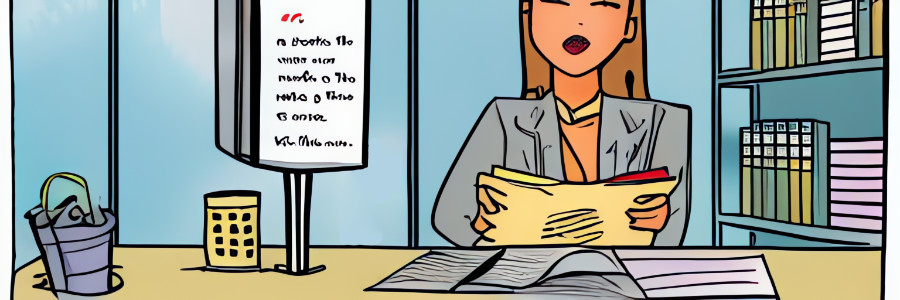
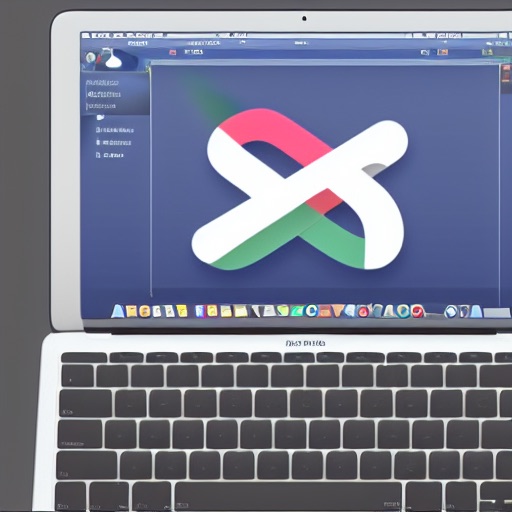
Since I have minimal design skills, I went back to Fiverr (the digital gig economy platform) to get some icons done for CodeTrimmer - explaining that I wanted something like a “pair of scissors floating over some computer code”. At the same time I’ve been playing with DiffusionBee - a free Apple silicon version of the Stable Diffusion artifical intellligence that generates images from text prompts. The image above was created on an M1 Macbook using DiffusionBee.
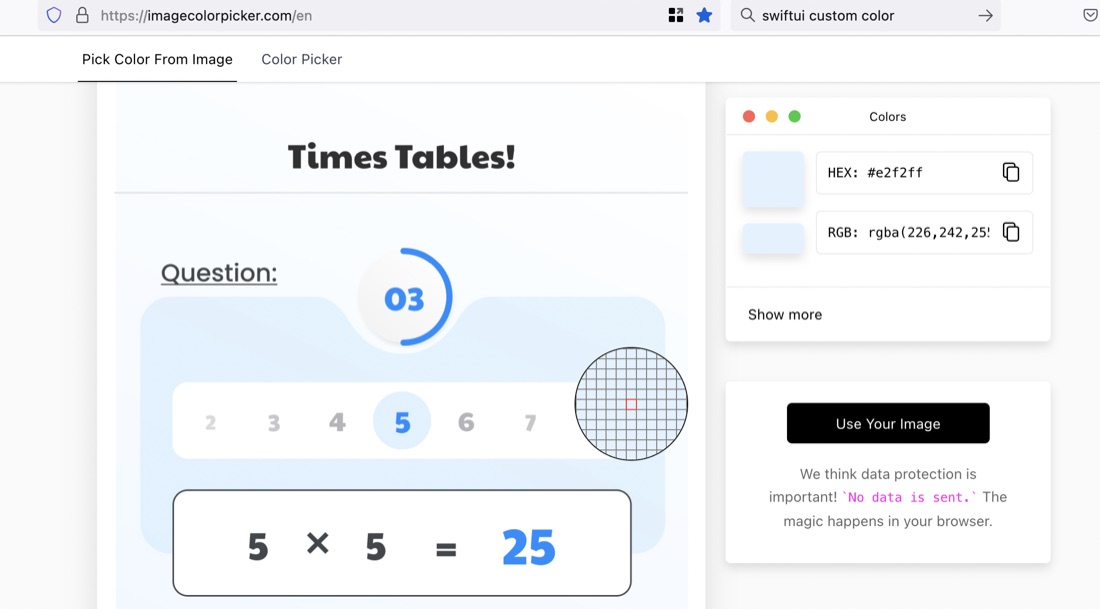
I’ve started work on trying to recreate a UI provided by a designer , and in the process needed to identify some colours from a PNG image. I found this great website for this exact purpose.
The site is ImageColorPicker. To use it, you “upload” your image (actually the image is not going anywhere - it’s all done in-browser). Then click on any area you want to identify the colour of.
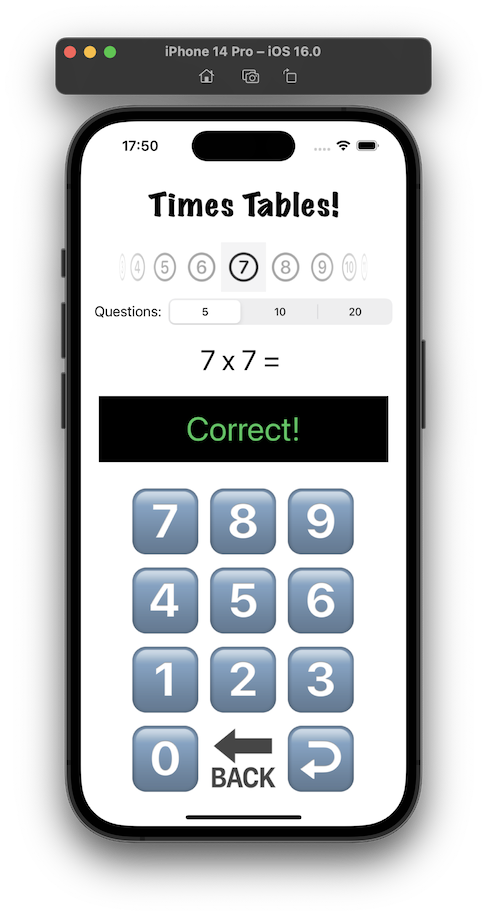
I think I mentioned when I’d completed the TimesTable app , that I was not happy with the design. It’s ugly, I don’t like the way the feedback about a wrong answer is shown at the same time as the next question, the number of questions setting would be rarely changed and looks uncomfortable where it is, I’m not sure the purpose of the picker for which times table would be clear, and it’s not appealing to children.
The app I’m working on currently (for multiplication tables practice) has a number type keypad and display a bit like a calculator - but for entering the answers. It’s been quite fun to think through all the little problems to make it work how you’d expect, so I was quite interested to watch an iOS Academy video where Afraz Siddiqui builds a partially finished SwiftUI version of the iOS Calculator app.
I’ve started the habit of branching my code for each feature or batches of features. This is not really needed, I’ve developing solo, and the code on main is not in production. I could just go on committing, but part of my process is about becoming competent with git.
There are a couple of git commands (merge and rebase) that mush code between branches together in different ways. The video below (from Manuel Lorenz at Academind ) is a particularly clear look at these two commands.
A YouTube channel worth subscribing to is Afraz Siddiqui’siOS Academy . He does a great videos on iOS development. My favouriets might be the shorter focussed ones, like this one on the new SwiftUI chart views.
I had a look at Paul’s version of the challenge to animate the Guess The Flags app, and like me he’d hit on altering the amount of each animation depending on if it was the clicked on flag, but he’d done it with a lot less code - using the ternary operator in each of the modifiers - versus my approach of filling in an Int array for each of the effects and altering them depending on the user selection.
So, I might have found a slightly better method for sharing code in posts that I complained about the other day . GitHub has a thing called Gists . It’s like a tiny repository you can paste a code snippet into (or upload a source file). Once that’s done, you can just paste the URL of the Gist into Wordpress - it recognises it and does this:
ForEach(0..<3) { number in
    Button {
       // flag was tapped
       flagTapped(number)
       } label: {
           FlagView(flagOf: countries[number])
       }
       .rotation3DEffect(.degrees(flagSpinAmount[number]),
            axis: (x: 0, y: 1, z: 0))
       .opacity(flagOpacity[number])
       .scaleEffect(flagScale[number])
       .animation(.default, value: flagSpinAmount)
}
I came across this being used on a blog post (about using the camera in apps) from Gaspard Rosay .
I’m not really happy with the way I’m sharing code in these posts. I started off with the regular Wordpress code blocks:
    func isPossible(word: String) -> Bool {
        var tempWord = rootWord
        for letter in word {
            if let pos = tempWord.firstIndex(of: letter) {
                tempWord.remove(at: pos)
            } else {
                return false
            }
        }
        return true
    }
These seem a bit large to me, but it comes with a font size choice, which I like setting to “Tiny”:
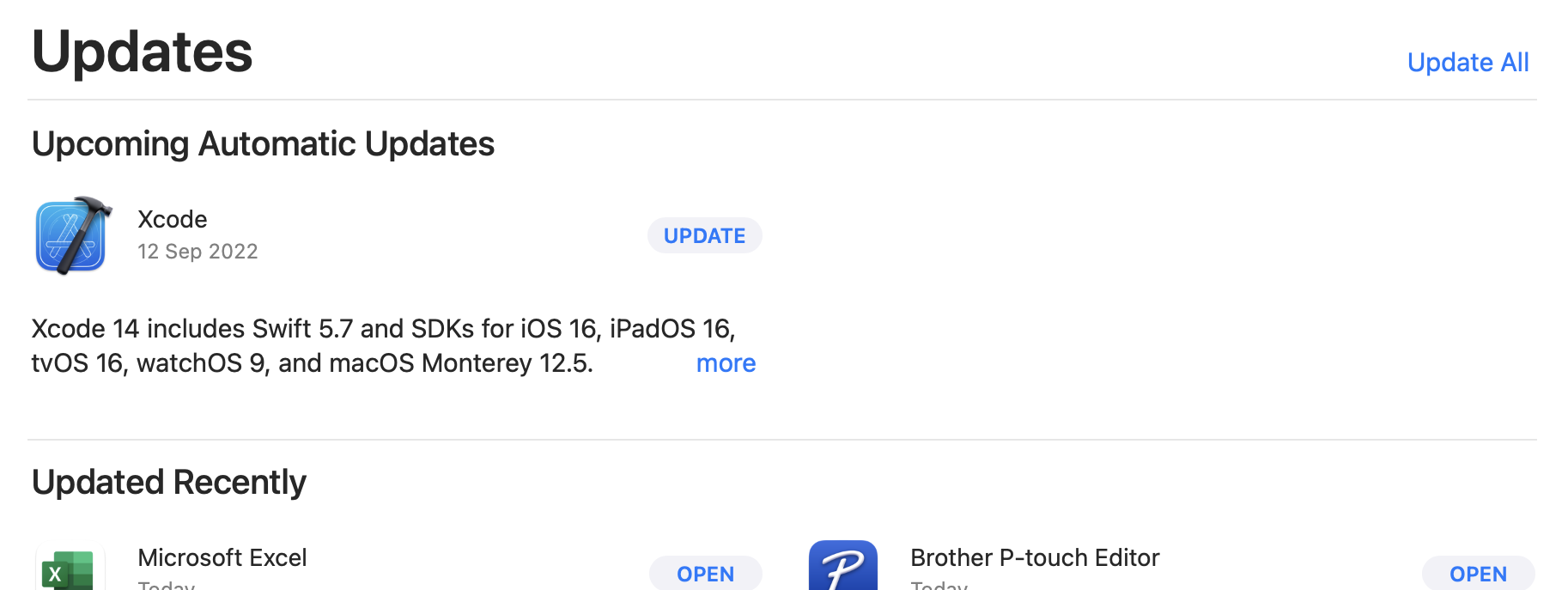
With the September release of XCode 14 and Swift 5.7 it was time for my first update - I looked in “About” for an update link but there wasn’t one - so if you’re as dense as me, the tip is to head to the Mac App Store and have a look at the Updates page.
Your current XCode version can, of course be found in the XCode | About dialogue. Mine was on 13.4.1. There’s a couple of ways of finding the Swift version - If you’ve got an XCode project open, click on the .xcodeproj in the explorer,and have a look in Build Settings for Swift Compiler - Language for the major version.