The first nine minutes of this video from Emmanuel Okwara finally gave me a clear understanding of the difference between MVC and MVVM.
In both MVC and MVVM the data & logic (Model) are separated from the part that the user interacts (View). Usually the View is a screen with controls and so on, but that’s not compulsory - for example a voice mail app interface would be all audio and DTMF. The point is that in both, the user interface (view) does not mess directly with the data (model) - it has to go through some sort of gatekeeper.
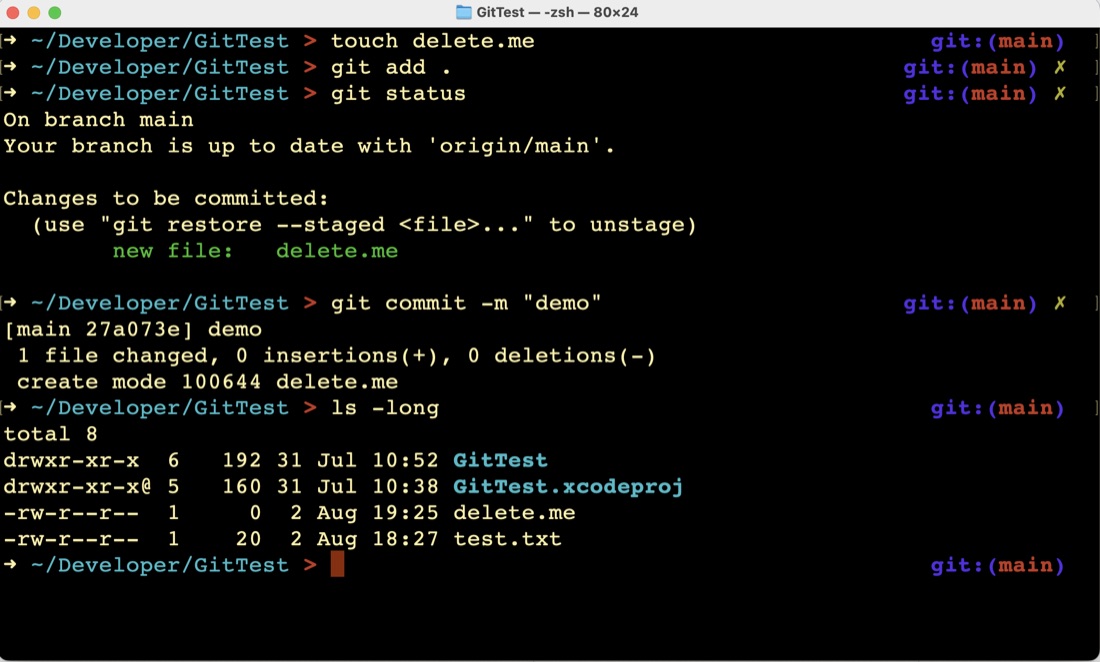
I’ve been playing in the zsh shell since I started on the Missing Semester , and was wondering how to get my git branch name in the prompt. A few googles later, I’ve installed Oh My Zsh, and added the git and macos plugins. Pretty.
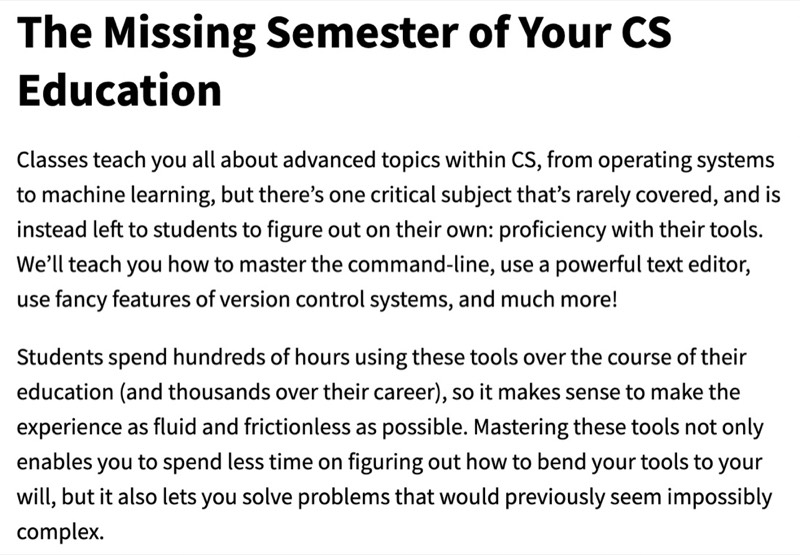
On my git odyssey yesterday, I came across which is an MIT class for CS about practical things CS students don’t strictly need for their degree, but will greatly benefit from. I was interested in their git introduction, but they explain the course by saying:
Videos of the lectures, and all the course notes and assignments are freely made available. I’ve only watched the first lecture about the shell, and their git lecture. Both were excellent, so I’ll add this series to by Goals .
Thank you YouTube algorithm for this recommendation - Chris Lattner, the main author of Swift (amongst other things including LVM) chatting with Lex Fridman. Ignore the clickbait title. There is a good, brief discussion about the tradeoffs in value vs references types which is a topic I’ve been thinking a bit about this week.
Also some interesting comments about how a language delivers it’s complexity. Chris gives the funny example of what “hello world” looks like in Swift vs C++. Here’s Swift: Print("Hello world"), here’s C++:
Variables and constants in Swift can be a value type (their data is copied when they are copied) or a reference type (a pointer to the data is passed when they are copied.
Structs, integers, and enums are value types, classes are reference types.
Memory management of value types is relatively straightforward - there’s a 1:1 relationship between the variable name and its data, so if the variable goes out of scope it can get the chop. With reference types, it’s possible to have several variables (or class or struct properties etc) all pointing to the data, so a more sophisticated system is needed to know when it’s safe to delete the data.
Most of the things I’ve learned so far have been familiar, interesting, or cool - but now I’ve ventured far enough into the Swift Language Programming book to find something that is definitely going to take a couple of readings to piece together.
I was surprised, then pleased with functions as first class types, and the idea of passing closures around is powerful and useful.
My current difficulty is getting my head around closures capturing variables. It was tolerable (but not safe) when I just thought of it as a pointer, but when turned out the captured variable continues to exist in some sort of zombie state even after the scope where the variable was contained has ended.
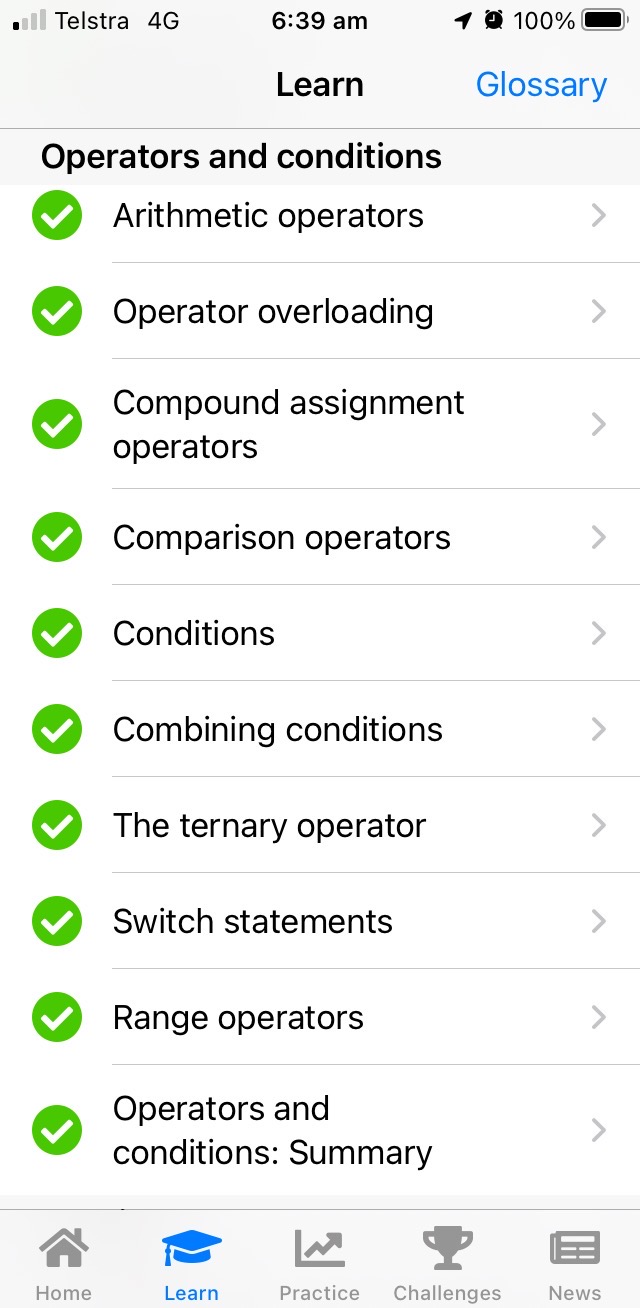
Unwrap is the Paul Hudson app for Swift learning. It’s good for using those three minute gaps in life to digest a concept. I’ve incorporated it into my goals , as some days its the only progress I make.
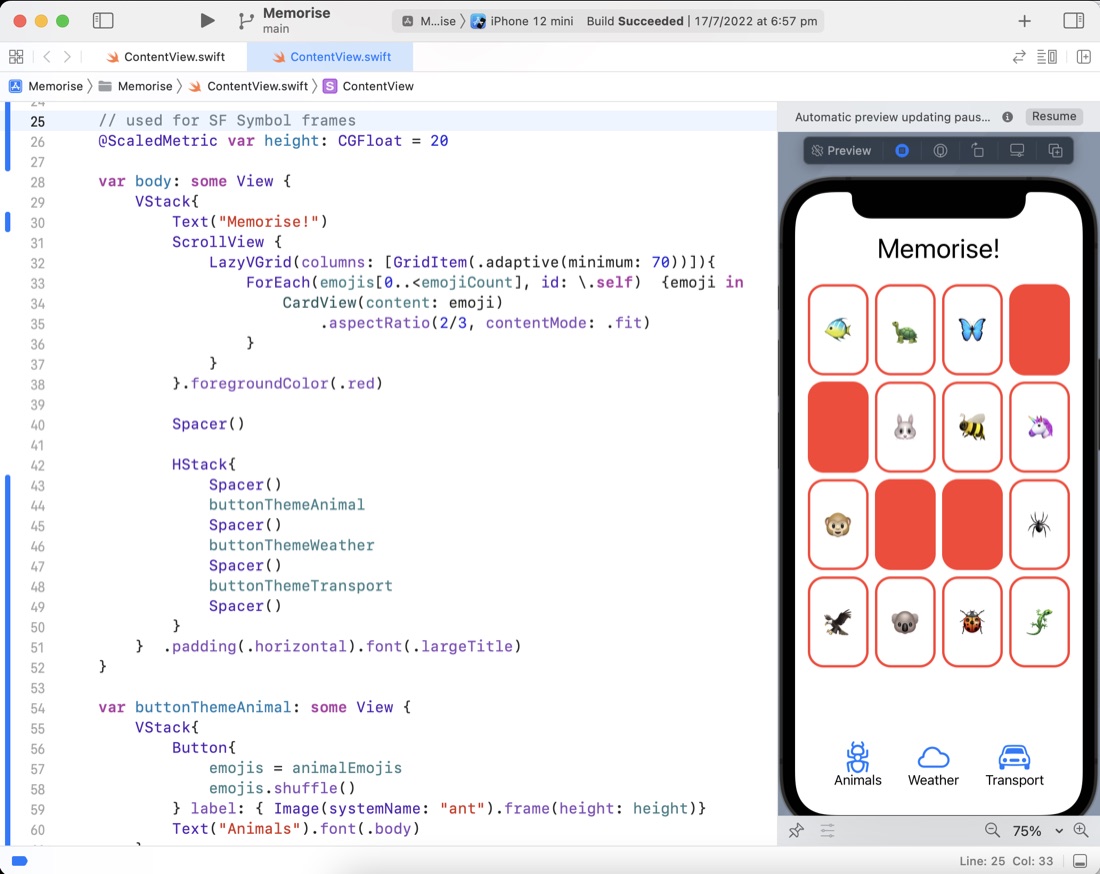
I solved the problem (well, I googled a stackoverflow result to the problem) in the previous post about the different heights of the SF Symbols. The answer was to put them in a frame and lock the height. A problem that then arises from that is that when the user changes the text size, they’ll be out of wack. Apple’s solution to that, introduced in iOS 14 is the @ScaledMetric property wrapper that does some magic I don’t fully understand yet.
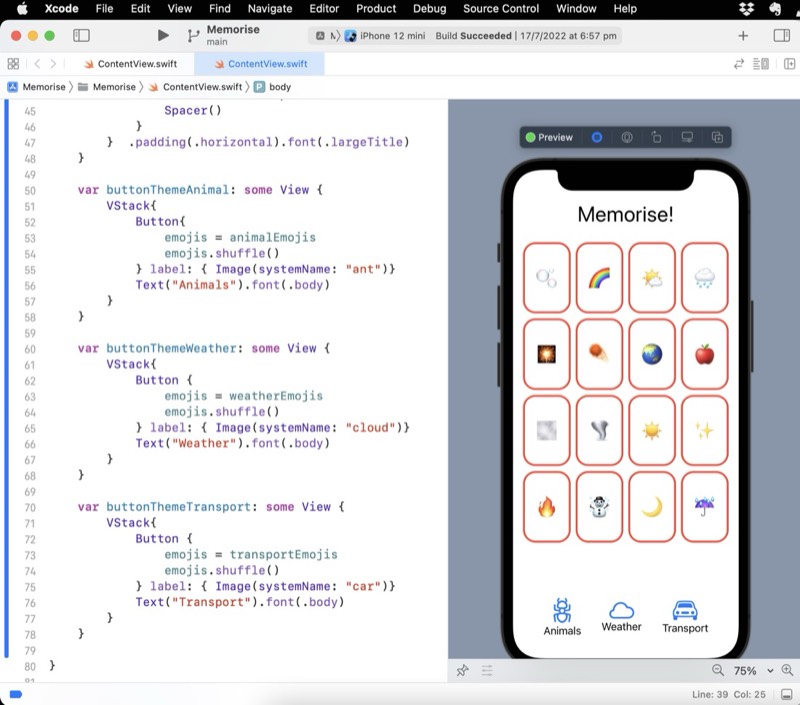
A small milestone achieved - I’ve completed the first assignment from the CS193p lecture series - some minor changes to the app being built in the lectures. There was a couple of things I was unhappy with:
The text under the SF Symbols you can see in the preview above not being vertically aligned.
Having duplicated code in my emoji arrays:
    let animalEmojis = ["🐠", "🐢", "🦋", "🐥", "🐣", "🐰", "🐝", "🦄", "🐵", "🐛"]
    let weatherEmojis = ["🌪", "🌝", "🌈", "🔥", "🌧", "🌙", "🌬", "☃️", "☔️", "🌫"]
    let transportEmojis = ["🚗", "🚕", "🚲", "🚚", "🛵", "🚜", "🛴", "🛺", "🚃", "🚡"]

    // I'm not happy with this duplication //TODO
    @State var emojis = ["🐠", "🐢", "🦋", "🐥", "🐣", "🐰", "🐝", "🦄", "🐵", "🐛"]
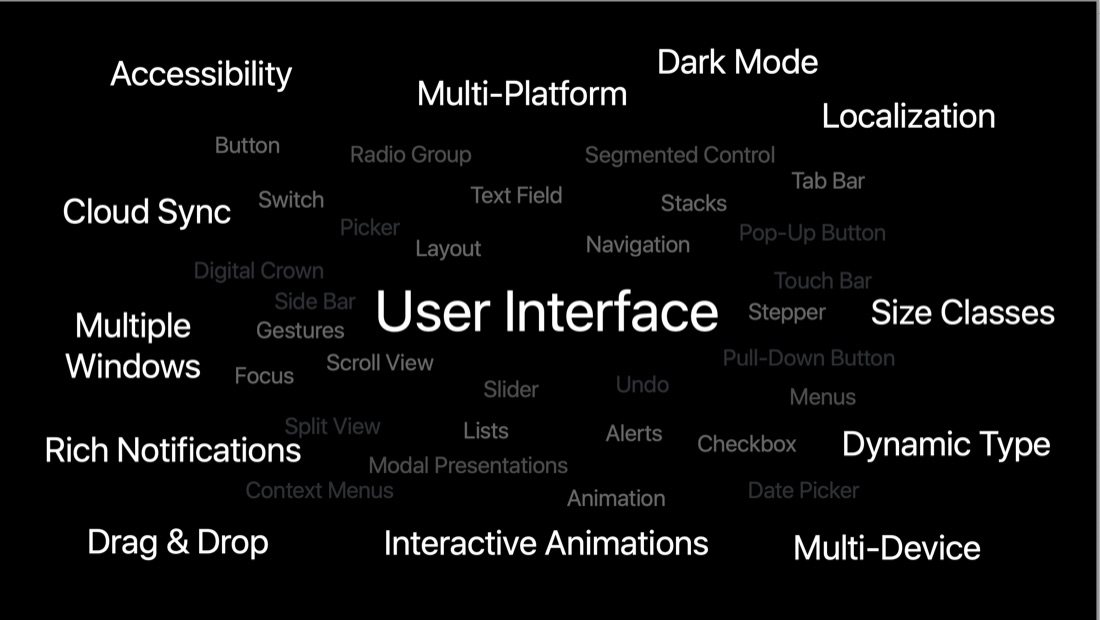
I hadn’t fully gotten my head around what’s going on with the declarative nature of SwiftUI, until I’d watched this video
It’s from the 2019 WWDC which is when (I guess) SwiftUI was new. I still don’t have a good handle on how the views are bound to their data, but there is a video from this same series about Data Flows which I imagine will also answer those questions.
Dave Verwer’s iOS Dev Weekly digest of links mainly about Swift libraries was mentioned on a podcast I was listening to last night - perhaps the Swift with Sundellchat with Sommer Panage .
My first issue (it’s an email newsletter) arrived, and it’s pretty great. Not too long, chatty but on topic, and with links to follow for more info. As well as new or improved libraries, other topics are mentioned - I went down a rabbit hole on SwiftUI Split View Configuration , ending up at this WWDC video about it.
If you need a solid tour of the basics plus of Xcode, this is a great video from Karin Prater. Its the first video in her “Design-oriented course on SwiftUI”.
A couple of times in the App Development seminar I went to, we used system symbols in the place of images, and in his tutorial on Swift UI Basics, Sean Allen spent a few minutes talking about where they come from and how to choose them.
First, here’s how they look in code - this is from the default Hello World app.
struct ContentView: View {
    var body: some View {
        VStack {
            Image(systemName: "globe")
                .imageScale(.large)
                .foregroundColor(.accentColor)
            Text("Hello world")
        }
    }
}
Sean Allen has come to my notice a couple of times, once where he was mentioned as freelance contractor who is a great contributor to the community (I think perhaps that was on Swiftcoders Podcast ), and I’ve also bumped into him as co-host (with Paul Hudson) of the early episodes of the “Swift over Coffee ” podcast.
This video I watched last night is a compilation of the first few videos of Sean’s SwiftUI course , and it’s pretty great. In particular he does a great job of explaining how to start to refactor child views out and call them, and how all the stacks go together to make a pretty interface. What he does not do is vist/explain any of the Swift language fundamentals. If you don’t already know what a struc is, and the Swift flavour of them, it may be a challenging place to start.
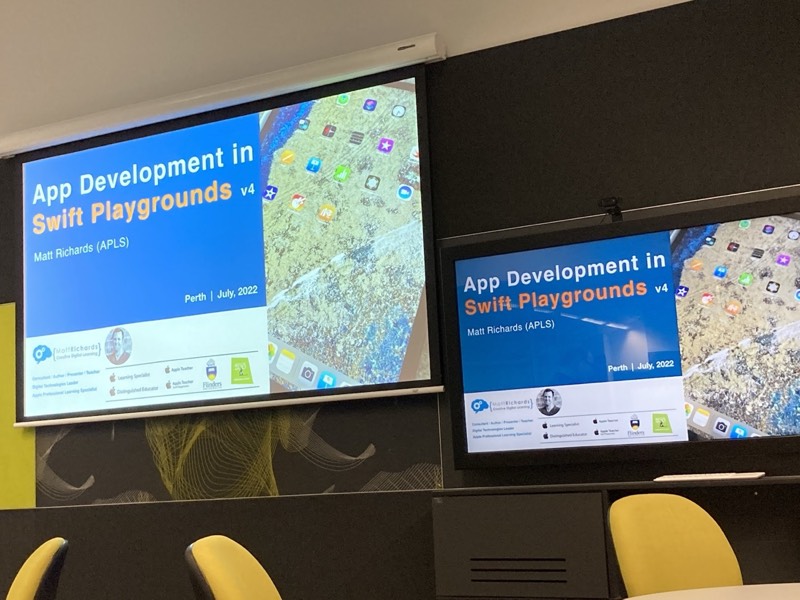
During the week I attended “App Development in Swift Playgrounds” run by Matt Richards with the support of some of the Apple team and hosted by Dr Michelle Ellis . It was aimed a teachers looking at using Playgrounds for digi-tech teaching.
The day included pulling apart one of the Playgrounds apps and rebuilding it - this being an example of a “top-down” approach - starting with a complete app and fiddling around with it - to better engage students. The alternative being a bottom-up approach where lesson one would be “good morning students, this is a variable, it can hold a value, it has a name we can use to refer to the value”.
Started on Day 10 of 100 days of etc etc today which is about structs. It was immediately clear when I first started looking at Swift and Swift UI that structs were going to be a big deal. I am used to structs being able to contain a collection of other types, but not methods. So I was confused at why tuples existed; that is now cleared up.
If structs can have methods as well as properties, it answers the question of why tuples exist, but immediately asks the question, why have classes since structs have all this power? I already know (from my podcast consumption) one of the answers for this is that structs are value types rather than references. When you:
One of the ways I keep engaged in a topic is to listen to podcasts about it. Currently Fireside Swift is one of the Swift/SwiftUI/iOS Development podcasts that I have in the rotation.
The blurb for the show is:
“Fireside Swift is a popular iOS Development podcast where four buddies discuss a new Swift programming topic each week. They try to stay informal while also conveying the information they know about each topic with bits of humor sprinkled throughout. Have a seat by the fire, and enjoy some nerdy discussion with friends!”
/*
 Your input is this:

 let luckyNumbers = [7, 4, 38, 21, 16, 15, 12, 33, 31, 49]

 Your job is to:

 Filter out any numbers that are even
 Sort the array in ascending order
 Map them to strings in the format “7 is a lucky number”
 Print the resulting array, one item per line

 So, your output should be as follows:

 7 is a lucky number
 15 is a lucky number
 21 is a lucky number
 31 is a lucky number
 33 is a lucky number
 49 is a lucky number
 */

let luckyNumbers = [7, 4, 38, 21, 16, 15, 12, 33, 31, 49]

func isNumberOdd(number:Int) -> Bool {
    return number%2 == 1
}

let filteredNumbers = luckyNumbers.filter(isNumberOdd)

// this closure effectively does nothing
let sortedNumbers = filteredNumbers.sorted(by: {$0<$1})

let mappedNumbers = sortedNumbers.map({ String($0)+" is a lucky number" })

for i in 0..<mappedNumbers.count {
    print(mappedNumbers[i])
}
You can’t, but you can create a folder by adding a file through the web interface and using <folder name>/<file name> - so add a README.md or whatever. Then you can drag your source into the new folder as normal.
I learned this from Zack West here , where there is also a better explanation with pictures.