Feb. 16, 2023
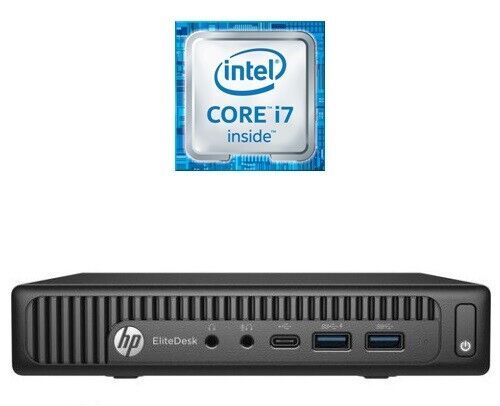
So, the very small datacentre has undergone a major hardware upgrade today. The HP 800 G1 is joined by an HP 800 G2. Four core i7 vs the old two core i5. Double the RAM to 16GB, four times the disk. The old machine will become a dev/play machine - still virtualised, and the new machine will run the production apps, mostly in Docker containers.
Since everything is containerised, I did consider running Unbuntu Server on the bare metal of the new machine, but running it on Proxmox will give me some flexibility, and since we’ve stepped up the underlying hardware resource so substantially, performance will be well in front anyway. Plus it will give me some flexibility if needed in the future.
Feb. 11, 2023
When I installed Proxmox, I’d used a secure, and therefore absurdly long and complicated root password. I do use a password manager, but don’t have it integrated into Chrome, so it was buggging me having to find it and paste it in each time - why wasn’t Chrome offering to save it for me?
Well, you’d guess it was something to do with this. I feel like Chrome is trying to tell me something here:
Feb. 9, 2023

One of the strengths of having virtual machines (VMs) running inside a hypervisor like Proxmox is how they are isolated from each other and their host. This is a strength - if there is a problem with a particular VM nothing else should be affected by it.
But this can also be a pain if the hypervisor needs access to a VM to control or monitor it in some way that’s only possible from inside the VM. Proxmox can use the Qemu Guest Agent for this purpose. To over simplify, this is a deamon that runs in the VM and opens a unix socket/virtual serial port to the hypervisor, and listens for commands on it. With Proxmox, the main use of this is to aid in orderly shutdowns and backups, but it also allows us to run commands in the VM from Proxmox - an obvious security compromise. You definitely would not want to install this daemon on a hosted VPS.
Feb. 7, 2023
Installing your first virtual machine (VM) in the Proxmox hypervisor is pretty straightforward. This post runs through those steps using Proxmox 7.3.
You need an operating system for your virtual machine, I’m going to use Ubuntu server in this example, but it could just as easily be Windows server , or regular windows, or one of the desktop Linux distributions. Whichever you decide, you’ll need to find and download the ISO for it. The ISO is a (usually quite large) file needed to install the operating system.
Feb. 3, 2023
Once you’ve got Proxmox installed, you can point your web browser at the IP for the physical server, and use the port 8006. Log in as root using the password you entered during the install. If you just accepted all the defaults during the install it will look something like this:
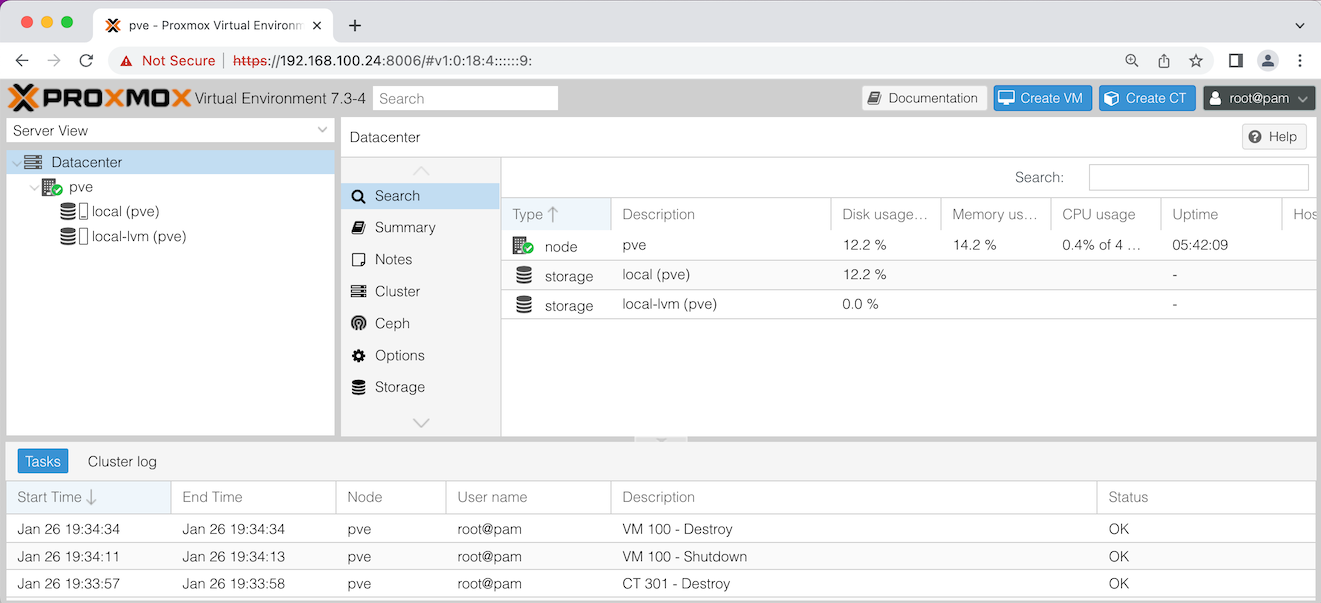
Let’s discuss what you’re seeing in that ‘Server View’ on the left there. pve is the name of my node - this installation of Proxmox on my physical server. If you named your server something different during the install, it will be show that name here.
Feb. 1, 2023
I mentioned a while ago that the price of the Raspberry Pi4 was getting such that it’s smarter to purchase one of the little business workstations instead. Depsite having little need for such a thing, I went ahead and bought an HP Elitedesk 800 G1 “mini” PC. It has 8GB RAM (which is the max for the Pi4) as well as a 128GB SDD, the processor is an Intel i5.
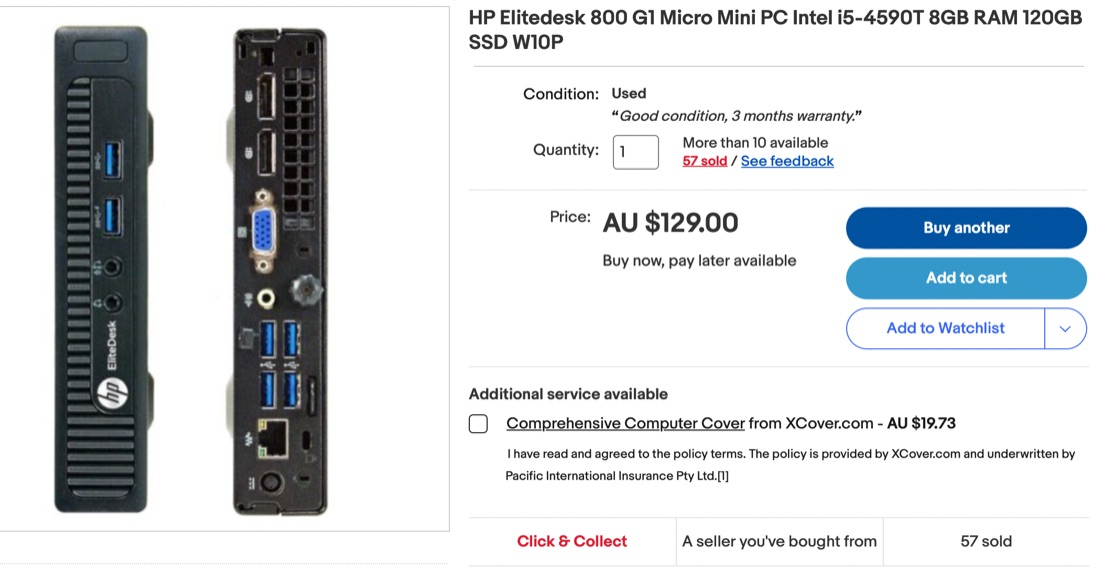
This compares pretty well with the 8GB Pi4 which only has a fraction of the storage (on an SD card) at around $400. One area where the Pi would have an edge might be in power consumption - I expect it would be a bit less. One possible catch for young players is that the HP has a ‘display port’ rather than HDMI for the screen connection, so pick up a $5 adapter if you’re getting one. The metal case and nice finishing on the HP actually looks really great in my office compared with my Pi 3b+ dev server that’s sort of hanging on the end of a cat5 cable.