Jan. 26, 2024

One of the many cool things about GitHub is GitHub Pages - the free web hosting Microsoft gives you while they vacuum up your code for CoPilot training. Each repository you keep there can have pages at <your-github-username>.github.io/<repo-name>
GitHub
To enable this, you need to go into the settings for the repository - look down the left for “Pages”.
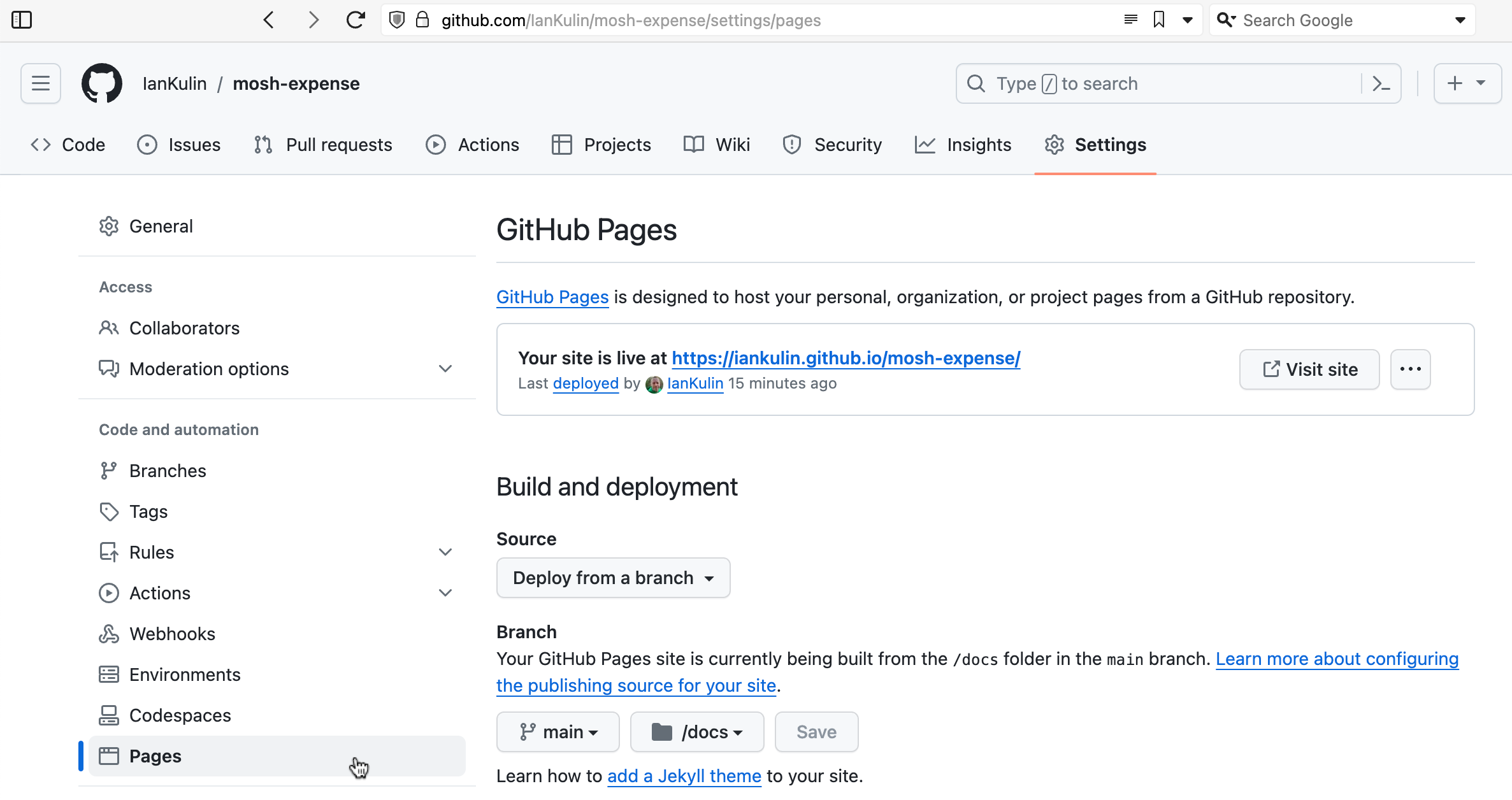
It’s possible to have it based on a complicated GitHub action (where your build step happens on GitHub when you push your code), but the easiest thing is just to have it deployed from a branch. To do this you choose which branch (usually main) and whereabouts in the main branch your HTML is. The choices are in the root of your project, or in the /docs directory. I’ve chosen the /docs directory in the screenshot above, since my messy React project is in the root.
Jan. 22, 2024

I’m focused on React frontend skills these holidays, and working through Mosh’s React 18 course. The exercise today (which I think I nailed, although I spent more than the recommended hour on) was a small app to track expenses. Like most of Mosh’s exercises it was great because it exercised all the understandings up to that point - so it’s a good starting React project. It used Zod for the form validation which is completely new to me, but looks great.
Jan. 12, 2024
 Subscribe to my UX design course 😉
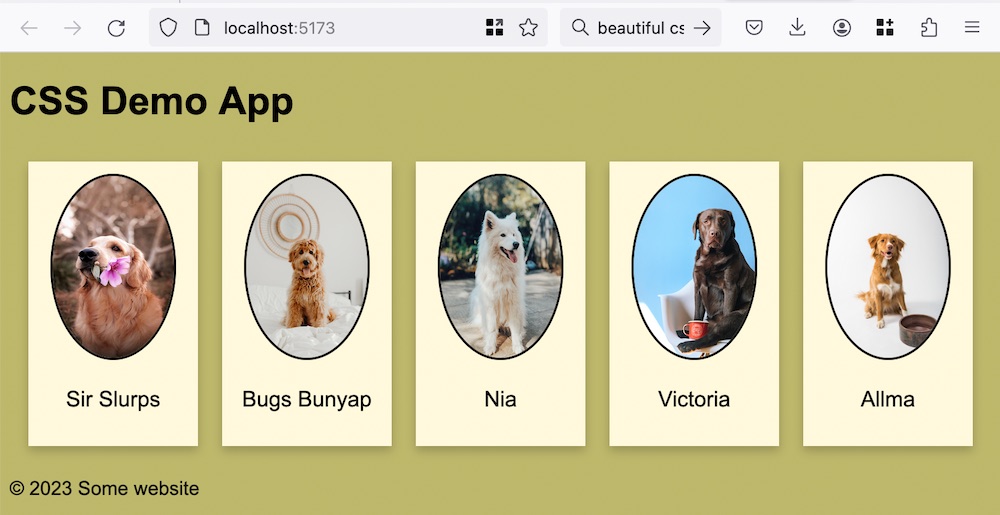
If you think back to HTML as being a document with headings and paragraphs and other semantic bits, it made a lot of sense to have the styles (expressed as CSS) separate to the document. This allows us to change the styles without touching the document - perhaps the user wanted a dark theme, needed the text bigger for accessibility, or perhaps the document was being consumed in some other way - for example a screen reader - so the styles were superfluous.
Jan. 8, 2024

Since I’m on a roll making different versions of the To Do app, this might be a good time to talk about React . React is one of the giants of front end libraries. It’s based on a few big ideas - and to work effectively in React you need to wrap your head around these.
Overview
Components - when you are developing in React, the starting point of your build is to decompose the user interface in to logical pieces. These components (comprising a mixture of HTML and Javascript) will be the building blocks of your app. In a good composable architecture components are reusable, and that is true for React (there are several sources of components you can pull in). For example, if you created some sort of special slider for your app, it is possible to reuse that quite easily.
Jan. 31, 2023
Following on from the previous post…
I went the nuclear route - deleted the node_modules folder, package-lock.json and installed the packages from packages.json. I still had some errors, but the react app at least ran correctly. Also, the messages are a bit more intelligible, and all of them cascade from this one.
# npm audit report

nth-check  <2.0.1
Severity: high
Inefficient Regular Expression Complexity in nth-check - https://github.com/advisories/GHSA-rp65-9cf3-cjxr
fix available via `npm audit fix --force`
Will install react-scripts@2.1.3, which is a breaking change
node_modules/svgo/node_modules/nth-check
From my, admittedly ignorant, viewpoint, there’s a couple of weird things going on here.
Jan. 22, 2023

I was looking at this ugly code in a React app:
<div style={{overflow: 'scroll', border: '1px solid black', height: '600px' }}>
  { props.children }
</div>
Since I don’t need any of those CSS properties to change at any stage, I could just convert it to pure HTML/CSS right? Well no:
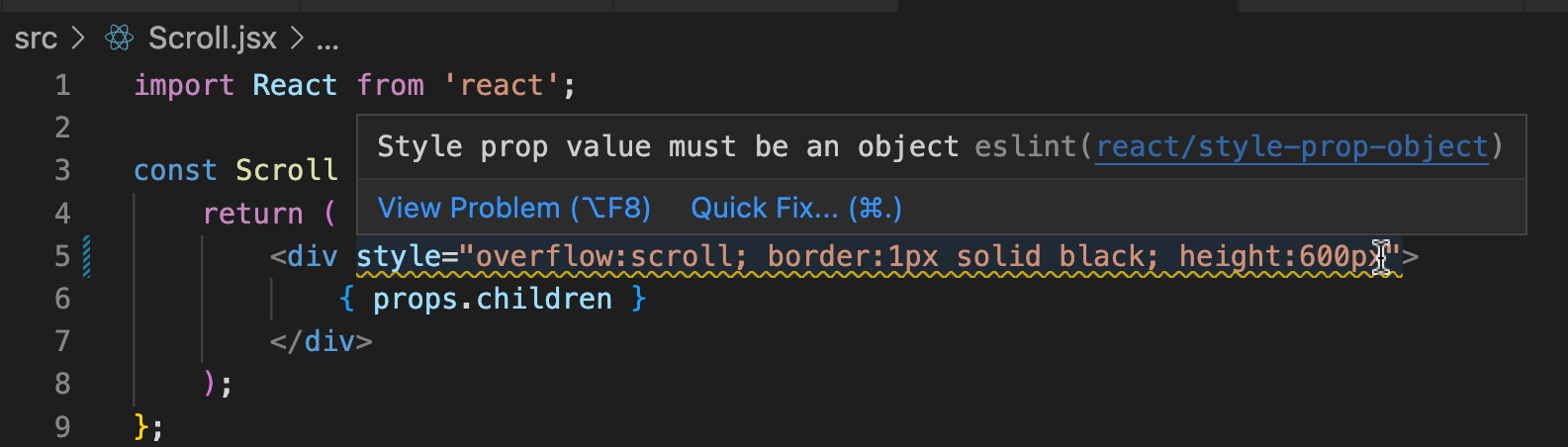
The newbie trap I’ve fallen for here is that although that <div style= tag looks like HTML, it’s actually not. It’s not a template that will be filled out in the build step, it’s React code that will be used to mutate the virtual DOM.