The next part of day 23 started to make my brain hurt a bit. It’s easy to imagine that when presenting a complex screen - perhaps some data from a source as a mixture of images and text loaded from a database into a scroll-able view, that the view may start to get complex. Then it becomes good practice to decompose the views to make the code clearer, less error prone, and to avoid any unnecessary repetition.
I found this one of the trickier days, so I’ll write it out to clear up my thinking.
To draw to to screen in SwiftUI, we don’t call a command to draw on a canvas or window. Rather, a view is defined as an immutable struct of type some View. Here’s the simple one from the default Xcode project.
struct ContentView: View {
var body: some View {
Text(“Hello, world!”)
.padding()
}
}
The Youtube algorithm thinks I need to watch more MVVM videos, and it turns out it’s probably right. A day or two ago in an MVVM post using a super simple example, I stored the view model as a property of the view using the @ObservedObject wrapper, as I created it.
struct ContentView: View {
@ObservedObject var light = LightViewModel()
var body: some View {
    VStack{
        Spacer()
        if light.isOn(){
            drawLitBulb
        }
        else{
            Image(systemName: "lightbulb.fill").font(.system(size: 72))
        }
MVVM (Model-View-View Model) is an architectural pattern for apps that separates the data (Model) from the user interface (View). The communication between these two parts is facilitated by a View Model.
Model <-> View Model <-> View
Model
The Model is platform independent - we should be able to pluck it out and add it to a different application running on a different platform without any trouble. Any business rules will be part of the Model along with the data. For example, if it’s a rule that every customer has a sales contact, this can be enforced in the Model.
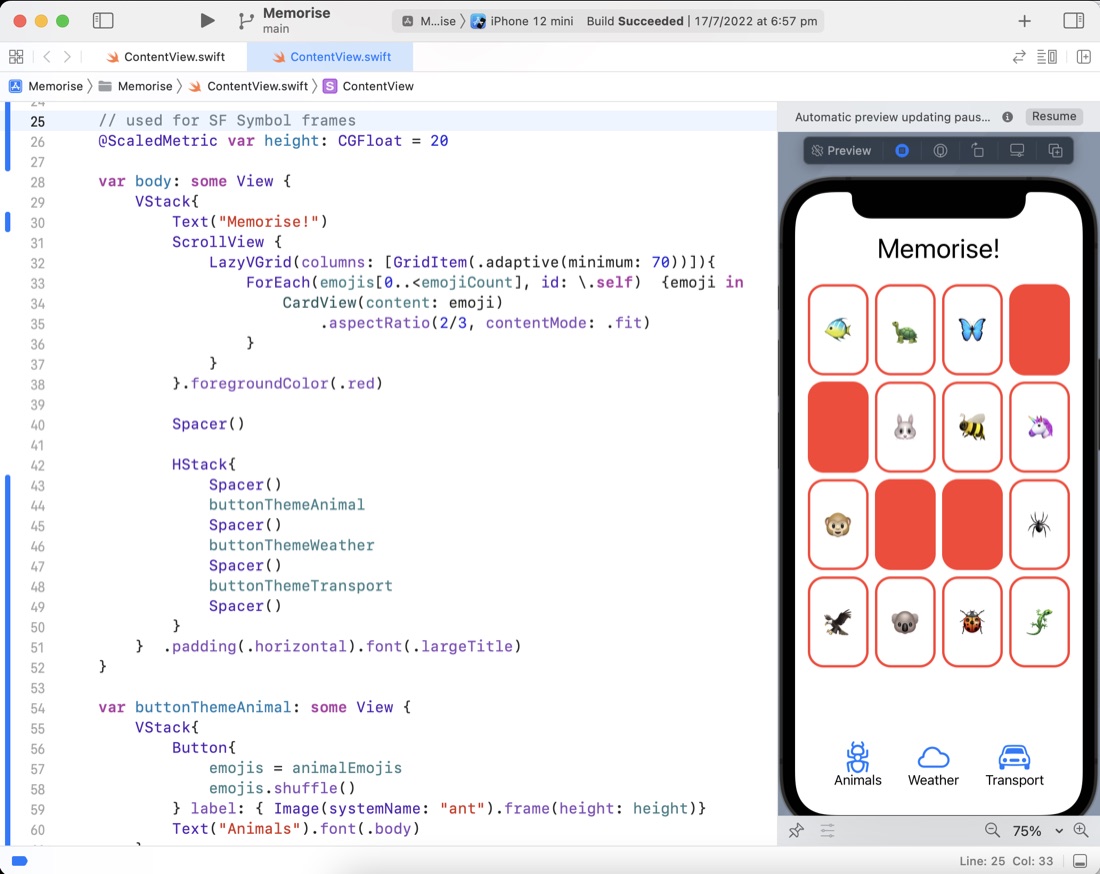
I solved the problem (well, I googled a stackoverflow result to the problem) in the previous post about the different heights of the SF Symbols. The answer was to put them in a frame and lock the height. A problem that then arises from that is that when the user changes the text size, they’ll be out of wack. Apple’s solution to that, introduced in iOS 14 is the @ScaledMetric property wrapper that does some magic I don’t fully understand yet.
I hadn’t fully gotten my head around what’s going on with the declarative nature of SwiftUI, until I’d watched this video
It’s from the 2019 WWDC which is when (I guess) SwiftUI was new. I still don’t have a good handle on how the views are bound to their data, but there is a video from this same series about Data Flows which I imagine will also answer those questions.
Dave Verwer’s iOS Dev Weekly digest of links mainly about Swift libraries was mentioned on a podcast I was listening to last night - perhaps the Swift with Sundellchat with Sommer Panage .
My first issue (it’s an email newsletter) arrived, and it’s pretty great. Not too long, chatty but on topic, and with links to follow for more info. As well as new or improved libraries, other topics are mentioned - I went down a rabbit hole on SwiftUI Split View Configuration , ending up at this WWDC video about it.
Sean Allen has come to my notice a couple of times, once where he was mentioned as freelance contractor who is a great contributor to the community (I think perhaps that was on Swiftcoders Podcast ), and I’ve also bumped into him as co-host (with Paul Hudson) of the early episodes of the “Swift over Coffee ” podcast.
This video I watched last night is a compilation of the first few videos of Sean’s SwiftUI course , and it’s pretty great. In particular he does a great job of explaining how to start to refactor child views out and call them, and how all the stacks go together to make a pretty interface. What he does not do is vist/explain any of the Swift language fundamentals. If you don’t already know what a struc is, and the Swift flavour of them, it may be a challenging place to start.