Oct. 26, 2022
Why?
Why do I have to resize this preview window every time I open Xcode?
It’s a pretty safe bet that if Xcode is saying there’s an error in my code, that it’s correct, and I am in error - not Xcode. Today I came across a situation where that might not be true.
I think the purple warnings are problems detected at runtime - I’ve heard of thread problems causing purple warnings. The error I was getting was “Publishing changes from within view updates is not allowed, this will cause undefined behavior.”
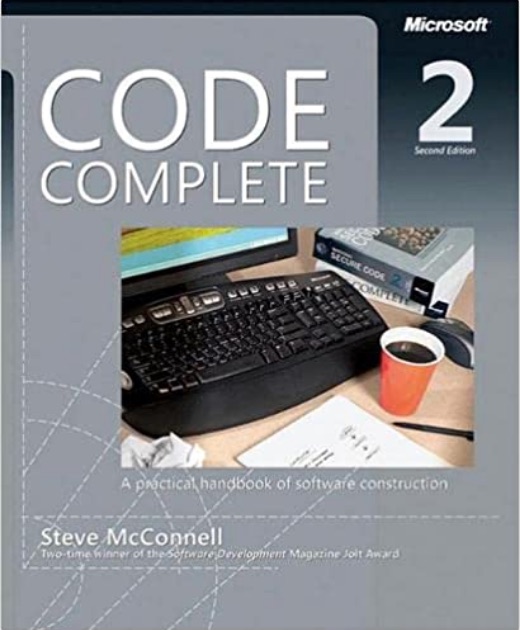
I was watching a Tim Ruscica video about the things that highly effective developers do, and it called to mind a book I read years ago called Code Complete . It is the only book I ever owned that I immediately purchased the new edition when it came out. It was about the meta stuff around programming that is the difference between coding and developing. In particular, it got me invested in source control and testing.
I have unit testing in my list of goals , and if I’m going to throw this space trimming macOS utility up on the web, now might be a good time to figure out how to add unit tests to a project, how to write them, and how to run them. XCode is well set up for this, so it’s really no drama to do.
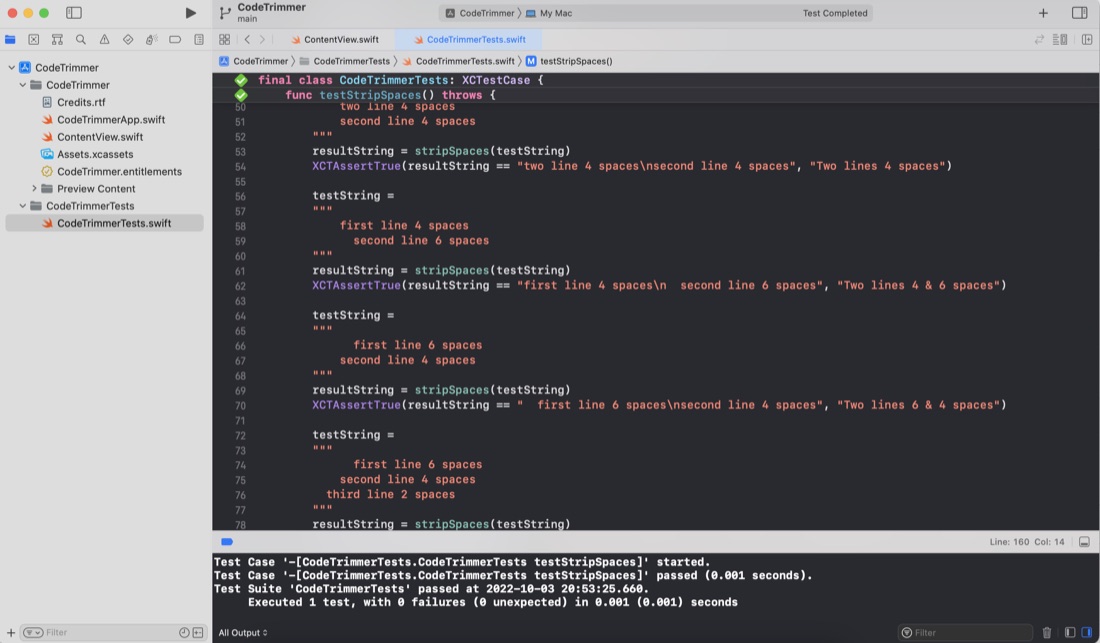
Although I haven’t worried with any unit testing up to this point in my iOS/Swift learning, in my previous programming work I did a lot of work with the large calculations involved in translating GPS coordinates and robotic positioning models where errors would be bad - so I’ve written a lot of tests over the years. I’ve also definitely felt the confidence you can dramatically refactor code with when you know the code has a robust test suite. I’m a big fan.
The iOS apps I’ve been making, can only run in the simulator or on my tethered device (which I haven’t actually tried yet), but the MacOS app I made today, in theory could be zipped up and distributed to the world from my website. At the very least, I wanted to drop it into my Applications folder so I could use it, so I needed to find the .app “file”, and realised I had no idea where it was. If that’s your situation, then here’s the steps you need.
The default Xcode MacOS targeted app has a built in “About” dialog called up from the “About
When you app is being built, it looks for the file “Credits.rtf” in the app bundle. If that is found (or “Credits.html” or “Credits.rtfd” ) it’s used to build out the About dialog along with your app icon.
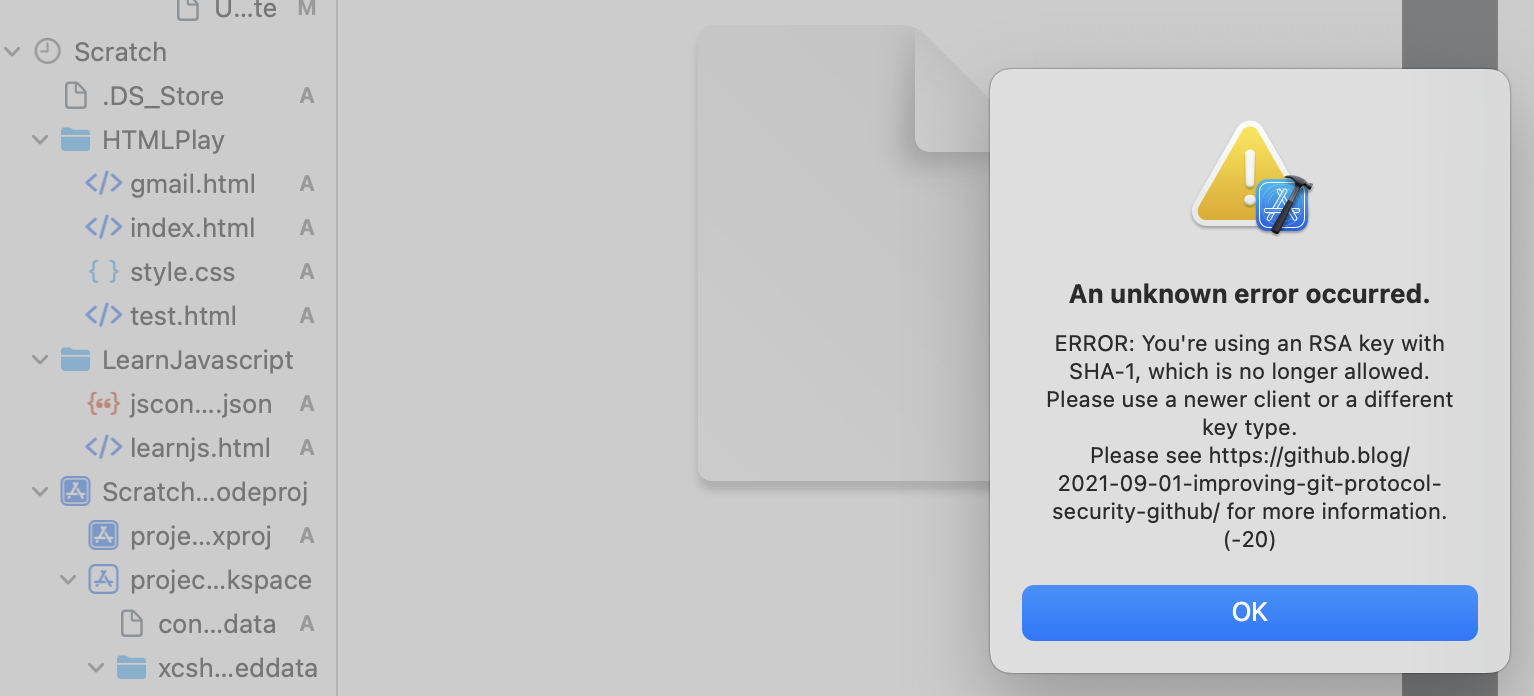
I’m very comfortable with doing all the routine git stuff from the command line, but it was bugging me that I hadn’t for the Xcode integration working. I was able to commit locally with no problem from Xcode, but could not push up to Github. It works fine from the command line, so the error about the change to a stronger SSH authentication didn’t really make sense to me.
I’m up to Day 32 of 100 Days of Swift UI, and although the tutorial is named “Project 6” it’s not really a project that becomes a simple app, it’s really just a series of tutorials on animation that I assume the techniques, but none of the code, will be used later in apps.
I do find there’s some value in typing in the code (rather than cutting and pasting, or just passively watching) so I opened up Xcode to follow along. There not being an app name offered, I used “Project 6 - Animation”. XCode seemed happy enough with that, and created the directory and placeholder, but then refused to build it saying there was seven errors involving the __PACKAGE_NAME macro and a missing }
I’ve been using Quicktime to screen record the preview or simulator to document my work here and in Github ReadMe’s, but thanks to this excellent short post by Sarun W , I now know it’s possible to do that directly from the simulator, including capturing gestures, and exporting to animated gifs!
I’ve been changing the Xcode font size by going into the preferences, themes, then selecting the different content types and changing the font size.
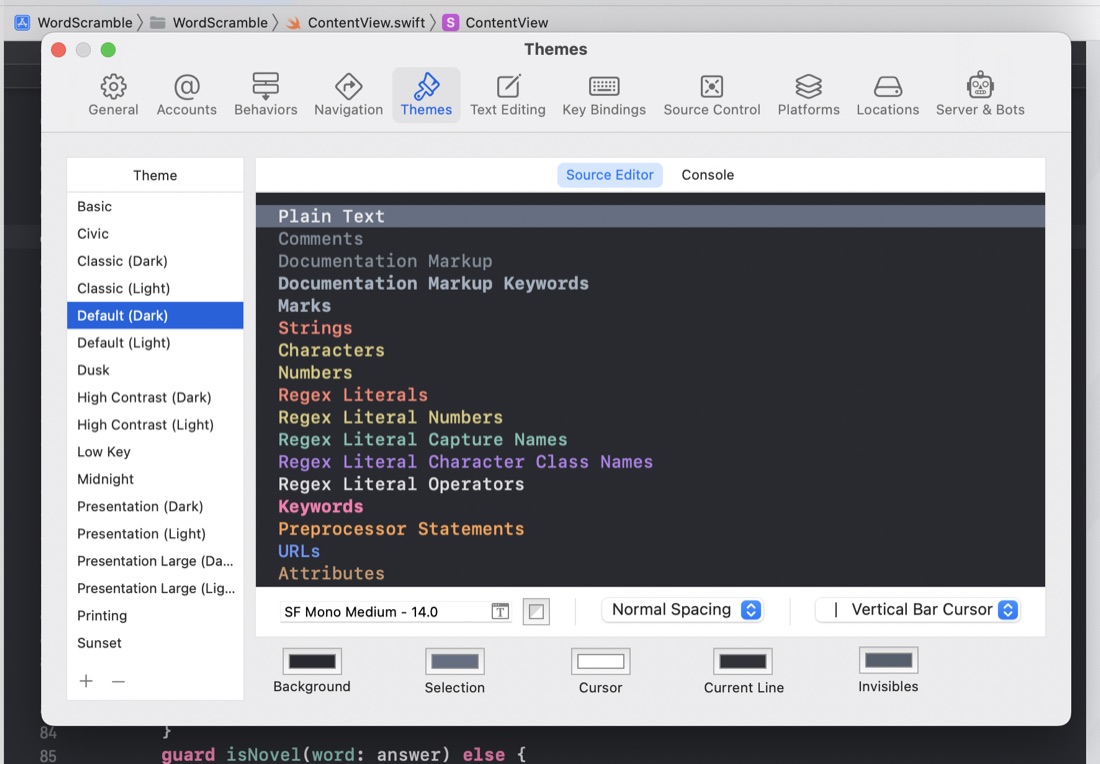
I guess I could speed that process up by saving some themes with different text sizes, but I’ve noticed a few times in tutorial videos that there must have been an easier way. It turns out that Ctrl + “+” and Ctrl + “-” increases and decreases the code font size.
With the September release of XCode 14 and Swift 5.7 it was time for my first update - I looked in “About” for an update link but there wasn’t one - so if you’re as dense as me, the tip is to head to the Mac App Store and have a look at the Updates page.
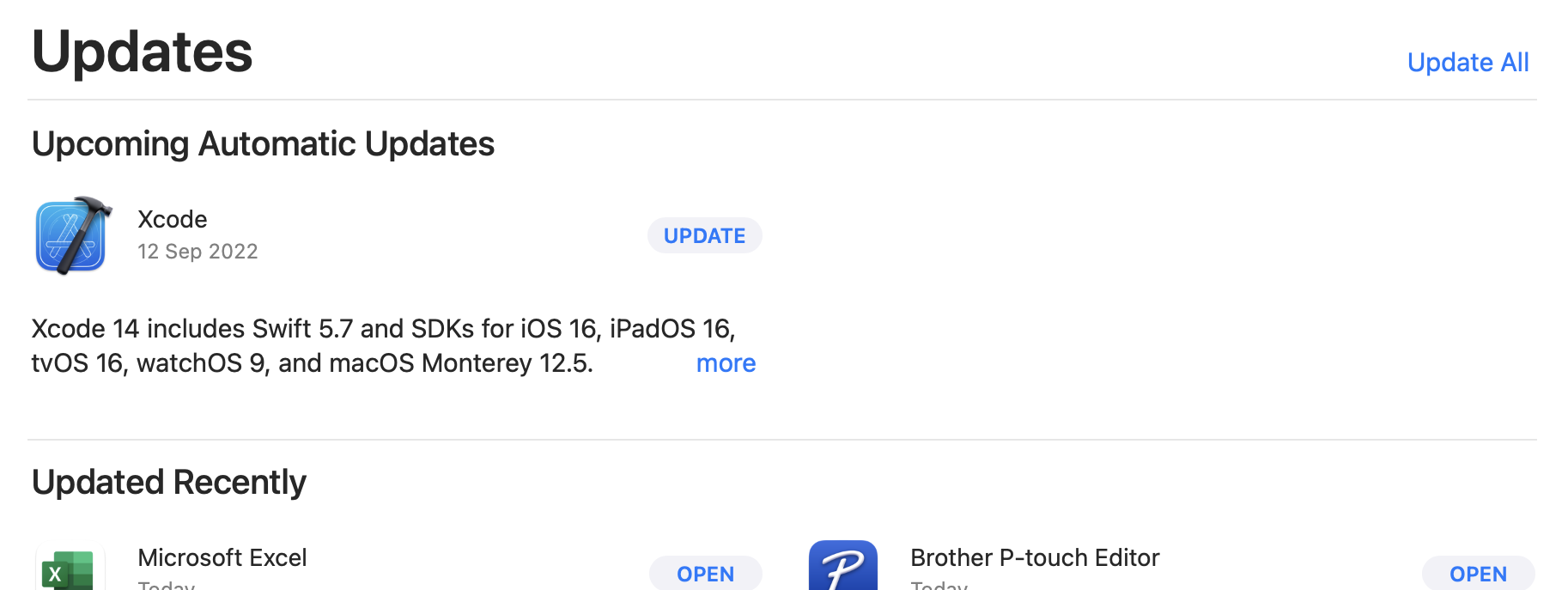
Your current XCode version can, of course be found in the XCode | About dialogue. Mine was on 13.4.1. There’s a couple of ways of finding the Swift version - If you’ve got an XCode project open, click on the .xcodeproj in the explorer,and have a look in Build Settings for Swift Compiler - Language for the major version.
This is cool. You can right click on a variable (and I guess any other) name and change it everywhere. No more tedious search and replace.
If you need a solid tour of the basics plus of Xcode, this is a great video from Karin Prater. Its the first video in her “Design-oriented course on SwiftUI”.
I’m loving how, in XCode and Playgrounds, it’s constantly sort of compiling or interpreting in the background so errors are being flagged as you’re working. I tried to google the proper name for this but it’s clearly so unremarkable as to be un-remarked on. I guess maybe it’s a commonplace feature of modern IDEs , but for someone who literally used to go to make a coffee when compiling a medium size Clipper , or even years later Visual Studio C++ project, it’s a revelation.