Updating SSL Certificates
12 July 2023
When I first installed my SSL certificates, I mentioned it’s a process I need to automate before they came up for expiry, but here we are ten days out, and I haven’t done that yet, but I have been keeping an eye on it though the excellent display and notifications set up in Uptime Kuma .
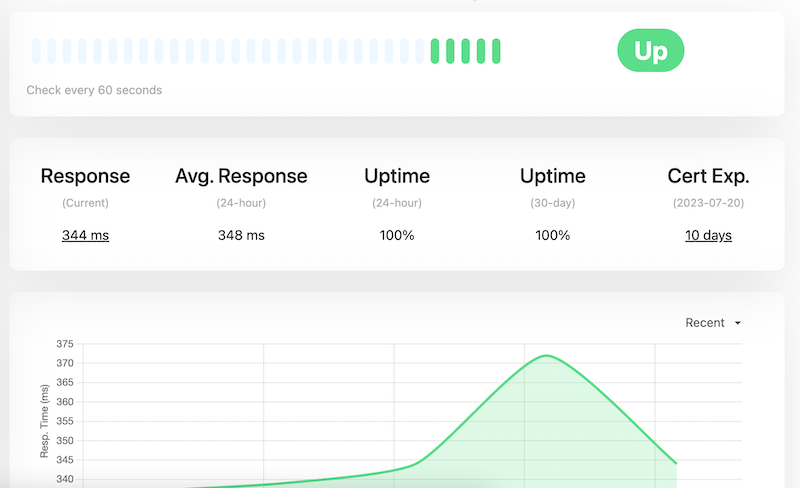
Updating the certificates is easy. When I went into the site at PorkBun (where I purchased the domain and who do the primary DNS for the site, the next certificates were sitting there to be downloaded. My existing certificates were due to expire on 30th July, and these had been generated on 3rd July.
The bundle included the same files as last time. You might remember from last time that we need to join the domain.cert.pem and intermediate.cert.pem to make the fullchain.pem file. I had just cat’d them together and this had caused an issue as there’s no newline character at the end of the first file. I got smarter this time and googled up this solution which did the trick by using echo to insert the newline:

Once that was done, I uploaded them to the nginx directory where I stored them last time. Nginx reloads the config on restart, although there’s probably a neater way as well, so I just restarted the container with Docker compose to pick up the new certificates. While I was doing that I got the ping from Uptime Kuma via ntfy to say it was down, then up. I had a look at the display, and it’s showing I’ve got another 84 days left on the cert.
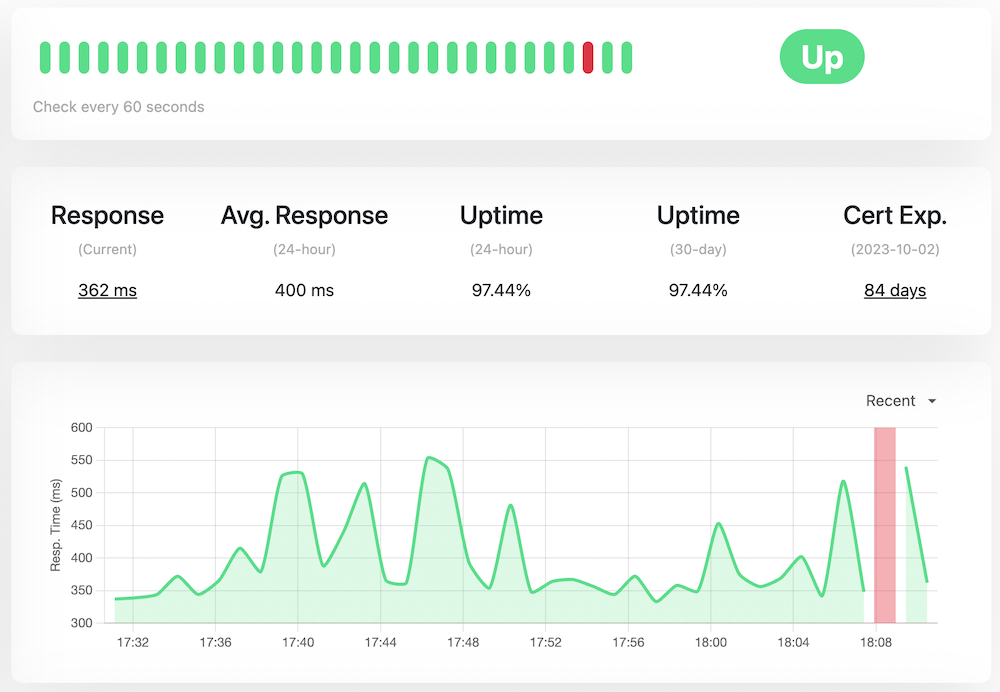
So, 84 days for me to get around to automating this.